
Blog
Shopify QR Code: When Shopcodes Is Enough and When It Isn't
On this page
If you sell on Shopify, you already have 2 free ways to make a Shopify QR code. The Shopcodes app makes a code for 1 product at a time and tracks scans and sales in Shopify analytics. Shopify’s free QR code generator emails you a code for any link. A QR code generator fits when you need a code for every product at once, or a code that opens a page that is not a product.
ShopifyFor Shopify stores: Shopcodes, store links and the product export
Before writing the steps, we checked 4 large Shopify stores with plain HTTP requests and measured how big a code each kind of Shopify link makes. The results change which link you should put in your Shopify QR code.
The test: Shopify link formats, checked by plain HTTP
We picked 4 public Shopify stores: a shoe brand, a coffee brand, a clothing brand and a bedding brand. For 1 product in each, we requested every common form of its link with no browser, the way a link checker does, and followed each redirect by hand. Each request ran with a desktop Chrome User-Agent, and again with the Python requests library’s default one.
What the stores answered:
- The myshopify.com address redirects.
yourstore.myshopify.com/products/...answered with a 301 redirect to the store’s own domain in 4 of 4 stores, for the home page and for products. - A product link inside a collection usually redirects.
/collections/all/products/...sent us on to the plain/products/...link in 3 of 4 stores. The fourth served the page at the longer address. - A variant link works, and costs size. Adding
?variant=and the variant number opened the product page with that variant in 4 of 4 stores. http://and an address withoutwwweach add 1 redirect before the page loads.
How big a code each link makes
A longer link needs a bigger grid, and a bigger grid in the same print size means smaller modules for the camera to read. We made a code for each link at error correction level M and worked out the module size for a code printed 2.5 cm wide, quiet zone included. These are the coffee brand’s numbers. The other 3 stores followed the same order.
| Grid | Module at 2.5 cm | |
|---|---|---|
| Store home page, 32 characters | 29 × 29 | 0.68 mm |
| Product, store domain, 60 characters | 33 × 33 | 0.61 mm |
| Product, myshopify.com, 66 characters | 37 × 37 | 0.56 mm |
| Product inside a collection, 76 characters | 37 × 37 | 0.56 mm |
| Product with a variant, 83 characters | 37 × 37 | 0.56 mm |
The variant link was the longest in every store. In 3 of the 4 it made the densest code of all, a 41 × 41 grid.
What that means for your link:
- Use your own domain and the plain product link:
https://yourdomain.com/products/product-handle. It is the shortest form that loads with no redirect. - Leave out the collection path. It adds characters and, in most stores, a redirect.
- Add
?variant=only when the code sits next to that exact variant, such as a label on the blue size M shirt. Otherwise link the product and let the shopper choose. - Keep the myshopify.com address for when you have no domain yet. It still reached the right page in every store we tested.
Shopcodes, Shopify’s free generator or a QR code generator
Shopify’s own tools cover a lot, so start there. Shopcodes is a free Shopify app. It makes a code for a product page, or for checkout with the product already in the cart, and it can add a discount code. You can change where a Shopcode points after you print it. Scans and sales show up in Shopify’s analytics.
Shopify’s free QR code generator works for anyone, store or not. You enter a link, a phone number or a text, and the code arrives by email.
| Shopcodes | Shopify's free generator | QRplify | |
|---|---|---|---|
| Opens | A product page, or checkout with the product in the cart | Any link, phone number or text | Any link, among 47 code types |
| Many codes at once | 1 product at a time | 1 at a time | Up to 1,000 per CSV import on the free plan |
| Change the link after printing | Yes | Not stated on the page | Yes, with a dynamic code |
| Scan counts | Scans and sales in Shopify analytics | Not stated on the page | Scans by city, device and time, plus UTM tags for your analytics |
| Files | PNG and SVG | Sent by email | PNG, JPG and SVG, up to 4096 px |
Pick by the job:
- A few products, and you want sales in Shopify’s reports: use Shopcodes.
- A code for every product, a print run of labels or a page that is not a product (your reviews page, a care guide, your Instagram): use a QR code generator.
QRplify has no Shopify app, and you do not need one. Every method below works with the links your store already has.
How to make a QR code for your Shopify store
- Copy the link. For your store, use your domain’s home page. For 1 product, open it in a browser and copy the address. Delete everything from
/collections/up to/products/, and everything from the?on unless you want that variant. - Make the code. Paste the link into the free URL QR code generator. It makes a static code with no account: the link sits inside the code itself.
- Keep the design simple. A dark code on a light background scans best. If you add your logo, the generator raises error correction to High unless you picked a level yourself.
- Download the right file. Use SVG for print, so the code stays sharp at any size. PNG and JPG suit your store’s pages and social posts.
- Test it. Open the file in the free QR code decoder to see the link inside. Then scan it with your phone and check it opens the exact page you meant.
A static code cannot change after you print it. If the product might sell out, get renamed or move, make it a dynamic QR code instead. It holds a short redirect link, so you can change where it points after printing. A free QRplify account includes unlimited dynamic codes.
1 QR code per product, from your Shopify product export
Shopify’s own route is 1 product at a time. To make a code for every product in 1 go, use Shopify’s product export and QRplify’s CSV import.
- Export your products. In your Shopify admin, open Products, click Export and choose all products as a CSV file.
- Keep 1 row per product. Each product’s link comes from its URL handle column. Shopify’s CSV guide explains that a product’s extra variants and images take extra rows with the same handle, so remove the duplicate handles in your spreadsheet.
- Build each link. Add a column with your domain,
/products/and the handle, for examplehttps://yourdomain.com/products/black-sunglasses. In Google Sheets or Excel that is 1 formula copied down the column. - Match QRplify’s sample file. In the QRplify app, open Import QR Codes and download the sample CSV. Paste your product links into it, 1 per row, and save it as CSV. The import takes CSV files only, so export from Excel or Google Sheets as CSV, not XLSX.
- Import and download. Each row becomes a dynamic URL code. Download every code as a PNG, or the batch’s list as a CSV to match codes to products for printing.
A free account imports up to 1,000 codes at a time. Bulk QR code generator covers the import screen and its options in detail.
Track scans from each product’s code
Every QRplify dynamic code counts its scans, with city, device and time. To see the visits in your own analytics too, add UTM tags to each product link before you import it, such as ?utm_source=qr&utm_medium=print&utm_campaign=packaging. Google Analytics, and any report that reads UTM tags, then shows those visits as coming from your print. QR codes and UTM tags shows the full setup, and how to track QR code scans compares the ways to count them.
The limit, stated before you plan around it: on a free account, once your codes pass 100 scans in a month, scans show a QRplify screen for 3 seconds before the product page opens. Premium skips that screen on 5 codes, and the Unlimited and Lifetime plans never show it. Pricing lists what each plan adds.
Where Shopify sellers put the code
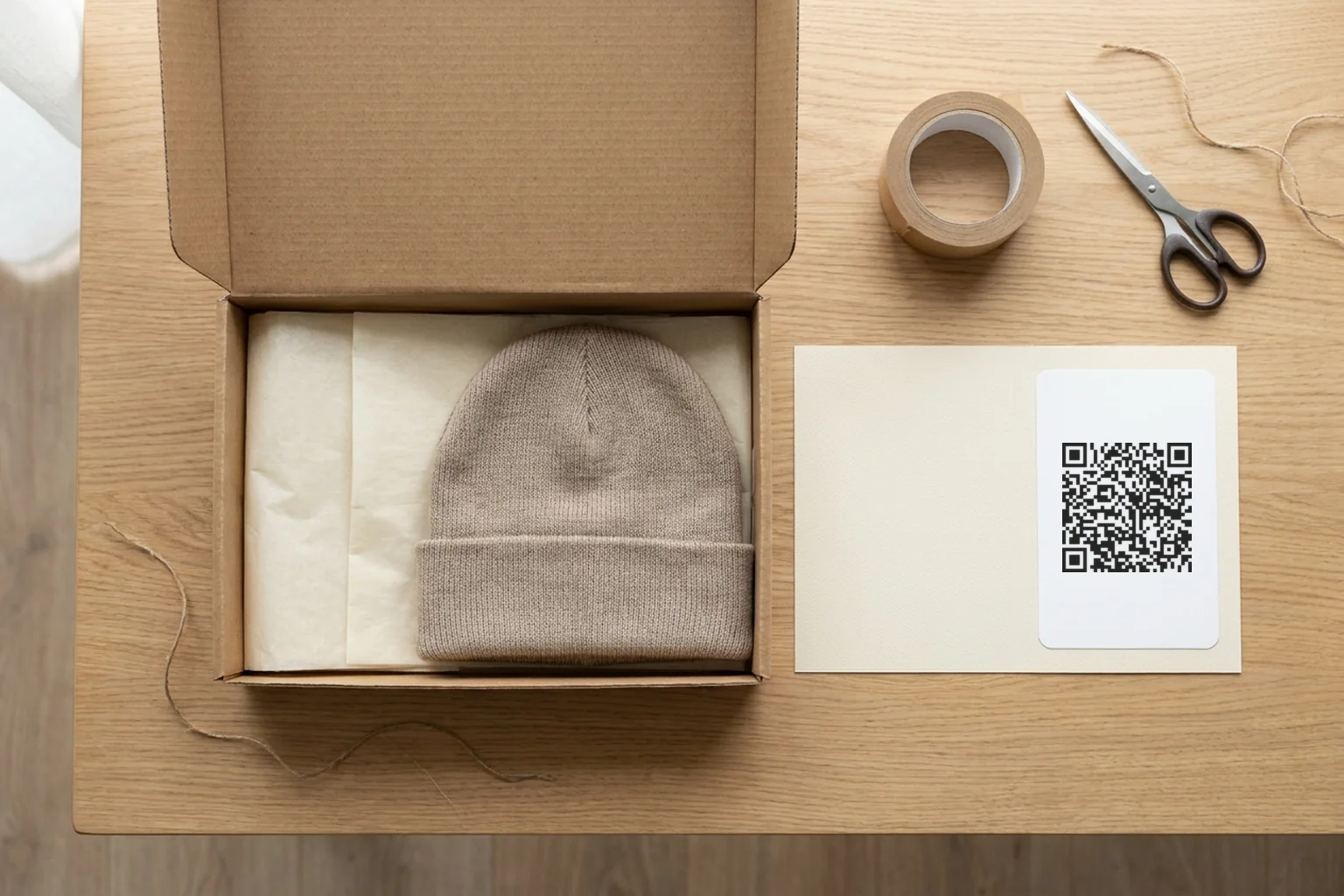
- Packing inserts. A card in the box that opens your reorder page, a care guide or your review page.
- Product labels and hang tags. 1 code per product, made in bulk from your export.
- Your counter or market stall. A code to your store’s home page, so shoppers can buy later at home.
- Discount offers. A code that applies a discount at checkout. Shopcodes can attach one, and the coupon QR code generator covers discount codes in more detail.
Print it so it scans
A short link scans at about 2 cm wide from close up. A product link makes a denser code, so on packaging and labels print it 3 cm wide or more, and bigger when people will scan it from further away. Keep the quiet zone, the empty margin around the code, clear of other print. How small can QR codes be has the measured minimums, and QR code best practices covers color, contrast and logos. For labels and inserts, printing QR code stickers walks through paper and printer settings.
FAQ: Shopify QR codes
Can you get a QR code for a Shopify store?
Yes. Shopcodes and Shopify’s free QR code generator are both free. You can also paste your store’s link into any QR code generator. Use your own domain’s home page for the shortest code.
Is there a QRplify app for Shopify?
No. QRplify has no Shopify app and does not connect to your store. It makes codes from your store’s links, 1 at a time or in bulk from your product export, and nothing needs installing.
Is there a free dynamic QR code generator for Shopify?
Shopcodes is free for product and checkout codes. A free QRplify account makes unlimited dynamic codes for any link. Past 100 scans a month, its scans show a QRplify screen for 3 seconds.
Can I change the link on my Shopify QR code after printing?
Only if the code is dynamic. A static code holds the link itself and cannot change. A Shopcode, or a dynamic code from a QR code generator, holds a redirect you can edit after printing, so a renamed or sold out product never strands the labels you already printed.