Blog
Mailchimp QR Code: Which Signup Form Link to Print
On this page
We followed 5 short links to Mailchimp signup forms, each found on a public web page. 2 now end on Mailchimp’s 404 page. On the 3 that still work, the UTM tags we added were gone after the first redirect. The link inside a Mailchimp QR code decides how dense it prints, whether your tags arrive, and what people see once the form is gone.
MailchimpFor Mailchimp signup forms: the link to print, and a code inside your emails
Your signup form has 2 links to choose from: the short eepurl.com link and the long list-manage.com form address. Mailchimp’s mobile app can also make the code for you. The test comes first, then when Mailchimp’s own code is enough, and the steps for print and for an email campaign.
The test: Mailchimp signup form links, checked by plain HTTP
The 5 links came from a town government’s signup sheet, a board game maker’s form shared in a blog comment, a bookkeeping trainer’s page for churches, a government news article and a reader’s comment on a marketing blog. We requested each one as desktop Chrome, as iPhone Safari and as a plain script, and followed every redirect by hand. Nothing was submitted to any form.
For the 3 forms that still load, we also requested the long list-manage.com address each short link led to. Then we added the same UTM tags to both links: ?utm_source=qr&utm_medium=print&utm_campaign=flyer.
What the links did:
- 2 of the 5 short links are dead. The short link still redirects, to a form address that now returns Mailchimp’s 404 page, “This page appears to be missing”.
- A working short link redirects once or twice. 2 of the 3 pointed at an
httpform address, which added a second redirect tohttps. Printinghttp://eepurl.com/added 1 more. - The long list-manage.com address opened the form directly, with no redirect, in 3 of 3 forms.
- UTM tags on the short link were dropped at the first redirect, in 3 of 3 forms and for every User-Agent we sent. On the long address they reached the form page in 3 of 3.
- Tags on the form page still need analytics to read them. 1 of the 3 form pages loaded a Google Analytics tag. The other 2 loaded none.
How big a code each link makes
A longer link needs a bigger grid, and a bigger grid at the same printed width means smaller modules for the camera to read. Each code below is at error correction level M, printed 2.5 cm wide with its quiet zone. These are the town government form’s numbers, and the other 2 forms followed the same order.
| Grid | Module at 2.5 cm | UTM tags reach the form | |
|---|---|---|---|
| A QRplify dynamic code's short link, 30 characters | 29 × 29 | 0.68 mm | Set on the long address it opens |
| Short eepurl.com link, 25 characters | 25 × 25 | 0.76 mm | No tags added |
| Long list-manage.com address, 89 characters | 41 × 41 | 0.51 mm | No tags added |
| Short link with UTM tags, 75 characters | 37 × 37 | 0.56 mm | No, dropped at the first redirect |
| Long address with UTM tags, 139 characters | 49 × 49 | 0.44 mm | Yes |
The long address with tags made the densest code in all 3 forms: a 49 × 49 grid, its modules under half a millimeter at 2.5 cm.
What that means for your link:
- For print, use a dynamic code that holds the long address. The printed code carries only a 30 character short link, a 29 × 29 grid, and opens the full address with your tags in place. If you replace the form, you change where the code points.
- For a static code, print the eepurl.com link with no tags. It makes the smallest grid of all. It also cannot change after printing, and it drops any tags.
- Keep UTM tags off the eepurl.com link. They vanish at the first redirect.
- Print
https. Thehttpform of every link we tried added a redirect.
Mailchimp’s own QR code, and when it is enough
Mailchimp makes QR codes in its mobile app. Its iOS help page and Android help page list a Share QR Code option on the app’s Audience tab, and say you can save the signup form’s QR code to use outside the app. The app also offers a QR code when you share a published landing page.
Mailchimp’s guide to QR codes describes a QR code among the share options for a signup form, in small, medium or large. Its current help page on sharing your signup form shows only a link icon, so look for the code in the app.
| Mailchimp app's code | QRplify dynamic code | |
|---|---|---|
| Where you make it | The Audience tab of the iOS or Android app | Any browser, in a free account |
| Opens | Your audience's signup form | Any link: your hosted form, a landing page or a page on your site |
| Change the link after printing | Not stated on the help pages | Yes |
| Scan counts | Not stated on the help pages | Scans by city, device and time |
| UTM tags | Not stated on the help pages | Added to the link you paste in |
Pick by the job:
- 1 form that will stay the same while the print is in use, and Mailchimp’s signup count is all you need: use the app’s code. Mailchimp shows how each person joined, such as through the hosted form, when you segment your audience by signup source.
- Print you may point at a new form later, a scan count per flyer, or UTM tags: use a dynamic code from a QR code generator.
QRplify has no Mailchimp integration, connector or app, and you do not need one. The code holds your form’s link, and Mailchimp records each signup as usual.
How to make a Mailchimp QR code for your signup form
- Copy the form link. In Mailchimp, click Forms, then Forms settings. In the System forms table, click the link icon to copy the link to your Basic subscribe form.
- Get the long address. Open the link in a browser. If it starts with eepurl.com, wait for the form to load, then copy the list-manage.com address from the address bar.
- Make the code. For a static code, paste the short link, with no tags, into the free URL QR code generator. It needs no account. For a dynamic code, paste the long address into a dynamic URL QR code in a free QRplify account, with your UTM tags on the end.
- Keep the design simple. A dark code on a light background scans best. If you add your logo, the generator raises error correction to High unless you picked a level yourself, and the grid gets denser.
- Download the right file. Use SVG for print. The free generator saves PNG and JPG at up to 4096 px, and SVG. The QRplify app saves PNG from 512 to 4096 px, and an SVG it marks as partial support, with some design features unavailable, so scan a dynamic code’s SVG before it goes to print.
- Test it. Open the file in the free QR code decoder to read the link inside. Then scan it with your phone and check that the form loads.
Mailchimp’s help page notes that each signup form URL is randomly generated and can’t be customized. A new audience gets a new address, and a static code keeps the old one. A dynamic code lets you change where it points after printing. A free QRplify account includes unlimited dynamic codes.
Add a QR code to a Mailchimp email campaign
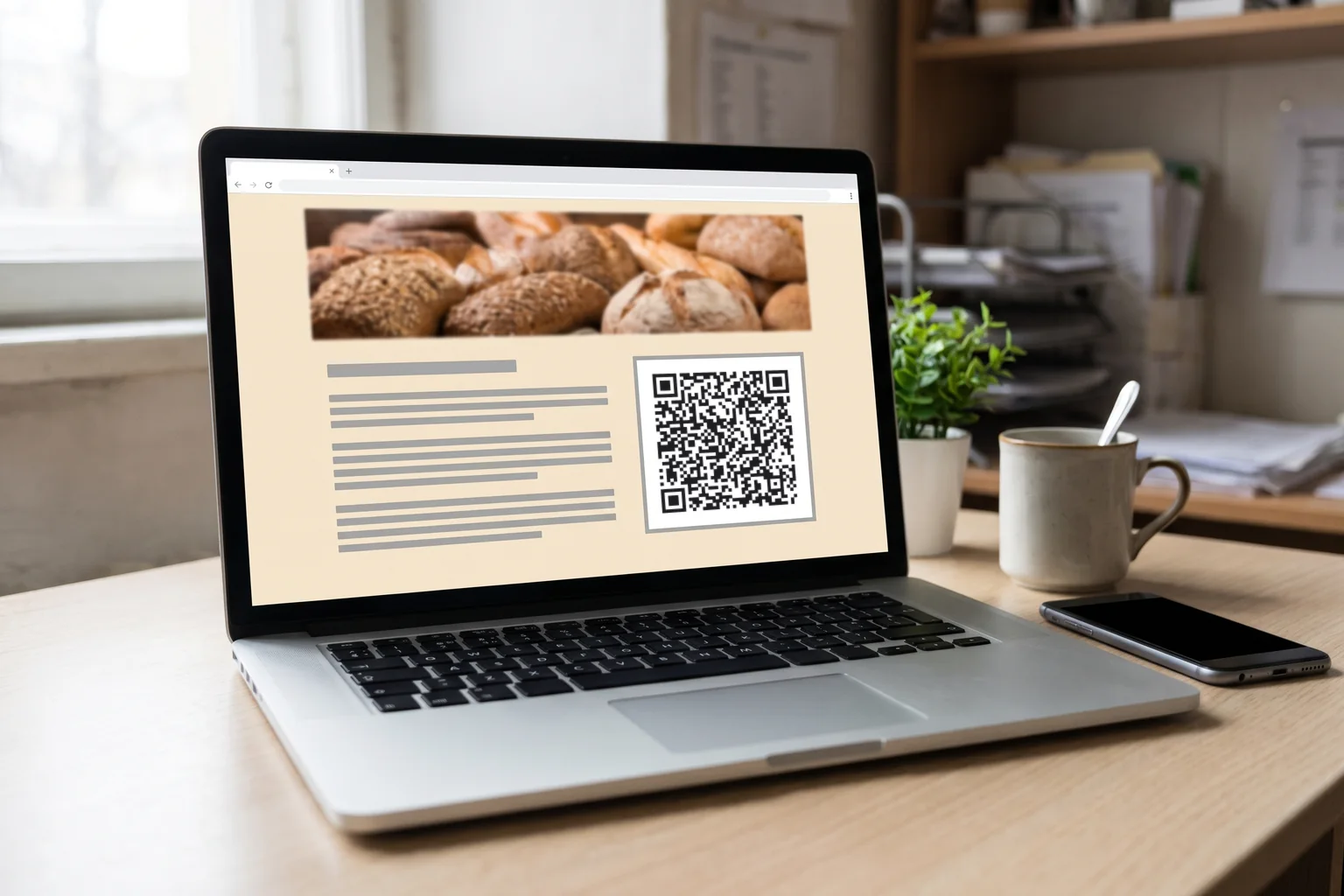
A code inside an email to your list usually opens something else: an offer to show at your counter, an event page or an app. It serves people reading at a laptop. A phone cannot scan the screen it is on, so the code needs to be a link as well, as with a QR code in an email signature.
These steps come from Mailchimp’s page on Image content blocks in the new builder.
- Save the code as a PNG. Mailchimp’s content studio supports JPG, JPE, JPEG, GIF, PNG and BMP files, and SVG is not on that list.
- Add an Image block. Click an Image block, or drag one into your layout. Click Add or Replace, then Upload Image.
- Set the size. Fill stretches the image across the content area. Scale sets it from 10% to 100% of the file’s own size, so a 512 px PNG at 50% shows a 256 px code. That size read off a laptop screen from 40 cm in our simulated email signature test.
- Link the image. Paste the same link into the Link to field, so readers on a phone can tap the code.
- Write the alt text. Say what the code opens, such as “QR code for 10% off in store”, in the Alt Text field.
- Send yourself a test. Scan the code off your laptop screen, then tap it on your phone.
Track scans and signups from print
Every QRplify dynamic code counts its scans, with city, device and time, so each flyer shows how many people it brought to your form. Mailchimp counts who joined. If only your print points at the hosted form, the 2 numbers give your print’s signup rate. How to track QR code scans compares the ways to count.
UTM tags need a page that reads them. Mailchimp’s Google Analytics page advises direct links to pages with Analytics code on them, since a redirect without it is not tracked. Mailchimp can turn on Google Analytics for a landing page, and its Grow Your List template comes with a signup form. Point the tagged code at that page, or at a page on your site with Mailchimp’s embedded form. QR codes and UTM tags shows the setup.
The limit, stated before you plan around it: on a free account, once your codes pass 100 scans in a month, scans show a QRplify screen for 3 seconds before your form opens. Premium skips that screen on 5 codes, and the Unlimited and Lifetime plans never show it. Pricing lists what each plan adds.
Print it so it scans
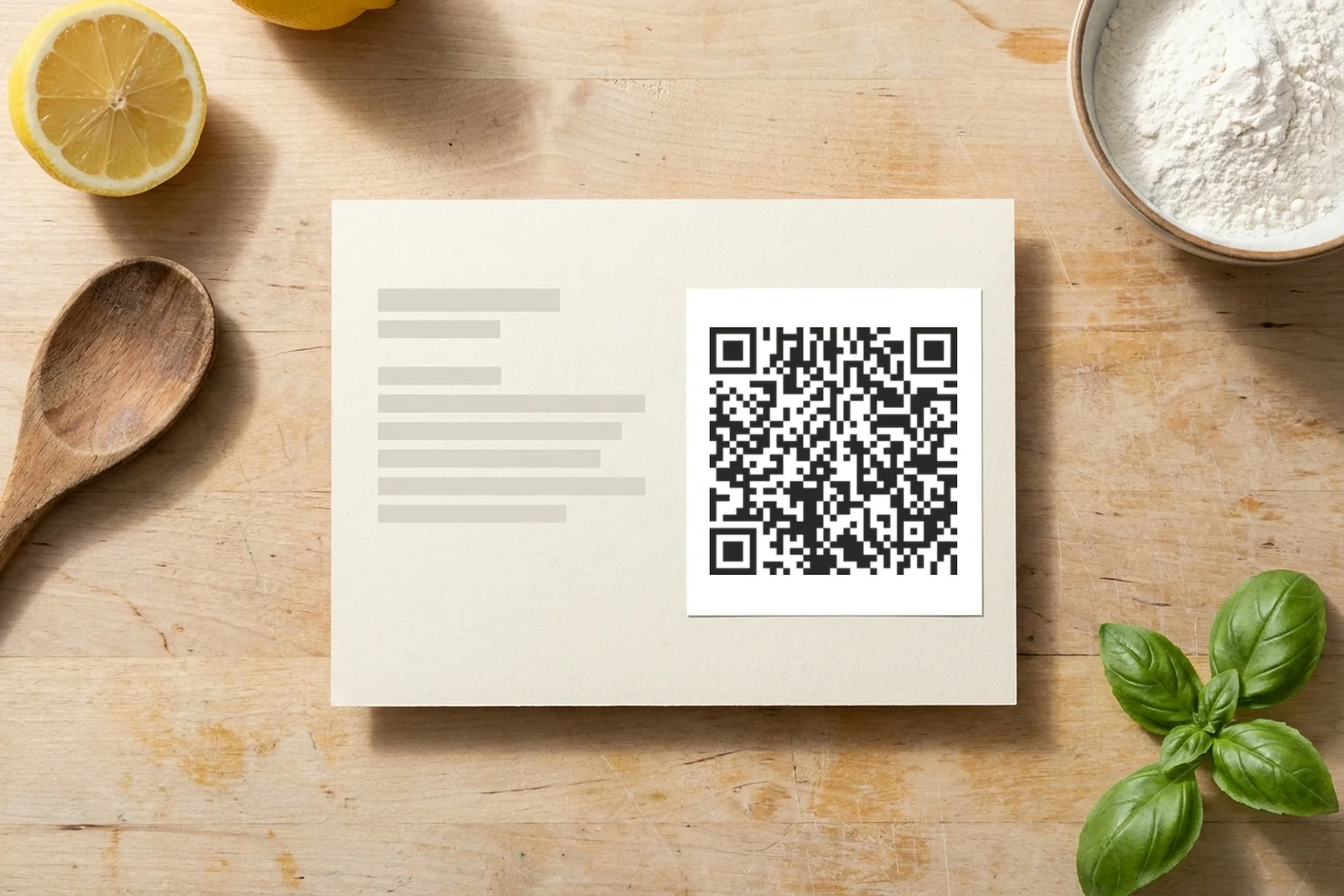
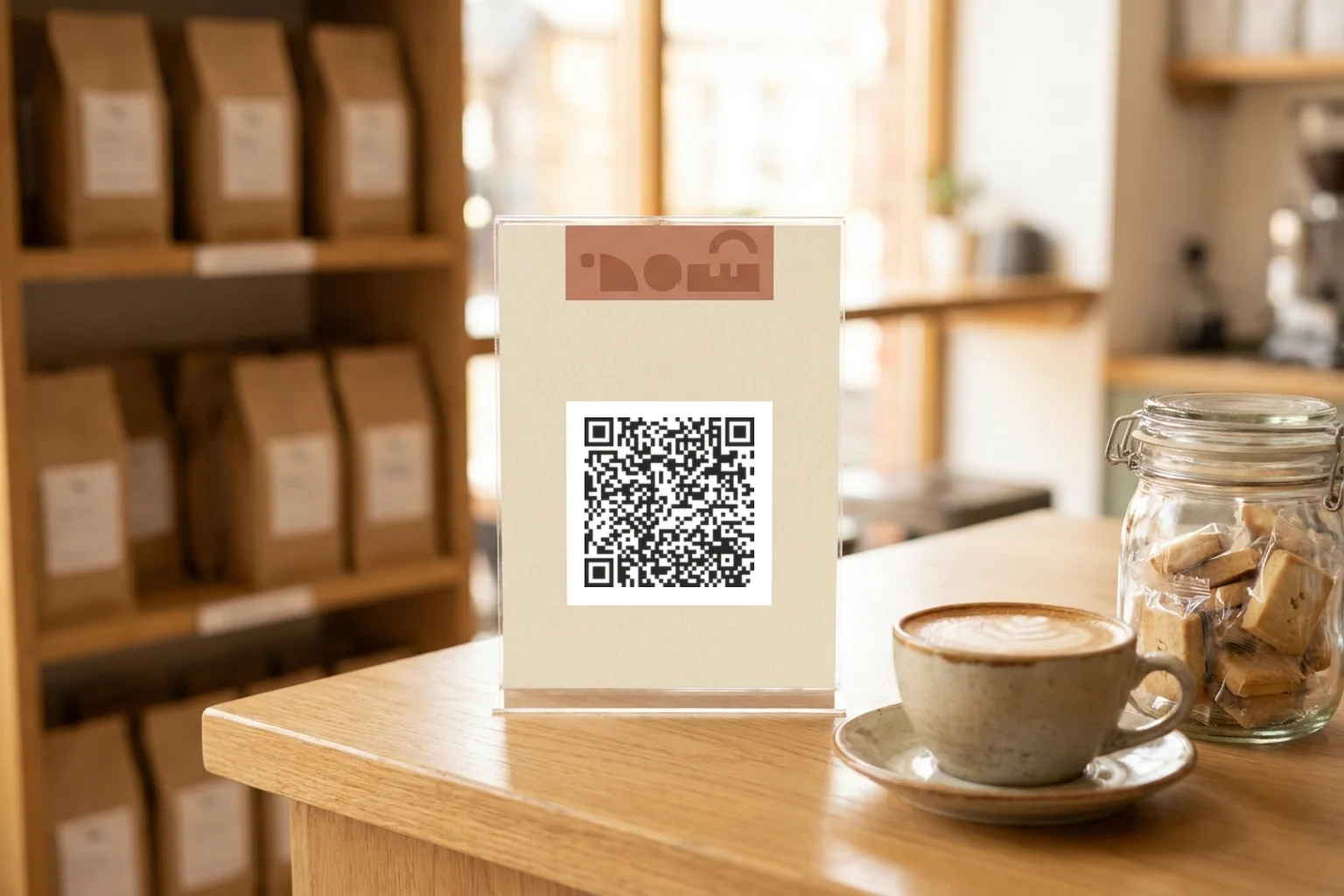
Signup codes suit a counter card by the register, a flyer on a community board, a packing insert or your event table. Put the reason to join next to the code, such as “Scan for our monthly class schedule”. QR codes in direct mail covers postcards and letters.
A short link scans at about 2 cm wide from close up. Print the code 3 cm wide or more, and bigger when people scan it from across a room. Keep the quiet zone, the empty margin around the code, clear of other print. How small can QR codes be has the measured minimums, and QR code best practices covers color, contrast and logos.
FAQ: Mailchimp QR codes
Can Mailchimp make a QR code for my signup form?
Yes, in its iOS and Android apps, from the Audience tab. Mailchimp’s help pages do not say whether you can change where that code points or count its scans.
Is there a QRplify integration for Mailchimp?
No. QRplify does not connect to Mailchimp in any way, and nothing needs installing. You paste your form’s link into a QR code, static or dynamic, and print it or add it to your emails as an image.
Why did my Mailchimp QR code lose its UTM tags?
The short eepurl.com link drops them at its first redirect, in every form we tested. Put the tags on the long list-manage.com address, inside a dynamic code so the printed grid stays small.
How do you scan a QR code that comes in an email?
On a computer, point your phone’s camera at the screen. Some phones read a code from a screenshot, as our screenshot guide explains. Otherwise, on the phone itself, tap the code: a sender who followed step 4 above linked it.