
Blog
How to Track QR Code Scans
On this page
To track QR code scans, use a dynamic QR code. Its short link sends every scan through the provider’s server, which counts the scan before it forwards the phone to your page. To see what those visitors do on your website, add UTM tags to the destination link, and Google Analytics reports the visits as their own campaign.
To show what that tracking can and cannot see, we sent 1 test scan through a redirect and logged everything it received. A second test measured what UTM tags do to a static code, where the tags have to go into the printed pattern, and a third what a repeat scan does to the count. The results come first, then the steps.
The tests: 1 scan, UTM tags and a repeat scan
Test 1: what a redirect records from 1 scan
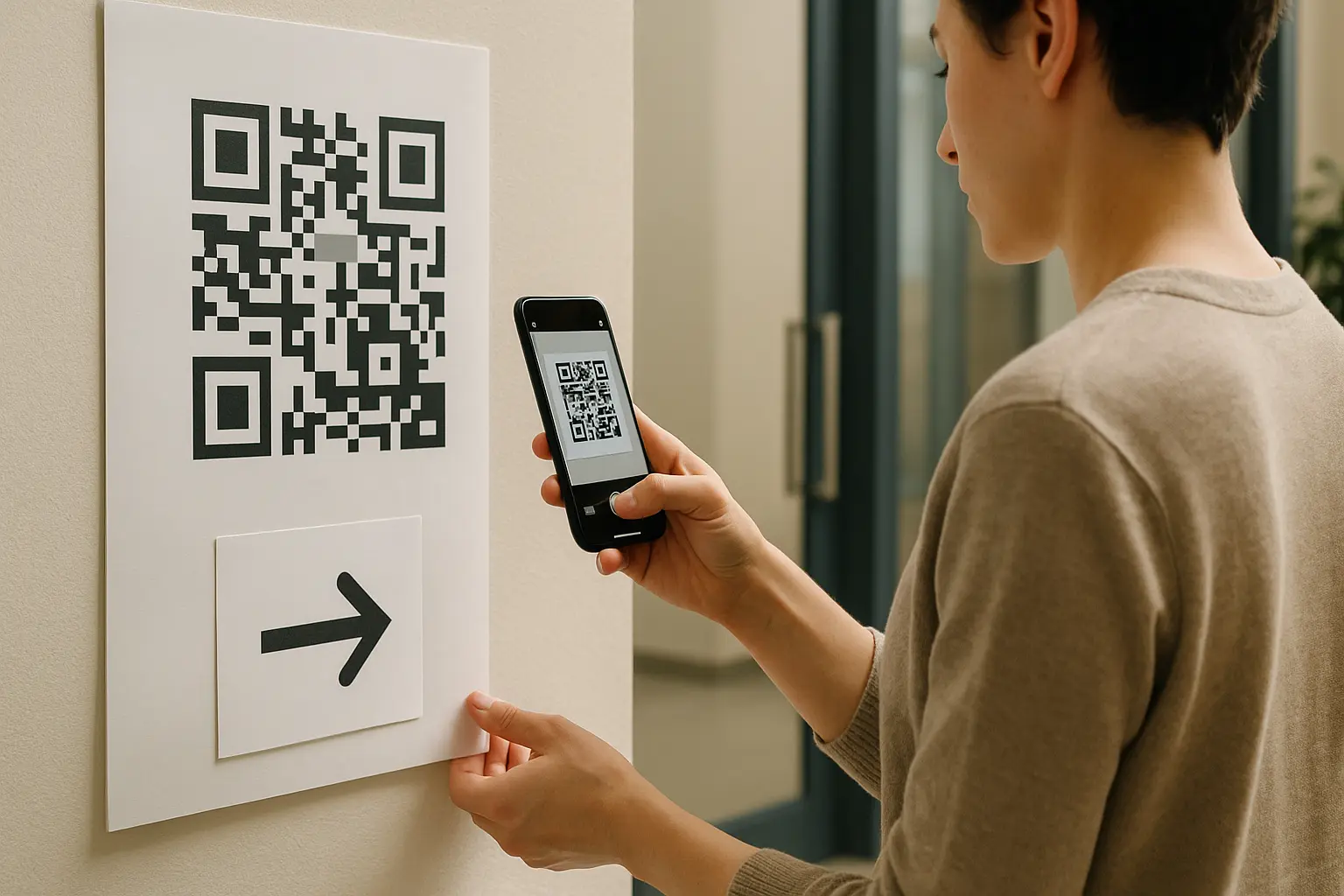
2 test servers on a Mac stood in for a dynamic code’s short link and for your website. The short link answered with a redirect to a menu page whose address carried 4 UTM tags. We made a code for the short link with the Python qrcode library and read it with Apple Vision, the barcode detector in Apple’s Vision framework (VNDetectBarcodesRequest, revision 4) on macOS 27. Apple ships the same framework on iPhone, but these tests ran on a Mac, not on a phone’s camera. Chromium, the open source browser behind Chrome, opened the link in place of a phone’s browser. Both servers logged every request with all its headers.
The redirect received 1 request. This is everything in it a tracking dashboard can use:
| In the test | What a dashboard makes of it | |
|---|---|---|
| The time | 10 October 2026, 08:17:09 UTC | Scans by day and by hour |
| The IP address | 127.0.0.1, the Mac itself | An estimated country and city |
| The browser's user agent | Headless Chrome 149 on macOS | Operating system, browser and device |
| The browser's language | en-GB | Language |
| The short link's path | /r/menu | Which code was scanned |
| The page the scan came from | None | Nothing: a scan has no referring page |
What the results say, in short:
- The IP address was the Mac’s own, because both servers ran on it. A scan from a phone brings the address of the phone’s network instead.
- The request carried no name, email address, phone number or GPS position. A web request does not carry them, so a scan count cannot either.
- The website received
/menu?utm_source=qr&utm_medium=print&utm_campaign=spring_menu&utm_content=table_tent. The UTM tags arrived intact, because they were part of the destination the redirect sent the browser to. - The page the scan came from was empty on both servers. Without UTM tags, Google Analytics has nothing to tell a scan from a visitor who typed the address.
Test 2: what UTM tags do to a static code
A static code has no redirect, so its UTM tags have to go into the code itself. We made codes for 3 links and shrank each one until it stopped reading, the method of our minimum QR code size test, with Apple Vision and OpenCV 4.14 as the readers. Each width is the smallest that still read:
| Vision | OpenCV | |
|---|---|---|
| A short link, 25 characters, 25 by 25 squares | 44 px | 60 px |
| A landing page, 43 characters, 33 by 33 squares | 60 px | 90 px |
| The landing page with 4 UTM tags, 122 characters, 45 by 45 squares | 80 px | 135 px |
The tags made the code 45 by 45 squares instead of 33 by 33. It needed a third more width to read on Vision and half as much again on OpenCV. With a 0.6 pixel blur, OpenCV still needed 150 px against 110, while Vision read both at 90. A dynamic code only ever holds its short link, so its tags sit in the destination you set in your account, and the printed code stays small.
Test 3: the same scan twice
2 more test short links forwarded to the same page, 1 with a temporary redirect (HTTP 302, as in test 1) and 1 with a permanent one (HTTP 301). We opened each twice in the same Chromium browser, the way 1 phone opens a code scanned twice. The temporary redirect received 2 requests. The permanent one received 1: the browser remembered it and went straight to the page the second time.
How to track QR code scans, step by step

- Make a dynamic code. At QRplify, a free account includes unlimited dynamic QR codes and counts every scan.
- Tag the destination link. Add
utm_source=qr,utm_medium=print, autm_campaignname and autm_contentvalue for the placement. Google’s Campaign URL Builder builds the link. Google’s help notes the values are case sensitive, so keep them lowercase. - Set the tagged link as the code’s destination. The code keeps its short link, so the tags never touch the printed pattern.
- Give each placement its own code, or its own
utm_contentvalue, so the flyer, the poster and the table card can be compared. - Test before you print. Scan the code with 2 phones and check the page opens with the tags in its address, then check the visit reached Google Analytics.
- Read both reports. Scan counts live in your QR account. What visitors did on the page lives in Google Analytics, where Google’s help says the UTM values appear in the Traffic acquisition report.
What QRplify records for each scan
For each QRplify dynamic code, your account shows daily scans, hour of day, countries and cities, device brands, operating systems, browsers and language. Pick the last 15, 30 or 90 days or a custom range, and export the reports as CSV or PNG. Each view matches a field in the test’s log: the time, the IP address, the user agent and the language.
If the destination needs to change after printing, the same short link lets you update the QR code link after printing with no reprint.
A static code counts visits, never scans
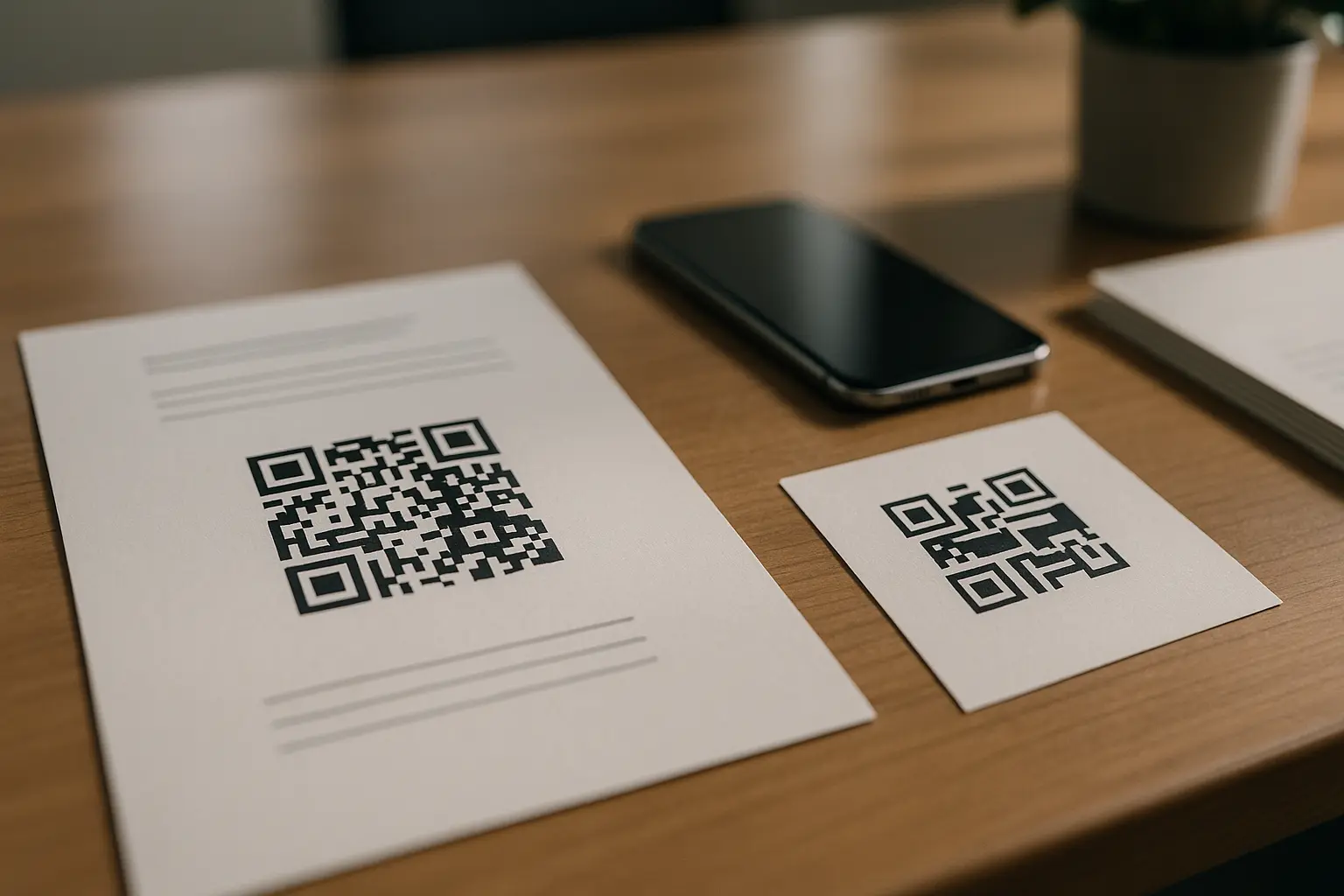
A static code sends the phone straight to your page, so no server sees the scan. With UTM tags in its link, Google Analytics still counts the visits it brings, at the cost of a denser code, as test 2 shows. Static vs dynamic QR codes covers when each kind fits.
How to read the numbers
- A scan is an opened link. In our test of reading against opening, a reader sent nothing until the link was opened. Someone who scans and never taps is counted nowhere.
- Repeat scans add up on a temporary redirect. In test 3, 2 opens in 1 browser sent a 302 redirect 2 requests, while a 301 got 1, so a count behind a permanent redirect can miss repeat scans from the same phone.
- Location is an estimate. It comes from the IP address, so it names a country or a city, never a street, and a VPN or a mobile network can place a scan somewhere else.
- Analytics runs lower than scans. Google Analytics counts a visit only when its tag loads on the page, so blocked or slow loads appear as scans with no visit.
FAQ: QR code scan tracking
Can I see the history of QR codes scanned?
For codes you own, yes: a dynamic code’s account keeps its scans. At QRplify that means daily scans, hour of day, places, devices, browsers and language for a date range you pick, with CSV and PNG exports. For codes you scanned yourself, the links you opened are in your browser’s history, like any page you visit.
Can you track a static QR code?
You can track its visits, not its scans. UTM tags in its link mark those visits in Google Analytics as a campaign. No server sits between a static code and your page, so nothing counts the scan itself.
How accurate is the location in QR code analytics?
It is an estimate from the IP address. The redirect in the test got an IP address and no GPS position. Expect a country and usually a city, and expect some scans to land in the wrong city.
Do UTM tags stop a QR code from scanning?
Not by themselves, but in a static code they make it denser. In test 2, 4 tags grew the grid from 33 by 33 to 45 by 45 squares, and the smallest code that read on Vision went from 60 px to 80 px. In a dynamic code the tags live in the destination, so the printed code does not change.
What does a QR code tracker know about the person who scans?
What any website learns from a visit. In the test, the redirect received the time, the IP address, the browser and operating system, and the language setting. It received no name, email address, phone number or exact location.