
Table of Contents
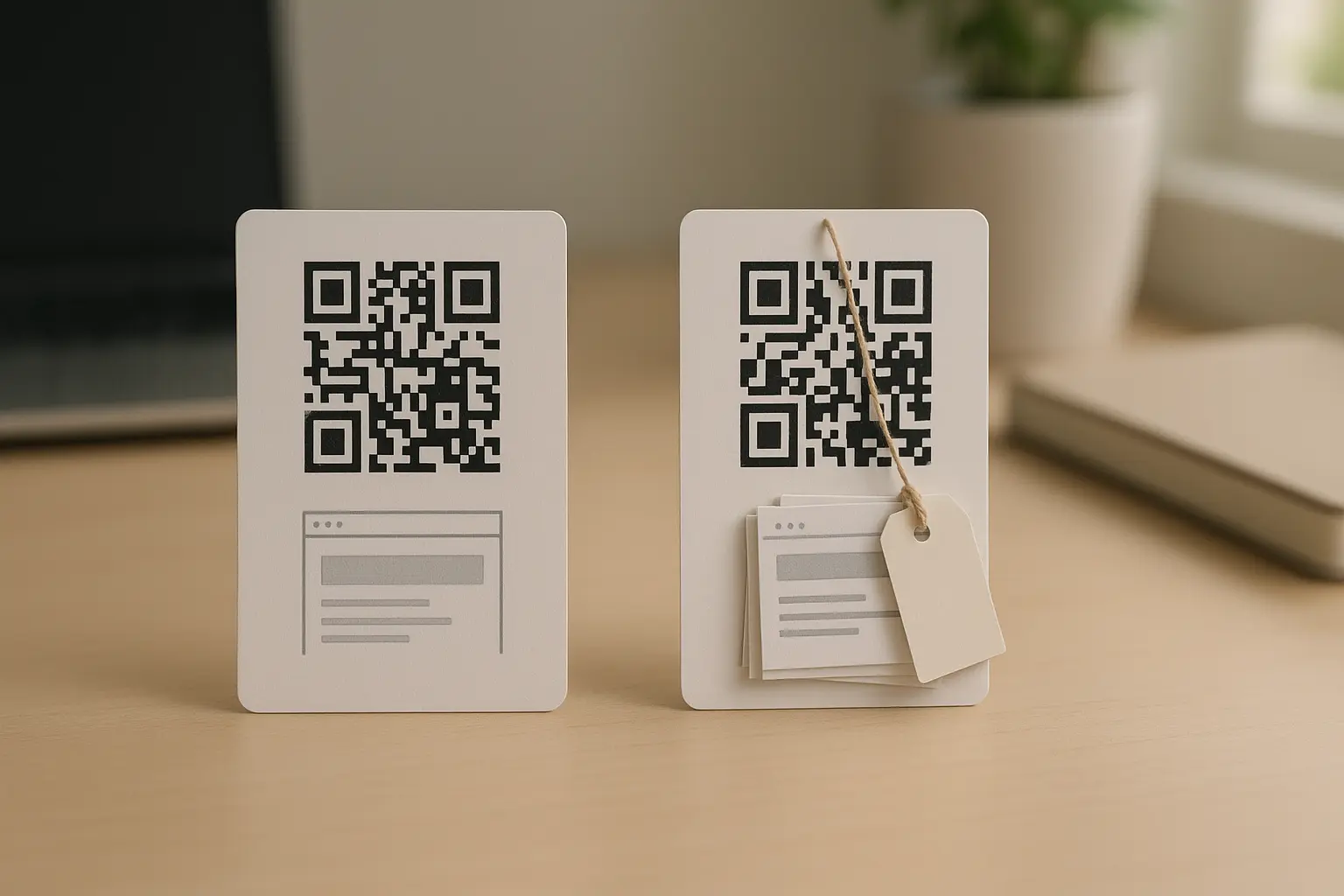
Can you update a qr code link after printing? Yes, but only if the printed code is dynamic, meaning it points to a redirect URL you can manage later. If it is a static QR code that directly embeds the destination URL (or other data), the printed pattern cannot be changed, so you will need a workaround or a reprint.
Printed QR codes feel permanent because they are. The square pattern is the data. The only time you can change where that pattern sends people is when the pattern encodes an intermediary link that you control through a dashboard.
TLDRYou can change the destination of a printed QR code only when it was created as a dynamic QR code that uses a redirect in the middle. If your code is static, your realistic options are reprinting or physically updating the printed material while you transition to a dynamic approach.
Meta description: Yes—if it’s a dynamic QR code. Learn the static vs dynamic difference, how redirects work, how to update the destination safely, and what to do if yours is static.
Quick answer: when you can (and can’t) update a printed QR code
If your QR code is dynamic, you can typically change the destination URL after printing because the QR code points to a redirect URL that stays the same. If your QR code is static, you cannot change its embedded data, so changing the destination means replacing the printed code (or using a temporary physical workaround).
Can I update a QR code after it has been printed? Yes, if it is dynamic; no, if it is static. A dynamic code routes through a managed redirect, while a static code permanently stores the final destination inside the QR pattern.
A simple way to think about it: the printed pattern never updates. Only the destination behind an intermediary link can update.
Mini checklist: signs your printed code is probably dynamic
- You created the code inside an account area or dashboard, not just a one-off generator page.
- You saw settings for “destination URL”, “edit”, “campaign”, or “analytics”.
- When you scan, you briefly see a short-looking link before it lands on the final page.
Decision flowchart: is your printed QR code static or dynamic?
Scan The Printed Code
|
v
Do You See A Redirect Or Short URL Before The Final Page?
|
+----+----------------------+
| |
Yes No/It Goes Directly To Final URL
| |
v v
Likely Dynamic Likely Static
|
v
Change Destination In Dashboard Reprint Or Use A Physical Workaround
Dynamic vs static QR codes: what changes after printing

The difference is simple: a static QR code stores the content directly in the symbol, while a dynamic QR code stores a redirect URL (an intermediary link) that can forward to different destination URLs over time.
What is the difference between static and dynamic QR codes? A static QR code embeds fixed data (like a destination URL) inside the code, so it cannot be edited. A dynamic QR code embeds a redirect URL that can be pointed to a new destination later through a provider dashboard.
If you are trying to edit qr code link after printing, you are really asking whether the printed symbol encodes the final destination URL (static) or an intermediary link (dynamic). Only the second case supports post-print changes.
QR codes are standardized under ISO/IEC 18004, which defines how the symbol stores data. That matters because static codes are not “editable” in the literal sense. The data is encoded into the modules (the squares). QR codes also use error correction levels L, M, Q, and H, which allow a scanner to recover data even if part of the code is damaged. That recovery does not make a static QR code changeable. It just makes it more readable under imperfect conditions.
A QR code can encode a lot of information, potentially up to about 7,000 digits or around 3,000 text characters depending on data type and error correction level. But whatever you encode in a static code is what you are stuck with after printing.
Static vs dynamic QR codes (focused on post-print changes)
| Factor | Static QR code | Dynamic QR code |
|---|---|---|
| Can you update after printing? | No | Yes, if the redirect service remains active |
| What is stored in the code | Final data (often the destination URL) | Redirect URL / intermediary link |
| What stays the same on paper | The printed pattern | The printed pattern |
| How changes happen | Not possible without replacing the code | Change the destination in a dashboard |
| Typical downside | Requires reprint if anything changes | Ongoing dependency on provider and plan terms |
| Typical upside | No reliance on a redirect service | Destination can be swapped without reprinting |
Takeaway: If you need the option to change where a printed code goes, you want the dynamic model where only the destination behind the redirect changes.
How redirect QR codes work (why the printed code stays valid)

A dynamic QR code works like a signpost. The QR code does not store your final destination URL. Instead, it stores a redirect URL that forwards the scanner to the current destination.
This is why a redirect qr code link after printing can keep working even when the destination changes.
How do dynamic QR codes work technically? The QR code encodes a redirect URL (often a short URL) that points to a server. That server responds with a redirect to the current destination URL, so you can change the destination later without changing the printed code.
Here is the basic path:
Scan QR Code
|
v
Redirect URL (Intermediary Link)
|
v
Destination URL (Final Web Page Or Content)
What you see as a user can vary. Sometimes the address bar briefly shows the redirect URL before it lands on the final destination URL. Other times the transition is so fast you do not notice it. Either way, the redirect layer is what makes updates possible.
This design also creates provider dependency. If the redirect service is down, changed, expired, or disabled, the printed code may stop resolving even though the ink on your packaging, poster, or label looks fine.
How to edit a QR code link after printing (generic dashboard steps)
When your code is dynamic, you can usually update qr code link without reprinting by editing the destination in the platform that manages the redirect URL. Exact labels vary by tool, but the workflow is similar.
- Sign in to the account that created the dynamic QR code and open the dashboard.
- Locate the specific code using its name, campaign, folder, or ID.
- Open the edit screen and find the destination URL or target setting.
- Replace the destination URL with the new one, then save or publish the change.
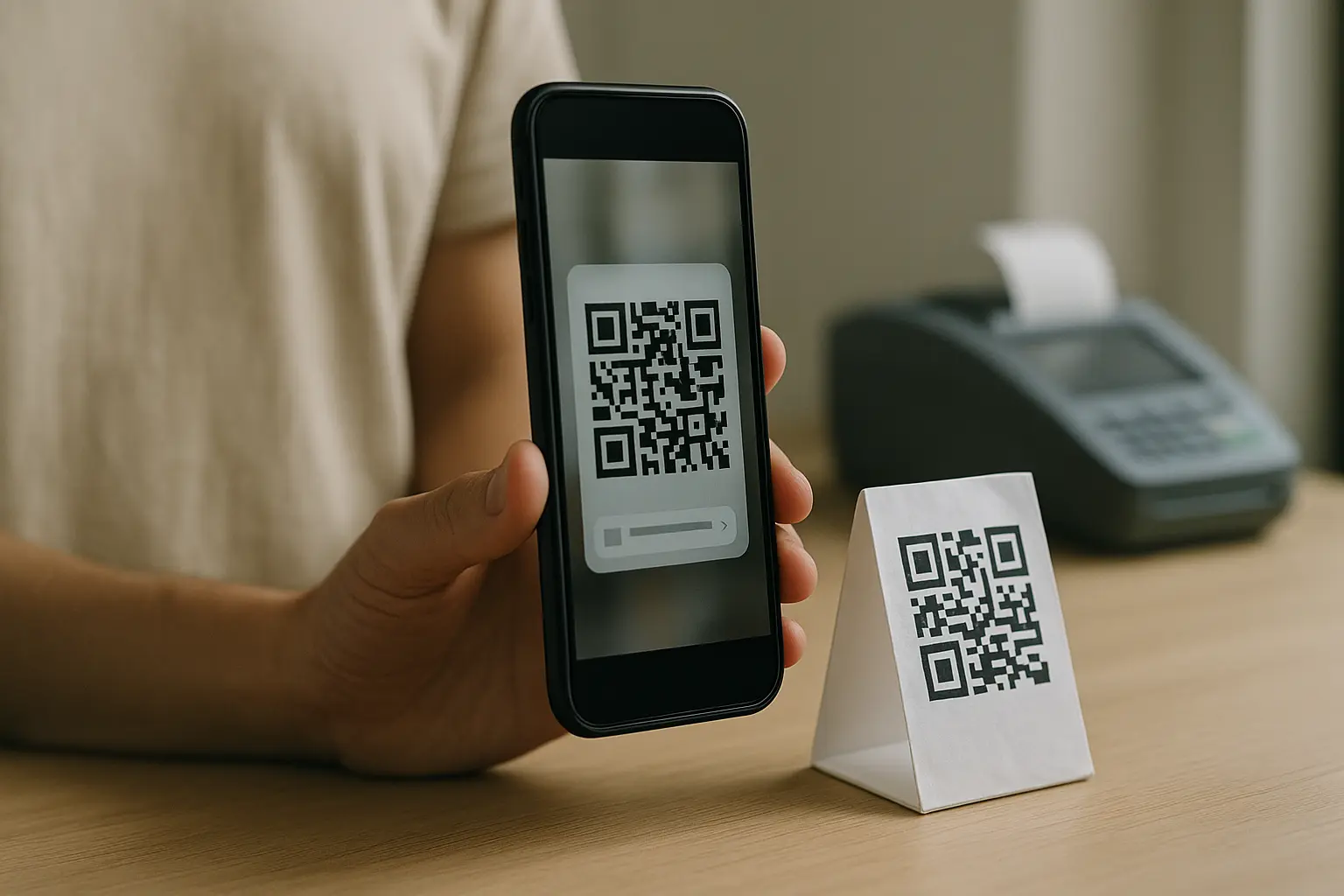
- Test by scanning the same printed code on at least two devices.
- Test on more than one network (for example, Wi‑Fi and cellular) to rule out caching or network filtering.
- Confirm the final destination loads and matches what you intended.
Quick checks before you rely on the update
- Scan the printed code and note whether you see a short/redirect URL.
- Update destination and test on at least two devices.
- Keep the redirect service active (subscription/plan status).
- Avoid changing a custom short URL tied to the printed code.
If you are fixing a broken link on printed packaging, a dynamic update can be a clean fix. Hypothetical example: A product box QR code goes to Website1.com/old-page which was removed. If the printed code is dynamic, you update the destination to Website1.com/new-page in the dashboard, then verify scans from different phones. The box does not need to change, only the destination behind the redirect.
Short URL and custom link pitfalls (what can break a printed QR code)
Not all “changes” are equal. Updating the destination URL is usually the safe move. Changing the short URL itself, especially a custom short link that the QR code encodes, is where printed materials can break.
This is the core distinction behind update dynamic qr code destination url requests: you want to swap the final destination, not replace the intermediary link that is printed into the QR symbol.
What is a short URL and how does it relate to updatable QR codes? A short URL is a compact link that redirects to a longer destination URL. Dynamic QR codes often encode that short URL as the redirect URL, which lets you change the final destination without changing the printed QR code.
You may also see the term dynamic qr code short url redirect. That usually means the QR points to a short redirect URL first, then forwards to the destination URL.
Will my printed QR code become invalid if I update the destination? Usually not, as long as you only change the destination behind the redirect and the redirect URL encoded in the QR code stays the same. If you change the redirect URL itself or your service disables it, the printed code can fail.
Is it possible to change the QR code type after printing (e.g., from URL to video)? It depends on what “type” means in your setup. If the printed code is a dynamic URL QR code, it will always open a URL, but that URL can point to a web page that contains a video. If the printed code is static and encodes a specific payload, you cannot change the payload type without replacing the printed code.
Safe changes vs risky changes (print-first view)
| Change you want to make | Usually safe for printed materials? | Why it is safe or risky |
|---|---|---|
| Swap destination URL behind a dynamic redirect | Yes | The printed QR code still encodes the same redirect URL |
| Change the redirect URL or short URL the QR code points to | No | The printed pattern encodes that link, so changing it can orphan the printed code |
| Edit a custom short link “slug” tied to the printed code | No | Printed materials still point to the old value |
| Pause, disable, or let the redirect service lapse | No | The redirect may stop resolving |
| Move content to a new page but keep the old destination URL redirecting | Sometimes | This depends on how your web setup handles redirects |
Takeaway: Treat the redirect URL as the permanent “address” that is baked into the printed symbol, and treat the destination URL as the part you can swap.
What if your printed QR code is static?

If your printed QR code is static, the code itself cannot be edited after printing. That does not mean you have no options, but every option has tradeoffs. This is where people start searching for change static qr code link options.
Do I need to reprint a QR code if I want to change the destination URL? If the printed QR code is static, yes, changing the destination means replacing the code. If the printed QR code is dynamic, no, you can usually change the destination in the dashboard without reprinting.
Practical options for a static printed code:
- Reprint the material with a dynamic QR code if the destination might change again.
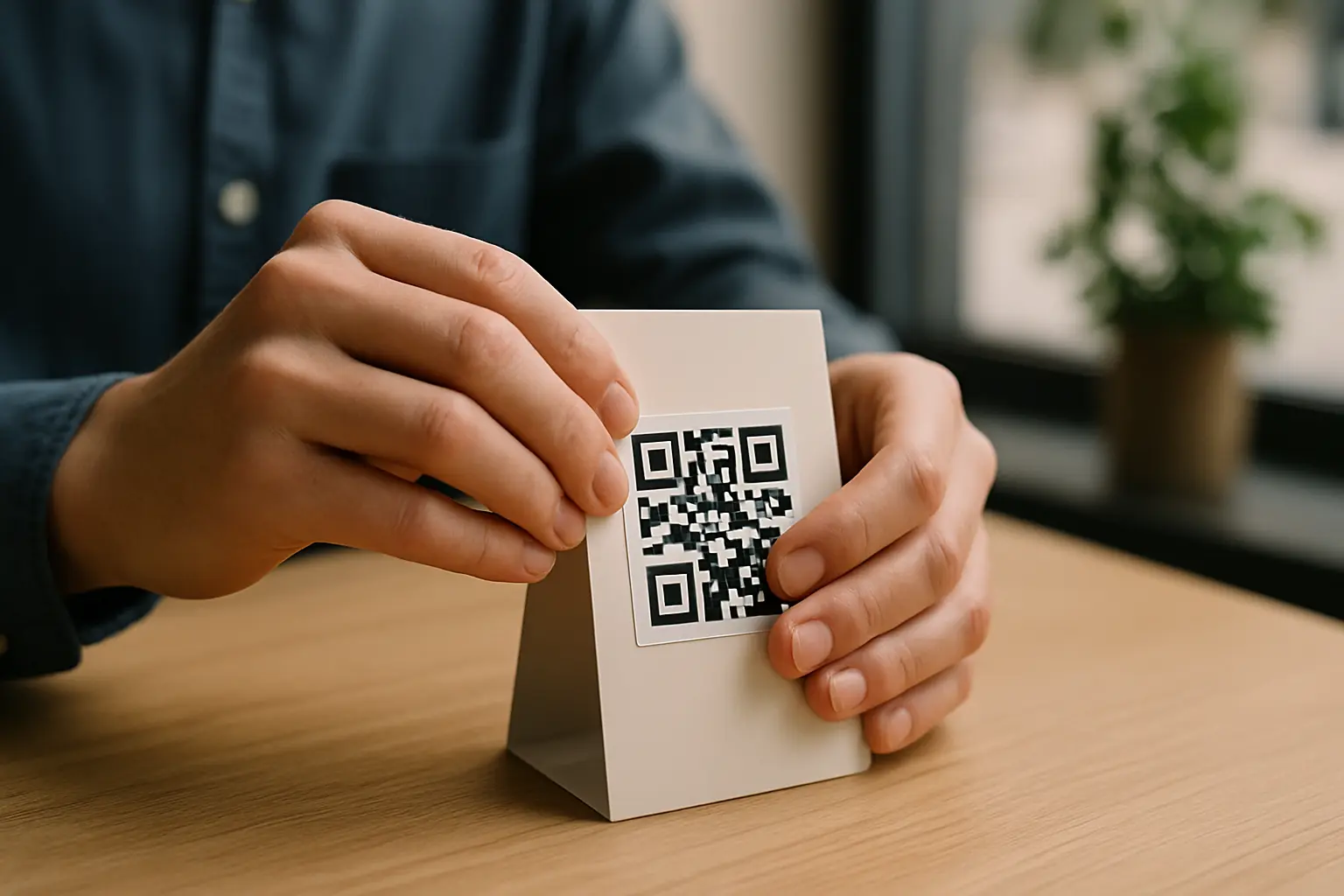
- Use a sticker or overlay label with a new QR code as a temporary fix.
- Add a small printed note near the code that directs people to a new URL, if you have space and it fits the context.
- If the destination site is under your control, consider adding a web redirect on your site so the old destination URL forwards to the new page. This does not change the QR code, but it can salvage the user path.
Can I convert a static QR code to a dynamic one after it’s already created? Not in a way that preserves the same printed QR pattern. You can create a new dynamic QR code that points to a redirect URL, but you would need to replace the printed code (via reprint or overlay) to use it.
Hypothetical example: A restaurant prints table tents with a static QR code pointing to Website1.com/menu.pdf. Later, the menu file name changes and the link breaks. Because the code is static, the table tents need new stickers or a reprint. To prevent the same issue next time, the restaurant can print a dynamic code that always points to a redirect URL, then update the destination whenever the menu changes.
Tracking and analytics expectations (common with dynamic QR codes)
Dynamic QR codes often come with scan tracking because scans pass through the redirect layer first. That redirect can log events before sending the user to the destination URL.
Can I track how many times a QR code has been scanned? Often yes with a dynamic QR code, because the redirect can record scan events. With a static QR code, there is no built-in scan tracking in the code itself, so tracking usually relies on analytics on the destination site instead.
What scan tracking and analytics may include varies by tool, but commonly includes:
- Total scans over time.
- Time and date breakdowns.
- Approximate location or region.
- Device type or operating system categories.
- Top referrers or campaign tags if you use them.
Treat scan tracking as directional data, not a perfect audit. Users may have privacy settings, blockers, or network rules that affect what gets logged.
Limitations to plan for: subscriptions, scan limits, and provider lock-in
Updatable codes solve one problem, but they add operational risk. If your printed materials will be in the world for months or years, plan for what keeps the redirect working.
What happens to my QR code if my subscription ends? This varies by tool. Many dynamic QR code platforms require an active subscription to keep the redirect URL working, and the QR code may stop resolving if the subscription ends.
This varies by tool. Many free or lower-tier plans also cap scans per month, and exceeding that cap may disable the code or the redirect until the next period or until you change plan settings.
Are there free options for creating updatable QR codes? Sometimes, but it depends on the provider’s terms. Some platforms offer limited dynamic features on free plans, and limitations like scan caps, expiration behavior, or disabled redirects can apply.
Plain-language risk check (what can go wrong)
- Subscription dependency: Your printed code may rely on a paid redirect service to stay live.
- Provider lock-in: If you cannot move or export the redirect URL, changing providers can mean replacing printed materials.
- Plan limits: Scan caps or feature limits can shut off the experience when you least expect it.
If the QR code is tied to critical access (like instructions, warranty info, or safety steps), treat long-term reliability as part of the project, not an afterthought.
Bulk workflows: generating and updating many QR code links
Bulk work usually shows up when you have many assets that each need their own QR code, and you need a repeatable way to manage updates later. Common cases include campaigns, physical locations, inventory labels, event badges, and printed inserts.
Teams that expect to bulk update dynamic qr code links should plan for two things: how codes are created in batches and how changes are governed later.
When bulk creation makes sense:
- You need one QR per item (Item1, Item2, Item3) and each item maps to a different destination.
- You need consistent naming and ownership so someone can find the right code months later.
- You want the option to update destinations without reprinting an entire batch.
Operational practices that reduce mistakes:
- Use clear naming conventions that match what is printed (asset ID, location code, SKU, or campaign name).
- Define ownership (who can edit destinations, who can publish changes).
- Use change control for high-impact codes (review before publish, change log notes).
- Keep a simple mapping file (for example, code name ↔ redirect URL ↔ destination URL) so updates are not guesswork.
Bulk features and file formats vary by tool, so confirm what your dashboard supports before you print thousands of labels.
Security considerations for QR redirects
Dynamic redirects add flexibility, but they also add a place where a link can be changed. That creates real trust and safety concerns, especially if a QR code is placed in public.
Dynamic QR redirects can be abused if an attacker gains access to the dashboard or if a short link is hijacked. The result can be phishing or malware redirection. There is no guaranteed way to make QR use “safe,” but you can reduce avoidable risk with process and access controls.
Practical guardrails:
- Restrict who has permission to edit destination URLs in the dashboard.
- Use strong authentication on the account that controls the redirect URL.
- Keep an internal record of what each code should point to, so unexpected changes get caught.
- Test scans after any update and verify the destination URL matches what you intended.
- Avoid unnecessary changes to short URLs or custom links tied to printed materials.
If a QR code is in a high-traffic public place, assume it will be scanned by people who do not know you. That makes destination control and review discipline more important than clever link changes.
FAQ
What is the difference between static and dynamic QR codes? Static codes embed the final data in the QR symbol and cannot be changed. Dynamic codes embed a redirect URL that can forward to different destination URLs over time.
Static is simpler and self-contained. Dynamic is more flexible but depends on a redirect service.
Do I need to reprint a QR code if I want to change the destination URL? If the code is static, yes, because the old destination is baked into the print. If the code is dynamic, you can usually update the destination without reprinting by changing it in the dashboard.
The key is whether the printed code points to an intermediary link or the final destination.
Can you update a qr code link after printing? Only if the printed code is dynamic and uses a redirect URL you can manage. If it is static, changing the link means replacing the printed QR code or using a physical workaround like an overlay.
If you are not sure which you have, scan it and watch whether it briefly shows a short or redirect link.
Can I convert a static QR code to a dynamic one after it’s already created? You can create a new dynamic QR code, but you cannot transform the existing printed pattern into a dynamic one. To use the dynamic version, you must replace the printed code.
Overlays can bridge the gap while you reprint.
How long does it take for changes to take effect after I update a dynamic QR code? This varies by tool. Some updates apply right away after you save or publish, while others may take time due to caching or propagation.
The practical answer is to test with multiple devices and networks until you consistently reach the new destination URL.
Ready to Create Your Own QR Code?
Join thousands of users creating beautiful QR codes.
Try QRplify FreeNo credit card required