Blog
How to Get a QR Code for My Etsy Shop
On this page
Copy your shop link, paste it into a QR code generator, download the code and scan it with your phone before you print. Your Etsy shop link is https://www.etsy.com/shop/ followed by your shop name, the format Etsy’s help pages use.
Before writing the steps, we checked Etsy’s link formats with plain HTTP requests and measured how big a code each one makes. 2 results change how you make an Etsy QR code. The short shop address redirects to the full one. And a listing link with tracking parameters makes a denser code than it needs to.
The test: Etsy link formats, checked by plain HTTP

We requested each link format the way a script or a link checker does: a plain HTTP request, with no browser. Each link was tried twice, with the Python requests library’s default User-Agent and with a desktop Chrome one, and we followed each redirect by hand. The shop name exampleshop is a sample. The listing is a real one from Google’s results for “etsy qr code”.
What Etsy answered:
https://exampleshop.etsy.comandhttp://exampleshop.etsy.com: a 301 redirect tohttps://www.etsy.com/shop/exampleshop/?etsrc=sdt.https://etsy.com/shop/ExampleShop: a 301 redirect tohttps://www.etsy.com/shop/ExampleShop.http://etsy.com/listing/1193134669: a 301 redirect tohttps://www.etsy.com/listing/1193134669.https://www.etsy.com/shop/ExampleShopandhttps://www.etsy.com/listing/1193134669/mini-qr-code-display-sign: no redirect. Both answered 403.
What the results say, in short:
- The short shop address is a redirect.
yourshopname.etsy.comsends visitors on towww.etsy.com/shop/yourshopname, 1 extra step, and Etsy adds?etsrc=sdtto the address on the way. - Etsy’s own format needs no redirect.
https://www.etsy.com/shop/yourshopnameanswered without a redirect. - Link checkers cannot see Etsy pages. Every shop and listing page answered 403 Forbidden from DataDome, a bot protection service, whichever User-Agent the request sent. A link checker or a preview tool can report a working Etsy link as broken. Test your code the way a customer will: scan it with your phone.
How big a code each link makes
A longer link needs more modules, and more modules in the same print size means smaller modules for the camera to read. We made a code for each link with the Python qrcode library at error correction level M, the free generator’s default. Then we worked out the module size for a code printed 2.5 cm wide, quiet zone included.
| Grid | Module at 2.5 cm | |
|---|---|---|
| Shop, short address, 28 characters | 29 × 29 | 0.68 mm |
| Shop, Etsy's format, 37 characters | 29 × 29 | 0.68 mm |
| Listing number only, 39 characters | 29 × 29 | 0.68 mm |
| Listing with its name, 65 characters | 37 × 37 | 0.56 mm |
| Listing with tracking parameters, 97 characters | 41 × 41 | 0.51 mm |
The last row is a real listing link from Google’s results, ?gpla=1&gao=1& and all. Its modules are a quarter smaller than a shop link’s at the same print size.
What that means for your link:
- For your shop, use Etsy’s format. With a shop name of 10 to 16 characters, both shop formats make the same 29 × 29 code. The short address saves 1 size step for names up to 9 characters (25 × 25) and for names of 17 to 25 (29 × 29 instead of 33 × 33). Save it for a small print.
- For a listing, try it without what follows the
?. Delete everything from the?on, open the shorter link on your phone, and use it if it still lands on the listing.
How to make your Etsy QR code
- Copy the link. For your shop, use
https://www.etsy.com/shop/yourshopname. For 1 product, open the listing in a browser and copy the address from the address bar. - Make the code. Paste the link into the free URL QR code generator. It makes a static code: the link sits inside the code itself.
- Keep the design simple. Use a dark code on a light background (which colors scan). If you add your shop logo, the generator raises error correction to High unless you picked a level yourself.
- Download the right file. The generator gives you PNG, JPG and SVG files, and a print-ready PDF when you design a printable card. Use SVG for print, so the code stays sharp at any size. PNG and JPG suit social posts and screens.
- Add a label. Tell people what they get: “Scan to shop”, “Scan for care instructions”, “Scan to see this item”.
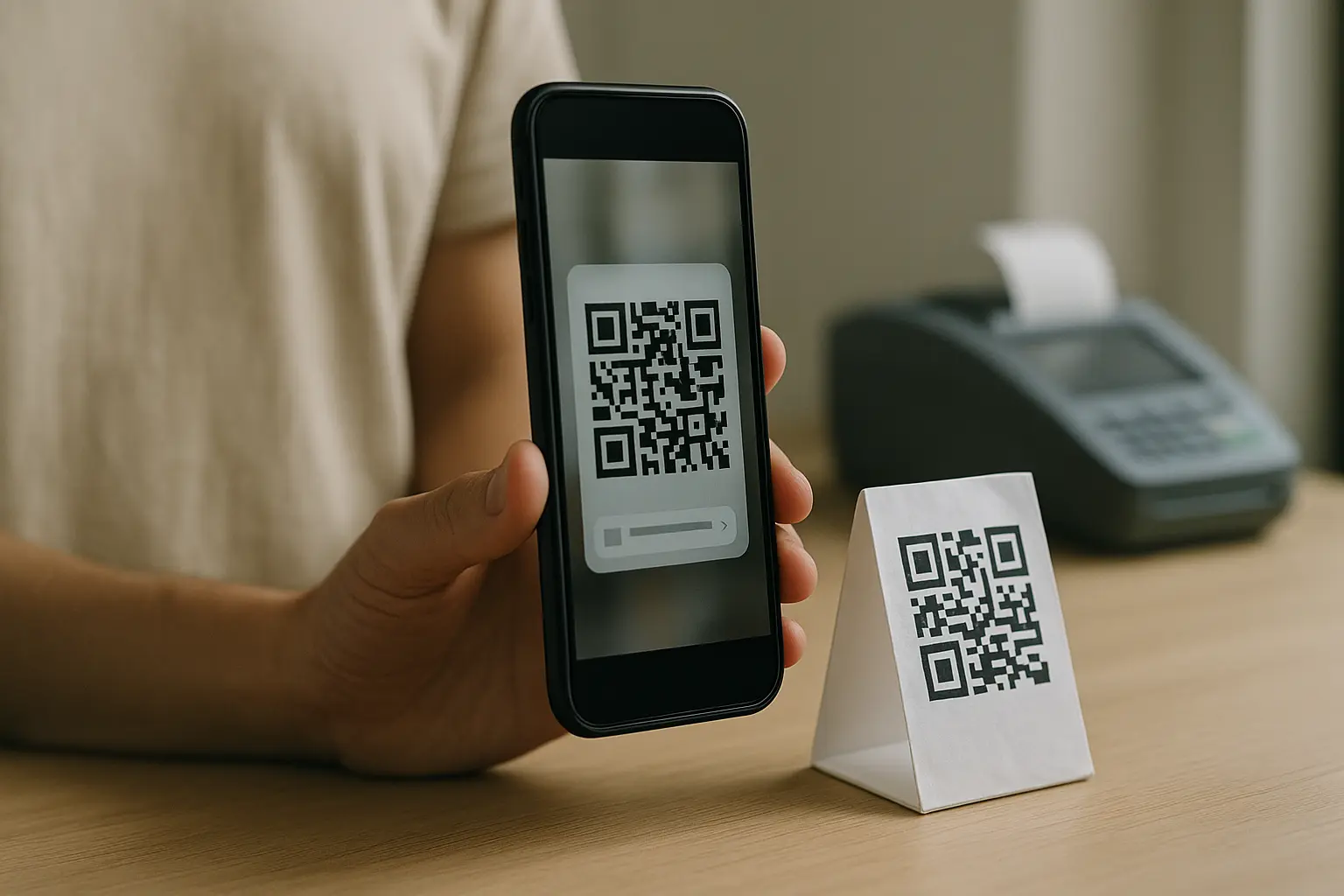
- Test it. Open the file in the free QR code decoder, which shows the link inside the code without opening it. Then scan it with your phone camera and check it opens the exact page you meant.
Static or dynamic: can you change the link later?
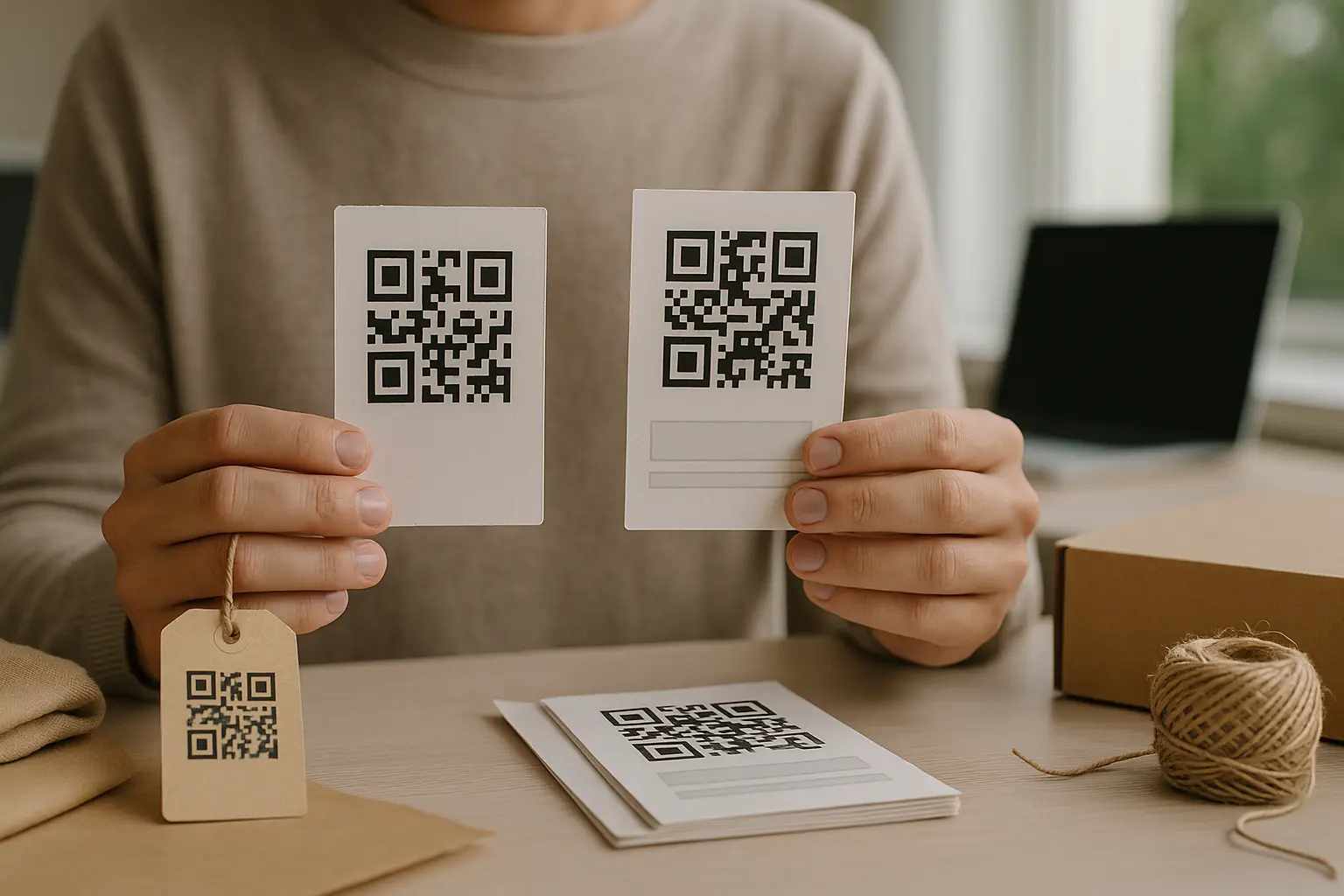
A static code holds your link itself. It keeps working as long as that page does, and it cannot be changed after you print it. For a shop link on business cards and thank-you cards, that is all you need.
If the destination may change, such as a seasonal listing, a sold out item or a sale page, use a dynamic QR code. It holds a short redirect link, so you can change where it points after you print it. You can also see how often it is scanned. On QRplify, a free account includes unlimited dynamic codes. Do QR codes expire? explains how long each kind keeps working.
Where Etsy sellers put the code
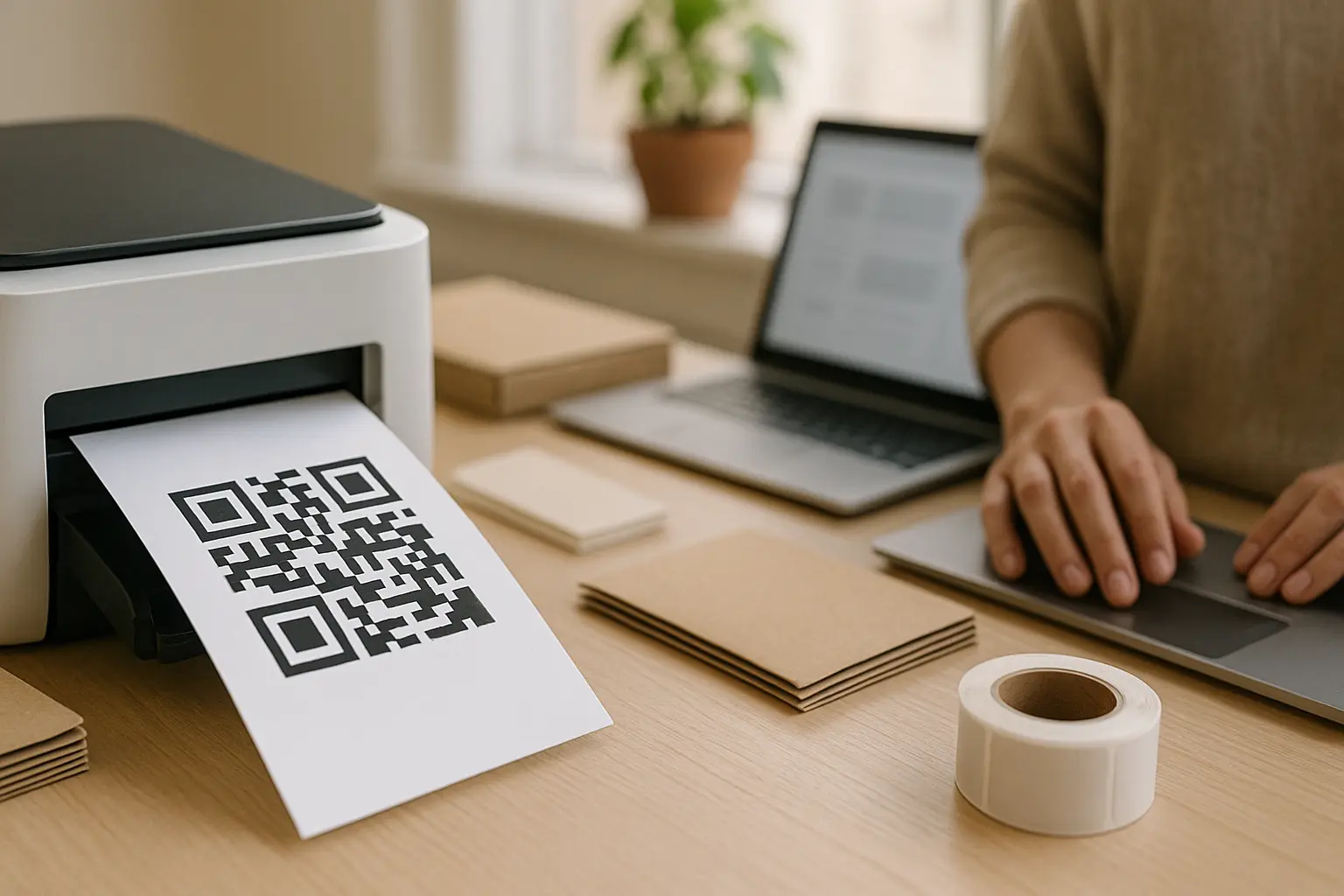
- Package inserts and thank-you cards: a flat card inside the parcel is easier to scan than a glossy box. Link your shop, or the listing the buyer just bought.
- Craft fair and market signs: 1 large code people can scan from where they stand while they browse your table.
- Business cards: your shop link, with a label beside the code.
- Product tags and care cards: a listing link, or a page with care or setup instructions.
To bring buyers back with a discount, the coupon QR code generator puts an offer page behind a scan.
Print it so it scans
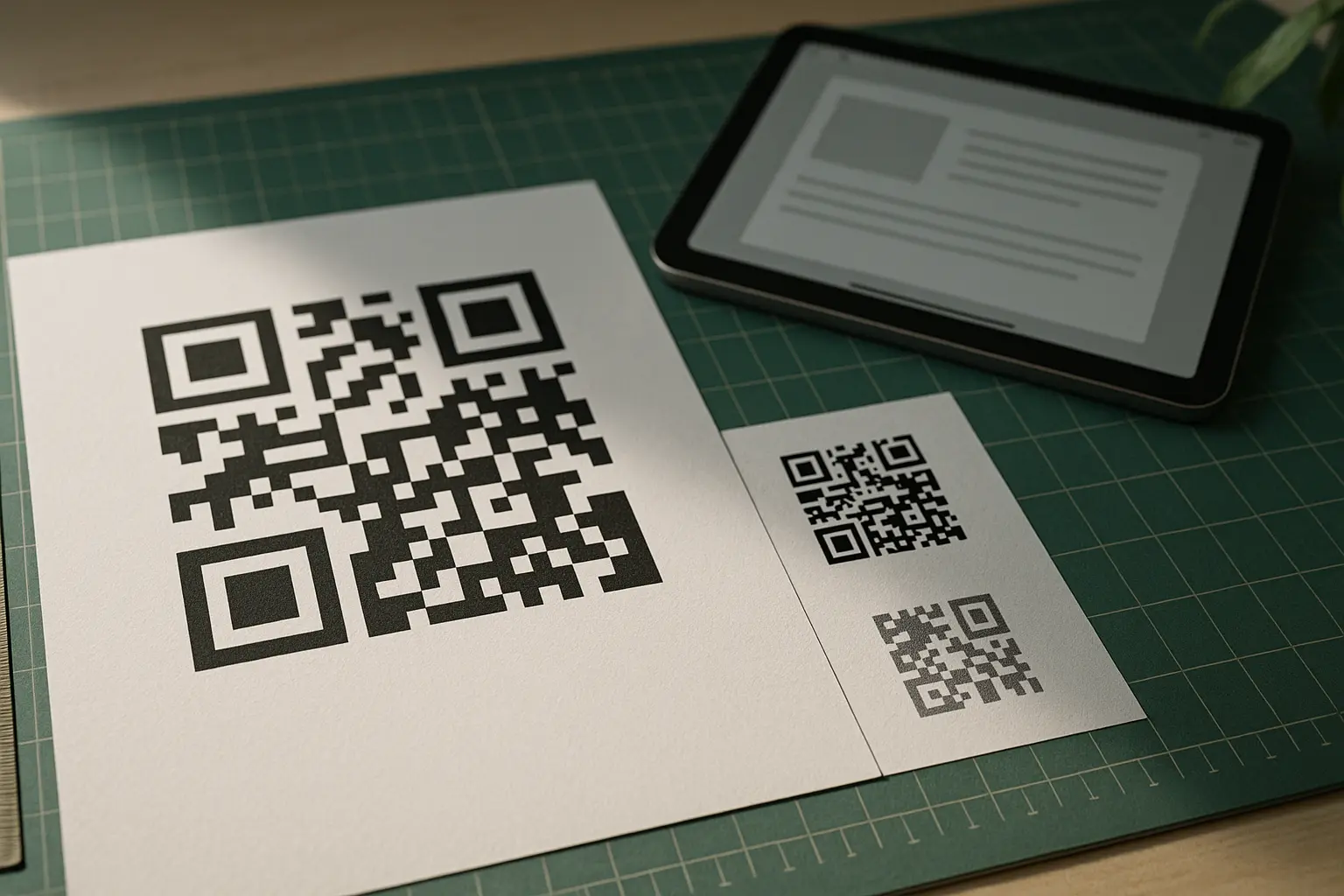
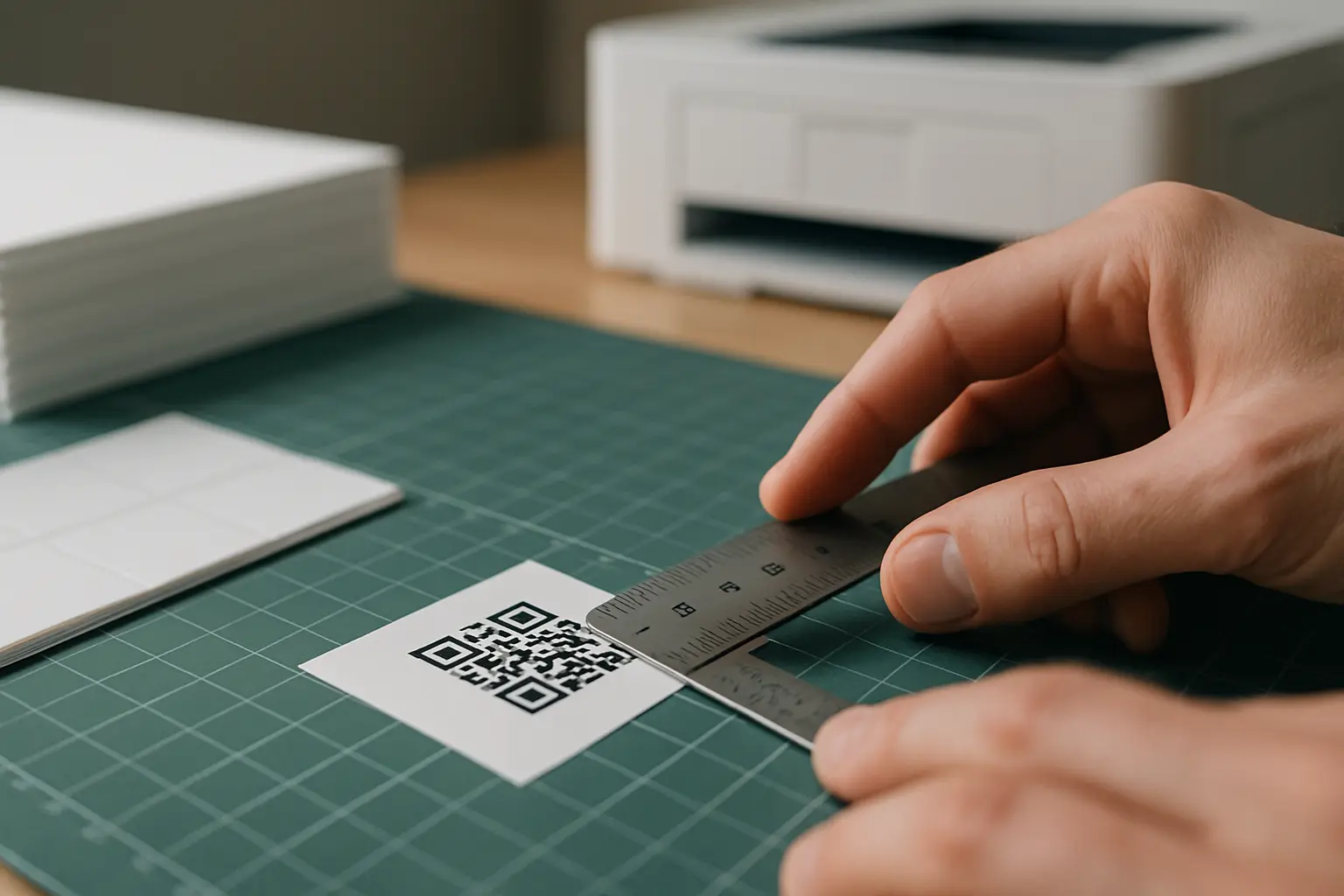
- Size: about 2 × 2 cm is the minimum for a short link scanned from about 20 cm away. Go bigger for a sign people scan from further back, and for a long listing link.
- Quiet zone: keep a clear margin 4 modules wide around the code, with no text, border or pattern in it.
- Material: matte paper scans more reliably than glossy packaging or laminate, which can throw glare over the code. Printing QR code stickers covers paper and finishes.
- Proof: print 1 copy at the final size and scan it in the light where people will see it before you print 200.
If a printed code will not scan, check the print first: its size, its contrast, the margin and any glare. Then test again with a plain black on white version of the code.
FAQ: Etsy QR codes
How do I share my Etsy shop link?
Use the address Etsy gives every shop: https://www.etsy.com/shop/yourshopname. Open your shop in a browser and copy it from the address bar. Share it as text in messages and posts, and as a QR code on anything printed.
Should my QR code link to my shop or to a listing?
Link to your shop when you want people to browse: business cards, signs, thank-you cards. Link to a listing when the code sits next to that product, such as a tag or an insert for a reorder. A listing link is longer. In our measurements, the listing link with its name made a 37 × 37 code, against 29 × 29 for a shop link.
Can I use my own domain in the QR code?
Yes, if you own one. Etsy’s help explains how to redirect your domain to your Etsy shop. Visitors land on your shop, with your Etsy address in the address bar. A code with your own domain keeps working if you later change where the domain points, because you change the redirect, not the code.
Do Etsy QR codes expire?
A static code holds the link itself, so it works for as long as your Etsy page does. A dynamic code depends on the service behind its redirect link. Do QR codes expire? covers both.