
Blog
Can Scanning a QR Code Infect Your Phone?
On this page
Scanning a QR code on its own almost never infects your phone, because a code only holds text, usually a link. The risk starts when the link is opened (a fake page, a login, a payment, an install) and, rarely, through a flaw in the code reader itself, so keep your phone updated.
To test the first part, we read 8 codes with 2 QR readers while a server logged every request their links received. Reading the codes sent 0 requests. Opening each link sent 1 request, and the short link 2. The results come first, then where the risk starts, how to check a code before you open it, and what to do if you already tapped.
The test: does reading a QR code touch its link?
We made 8 codes with the Python qrcode library, each holding a kind of content scam codes use. Every link in them pointed at a test server on the same Mac, which logs each request it receives. Before the test, 1 control request showed the log was counting. Then 2 readers read every code:
- Apple Vision: the barcode detector in Apple’s Vision framework (VNDetectBarcodesRequest, revision 4), run on a Mac with macOS 27. Apple ships the same framework on iPhone, but these tests ran on a Mac, not on a phone’s camera.
- OpenCV: the QR code detector in OpenCV 4.14, a widely used open source computer vision library.
After the reads, we opened every link with a plain web request and counted the requests again. A plain request is the first thing a browser sends after you tap. Both readers returned the text of all 8 codes exactly.
| Requests while reading | Requests after opening | |
|---|---|---|
| A link to a login page | 0 | 1 |
| A link to a payment page | 0 | 1 |
| A link to an app file | 0 | 1 |
| A short link that forwards to another page | 0 | 2 |
| A WiFi login | 0 | No link |
| A phone number to call | 0 | No link |
| A text message, written and addressed | 0 | No link |
| A contact card with a website | 0 | 1 |
What the results say, in short:
- Reading a code is not opening it. Neither reader contacted a link for any of the 8 codes.
- Opening is the step that reaches the internet: 1 request per link.
- The short link took 2 requests, the short link and then the page it forwarded to. The readers returned only the short link, so the page behind it stayed hidden until it opened.
- The WiFi, phone and text codes hold no link. They ask your phone to join a network, start a call or fill in a message. Apple’s instructions for the iPhone camera end the same way: hold the phone so the code appears, then tap the link to open the content.
The test covers the reading step on a Mac. A code reader is software, and software can have flaws: in 2023, a flaw in ZBar, an open source code reader, meant a specially crafted QR code could leak data or run code on the device reading it (CVE-2023-40889). The FTC’s QR code scam alert advises keeping your phone’s operating system updated to protect against hackers.
Where the risk starts
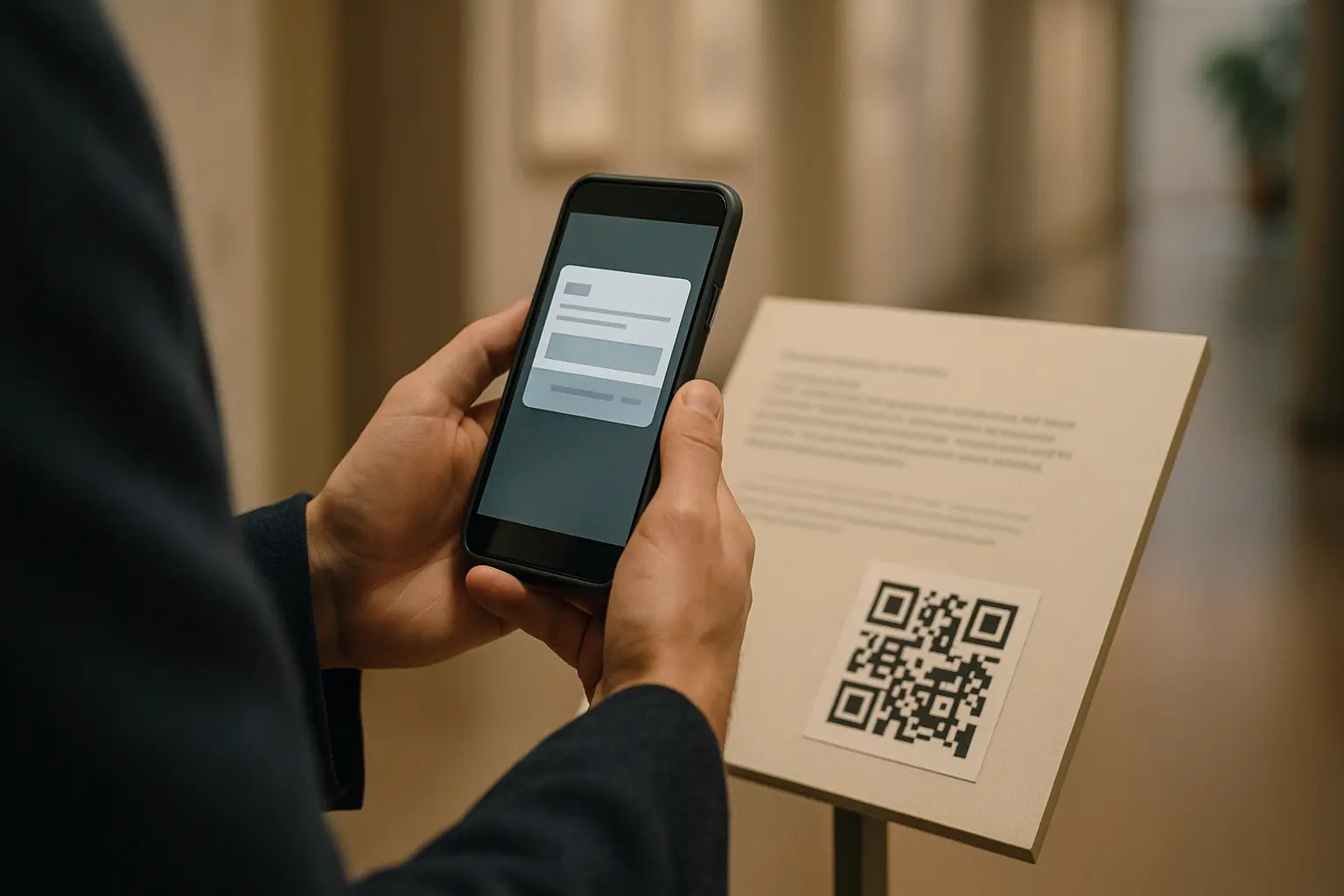
A scam code is an ordinary code with a harmful link or action inside. The FBI’s January 2022 warning describes the pattern: criminals cover or replace real codes, and the fake code sends people to a site that asks for login or payment details. The same notice says “Malicious QR codes may also contain embedded malware”, and the FTC’s alert says a code “could install malware that steals your information before you realize it.”
In practice, a code holds text, so the malware almost always comes from the step after the scan: an app or file the page gets you to install, or a page built to attack a known flaw in a phone that has missed its updates. The rare exception is a code crafted against a flawed reader app. The harm comes from what happens next:
- You sign in. A copy of a bank, email or work login page collects your password.
- You pay. A fake parking or payment page takes your card details, or sends your payment to the wrong account.
- You install something. The page pushes an app or a file. The FBI advises getting apps from your phone’s app store, never from a QR code.
- You open a page on a phone that has missed its updates. The FBI’s January 2026 alert asks organizations to “patch known vulnerabilities on devices used to scan QR codes”, and the FTC advises updating your phone.
- You accept a prompt. The code asks your phone to join a WiFi network, call a number, send a text or add a contact. Read each prompt before you accept it.
Where scam codes show up, from FBI and FTC alerts:
- Stickers over real codes: on the codes businesses print for payments (FBI, January 2022) and on parking meters (FTC, December 2023).
- Unsolicited packages, often with no sender details, with a code to scan (FBI, July 2025).
- Emails with a code instead of a link, offering a questionnaire or a secure drive (FBI, January 2026). The code moves the link from a work computer to your phone, past the checks your email runs on links.
How to check a QR code before you open it
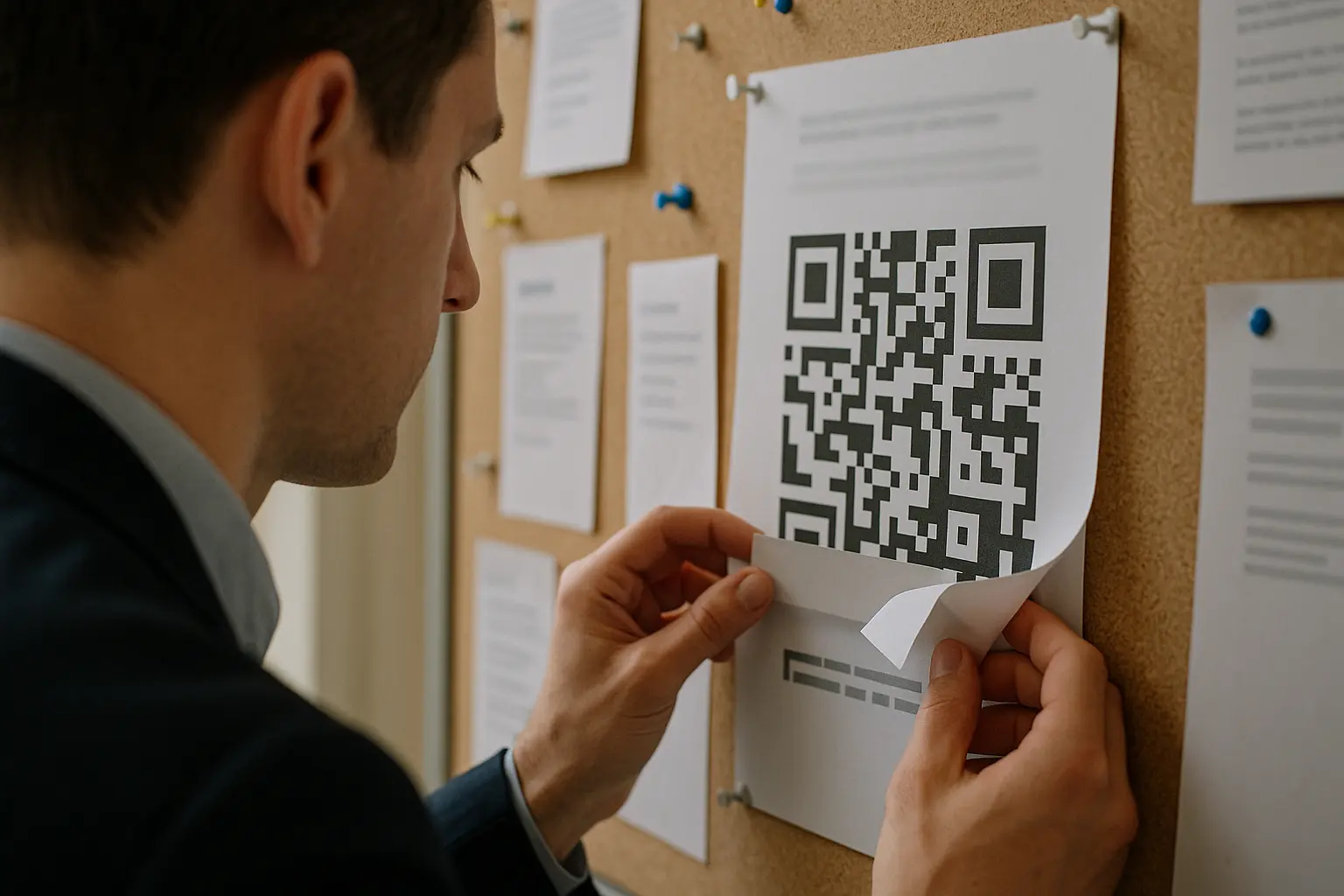
- Look at the code first. Check for a sticker on top of a printed code, a code taped onto a sign, or a code where you would not expect one. The FBI’s 2022 warning lists this check.
- Read the link before you tap. Your camera shows it before anything opens. The website’s real name is the part just before the first single slash. In
yourbank.com.account-check.example/login, the name ends inaccount-check.example, so the page belongs to that site, not to your bank. - Be careful with short links. A short address on a link company’s or QR company’s domain forwards to a page you cannot see yet. In the test, the readers returned only the short link. Many honest codes use short links too, as static vs dynamic QR codes explains. Open one only when you trust whoever put up the code.
- Use your camera app. The FBI advises against downloading a QR scanner app, because it raises your risk of installing malware. Most phones scan codes in the camera app. How to scan a QR code has the steps for iPhone and Android.
- Read it without opening it. Drop a photo or a screenshot of the code into the free QR code decoder. It reads the code in your browser, shows the full text and the website first, and opens nothing.
- Never sign in, pay or install from a page you did not expect. Type the address you know, as the FBI advises for payments, or open the official app.
Putting up codes yourself? A static code from the URL QR code generator holds your full web address, so people who scan it see your own domain before they tap.
If you already scanned a suspicious QR code
Reading a code sent nothing in the test, so what to do now depends on the step you took after it:
| What you did | What to do now |
|---|---|
| You only saw the link | Nothing. Close the camera. |
| You opened the page | Close it and type nothing into it. Install any update your phone is waiting for. |
| You signed in | Change that password in the official app or at the address you know, and anywhere else you use it. Check the account for new devices and logins. |
| You entered card details or paid | Call your bank or card company on the number printed on your card. |
| You installed an app or opened a file | Switch on airplane mode, check which permissions the app had, then delete the app or file. |
| You joined a WiFi network | Forget the network in your WiFi settings. |
In the US, the FBI asks people to report QR code fraud to its Internet Crime Complaint Center. If it happened on a work phone or a work account, tell your IT team as well.
FAQ: QR code safety
What are the risks of scanning QR codes?
The scan only reads text. The risks sit in what the text leads to: a fake login page, a fake payment page, an app or file to install, a page that attacks a phone with missed updates, or a prompt to join a network, call a number or send a text. In the test, reading 8 codes contacted none of their links, so almost every risk comes in the step after the scan. The rare exception is a flawed reader app, which is why updates matter.
Which is the safest QR code scanner?
The one in your phone’s camera app, kept up to date. The FBI advises against downloading a separate scanner app, because it raises the risk of malware on your phone. To read a code without opening it, use the free QR code decoder: it shows the full text and opens nothing.
What happens when I scan a QR code with my phone?
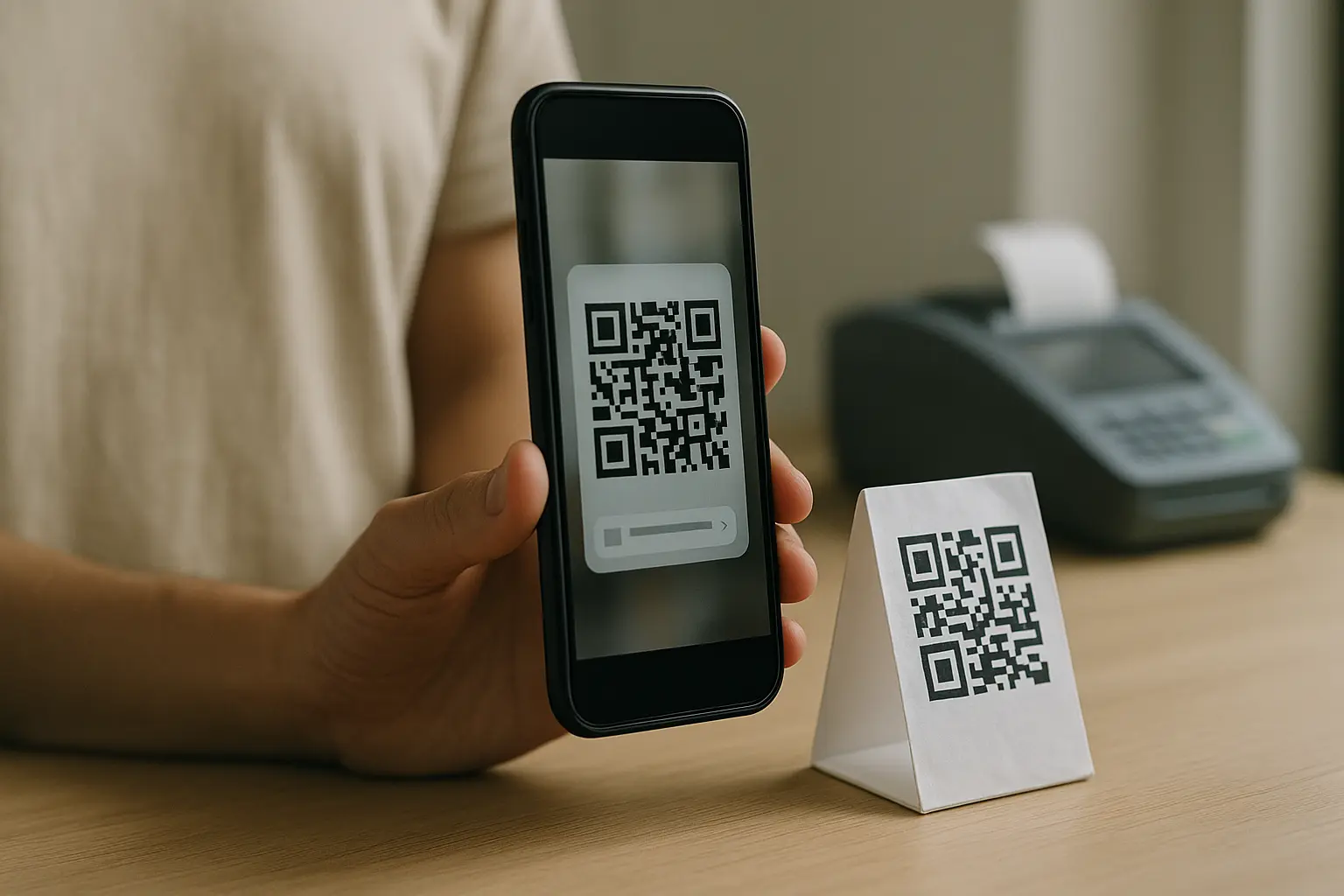
Your camera reads the text in the code and shows it: a link, a WiFi network, a phone number or a contact. Nothing opens until you tap. When you tap a link, your browser opens the page, and for a short link, the page it forwards to. Opening a page shares what any website visit shares, such as your IP address and browser, as the scan tracking test shows.
What is the FBI warning about QR codes?
The FBI has warned about QR code scams in several public service announcements and alerts. These 3 cover the scams in this post:
- January 2022, Cybercriminals Tampering with QR Codes to Steal Victim Funds: criminals cover or replace real codes to steal login and payment details, and malicious codes may also carry malware. Its advice: check the link after you scan and look for stickers on printed codes. Get apps from the app store, scan with the camera app, and type a trusted address to pay.
- July 2025, Unsolicited Packages Containing QR Codes Used to Initiate Fraud Schemes: parcels you did not order arrive, often with no sender details, with a code to scan. The code asks for personal and payment details, or leads to a download of software that steals data from the phone. Its advice: do not scan codes of unknown origin, and take care before you give a site or app permissions.
- January 2026, a FLASH alert on a North Korean hacking group emailing codes to think tanks, academic institutions and government bodies. The scan leads to a copy of a Microsoft 365, Okta or VPN login page built to steal the login.
Is there a QR code safe checker?
A checker cannot promise a site is safe, but it can show where a code goes before you go there. The free QR code decoder reads a code from a photo or a screenshot in your browser. It shows the website’s name first, then the full address, and opens nothing until you choose to.