
Blog
How to Cancel a QR Code Generator Subscription
On this page
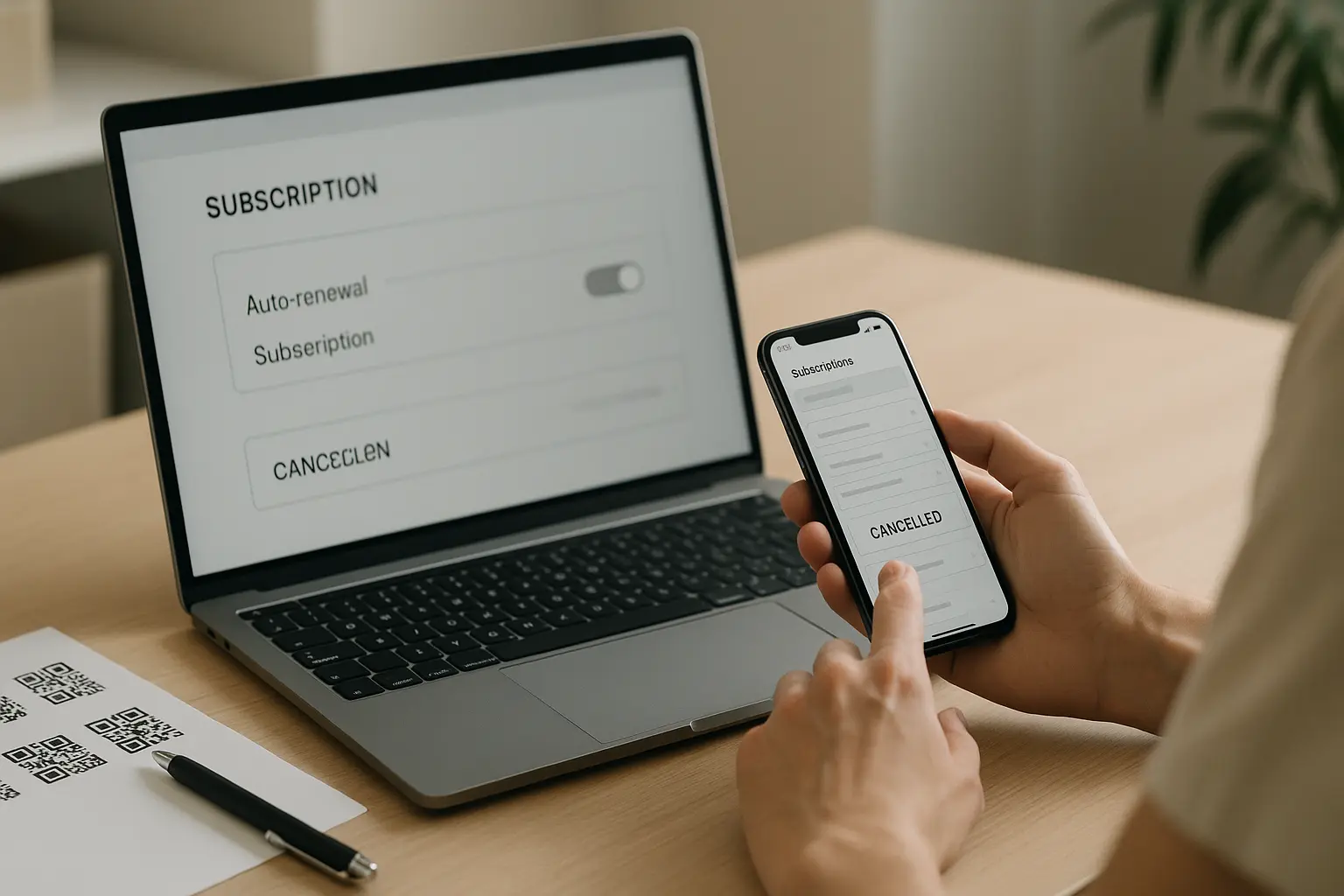
To handle how to cancel qr code generator subscription without another renewal, use this order: 1) Find the billing or subscription page, 2) Turn off auto-renewal or cancel the plan, 3) Confirm the end date and renewal status, 4) Save proof, 5) Check whether your static and dynamic QR codes will keep working. Exact screens vary by provider.
Follow a clear cancellation checklist to stop renewals, confirm the cancellation actually went through, and understand what happens to your QR codes (static vs dynamic). Most surprise charges and broken codes come from 2 gaps: canceling too close to the renewal date, or assuming dynamic QR codes behave like static ones after a plan ends.
TLDR: Cancel inside your billing or app-store subscription page, then verify the renewal is disabled and the end-of-service date is correct. Save screenshots as cancellation confirmation, and confirm whether your dynamic QR code links will deactivate so printed materials do not break.
Quick answer: cancel safely in 5 steps
- Locate your subscription controls. Open your account settings and find Billing, Subscription, Plan, or Payments.
- Stop the subscription renewal. Choose Cancel plan, Cancel subscription, or turn off auto-renewal.
- Confirm the effective end date. Look for an end-of-service date, next renewal date status, and a note that auto-renewal is off.
- Save a proof bundle. Screenshot the cancellation state, your plan status, and the billing page with a timestamp, then save the latest receipt or invoice.
- Plan for QR code behavior. Confirm what happens to each dynamic QR code and static QR code you already published, especially anything printed.
How do I cancel my QR Code Generator subscription without being charged again? Cancel from the correct billing channel (dashboard or app store), do it before the cutoff tied to your renewal date, and verify auto-renewal is disabled on the subscription page.
Most accidental renewals happen when someone closes a tab after clicking cancel but never checks the subscription status afterward. Treat cancellation as finished only when the billing page shows a clear end date and no upcoming charge.
Quick checks (run these before you close your browser):
- Locate renewal date: Find the next renewal date and your billing cycle.
- Cancel before cutoff: Do not wait until the last day if your provider has an advance notice rule.
- Verify subscription status in billing page: Confirm auto-renewal is off and the plan end date is visible.
- Save screenshots/receipts: Keep proof in case you are still charged.
- Confirm what happens to dynamic QR codes: Identify which printed assets rely on them.
- Check refund policy and timelines: Capture what your provider says about eligibility and processing.
Where to cancel: billing page vs support vs app store
Most platforms place cancellation in 1 of 3 places. The right path matters because clicking cancel in the wrong place can leave auto-renewal active.
The 3 common cancellation paths (flowchart)
Start
  |
  v
Did you pay through an app store?
  |-- Yes --> Cancel in Google Play subscriptions (or the relevant app store)
  |
  |-- No --> Did you pay on the provider website?
              |-- Yes --> Cancel in Account settings > Billing/Subscription
              |
              |-- No --> Contact support to locate the billing owner or invoice account
1) Dashboard billing or subscription page (most common)
Expect to find options like:
- Billing or Subscription under account settings
- Plan management with a cancel or turn off auto-renewal option
- Payment history, invoices, and your current renewal status
If your goal is cancel qr code generator subscription auto renewal, this is usually where the auto-renewal toggle or cancel button lives. After you act, reload the page and confirm the status changed.
2) App store billing (Google Play)
This varies by tool. If you subscribed inside an Android app, you often must cancel through Google Play subscriptions, not inside the QR code generator dashboard.
A practical sign: Your receipt shows Google as the merchant, or your payment method is managed in your Google account. In that case, canceling in-app may not stop the app store renewal.
3) Support-only cancellation (sometimes)
Some providers route cancellations through support when:
- The plan is invoice-based or enterprise-managed
- You do not see any billing controls in the dashboard
- The subscription is owned by another user in your workspace
- There is an account access issue (a locked email or an SSO change)
If support is required, ask for the effective cancellation date, confirmation of subscription renewal being disabled, and a reference number you can save.
Timing: avoid the next charge (renewal cutoffs)
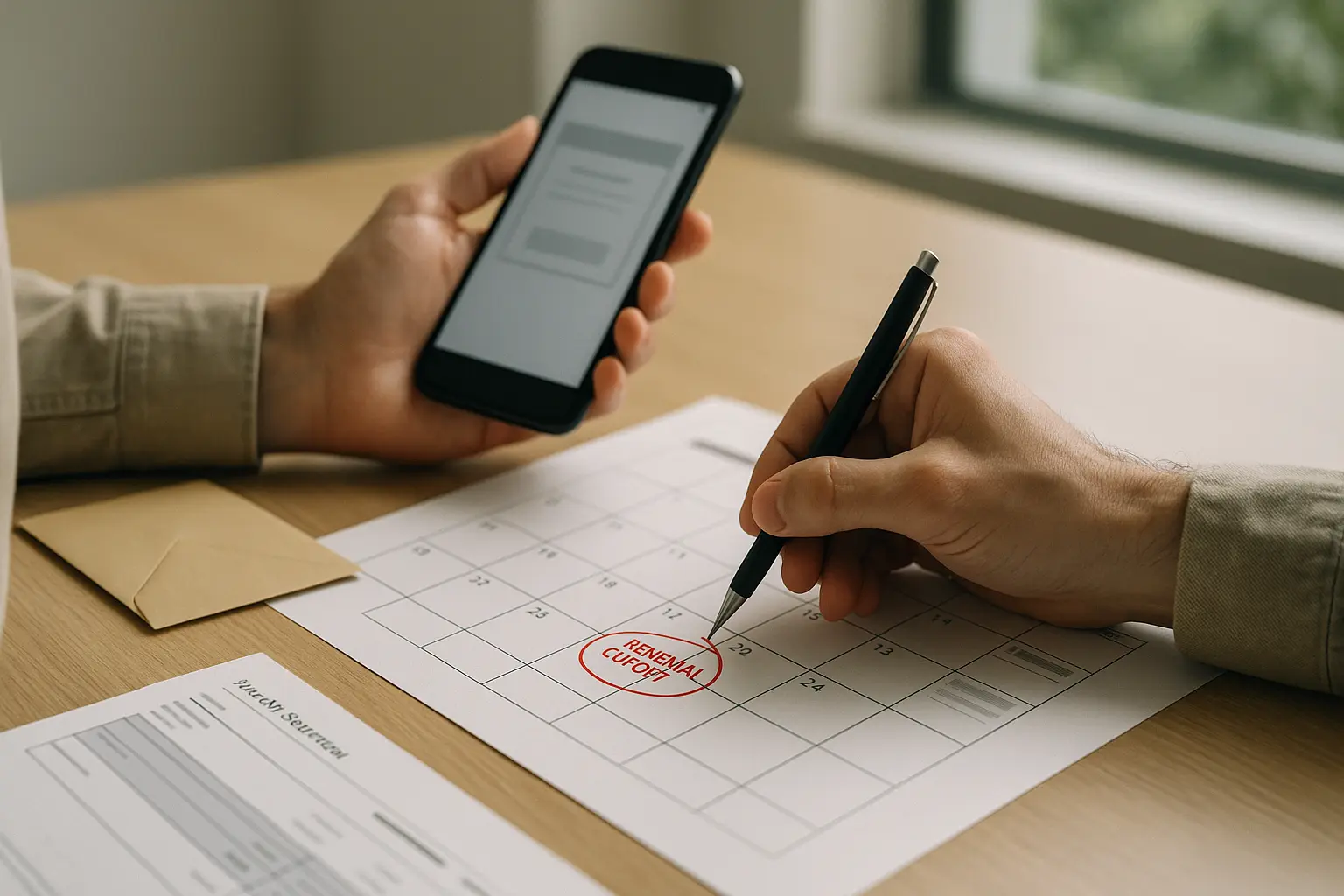
The biggest risk is canceling after your provider’s cutoff. Many systems charge automatically at renewal, based on your billing cycle and renewal date, even if you intended to cancel.
Do I need to cancel before a specific date to avoid the next charge? Yes. Most subscriptions have a cutoff tied to the renewal date, and some require advance notice, so you should cancel before the stated deadline in your billing terms.
This varies by tool. One cited policy example states a QR Code Generator PRO plan must be canceled at least one day before the renewal date to avoid charges. This varies by tool. Another cited example states QR TIGER requires 15 days advance notice for cancellation.
Cancellation cutoff examples by provider (examples only)
| Provider example (as cited) | Stated cutoff to avoid renewal | What to do |
|---|---|---|
| QR Code Generator PRO | At least 1 day before renewal date | Cancel early, then verify renewal is disabled on the billing page |
| QR TIGER | 15 days before renewal | Put a calendar reminder well ahead of renewal |
| Some providers (policy varies) | This varies by tool. Some require 7–30 days notice | Check your terms and the renewal screen inside billing |
Takeaway: Do not assume you can cancel on the renewal date and avoid a charge. Always confirm the cutoff shown in your account.
Renewal-date checklist (use this before you cancel)
- Identify the renewal date shown in billing, not the date you first signed up.
- Note the time zone used on the billing page, if shown.
- Confirm whether your billing cycle is monthly or annual.
- If you are on a free trial, find the trial end date and whether it converts automatically.
- Set a reminder that lands before the cutoff so you can cancel qr code generator subscription before renewal with time to verify.
Also treat upgrades and downgrades carefully. Some systems reset billing dates or create prorations. This varies by tool. If anything looks unclear, capture screenshots before you change the plan.
How to confirm cancellation (especially if no email is sent)
Cancellation is not fully done until you can prove your account is set not to renew.
This varies by tool. One cited QR Code Generator support article states it does not send confirmation emails for subscription cancellations and instructs users to verify the status on the billing page. That makes on-screen verification your primary signal.
How can I cancel qr code generator subscription verify cancellation if I never get an email? Verify the subscription status on the billing page, confirm auto-renewal is disabled and the end-of-service date is shown, then save screenshots and receipts as your cancellation confirmation.
What “confirmed” looks like inside billing
Look for at least 2 of these signals:
- A visible end date, end-of-service date, or access-until date
- A status like Canceled, Expiring, or Auto-renewal off
- No upcoming invoice tied to the next renewal date
- A plan state change in your subscription history, if available
Checklist graphic: proof to save after canceling
Proof Bundle (Save All)
[ ] Billing page screenshot showing: plan status + auto-renewal off + end date
[ ] Screenshot of any cancellation success message
[ ] Receipt or invoice showing: amount + date + subscription owner account
[ ] Payment method screenshot showing merchant name (helps with app store vs direct)
[ ] Note the exact time you canceled (time zone if shown)
Example checklist: confirming cancellation when no email exists
Hypothetical example:
- Step 1: You cancel the plan and see a brief “Your subscription is canceled” message.
- Step 2: You open Billing again and confirm the plan shows “Active until [date]” and “Auto-renewal: Off”.
- Step 3: You screenshot the billing page and the plan status, then save the last invoice PDF.
- Step 4: You check again the next day to confirm no status reverted and no new invoice appeared.
If any key detail is missing, treat the cancellation as unverified and re-check the billing page or contact support.
What happens to your QR codes after you cancel
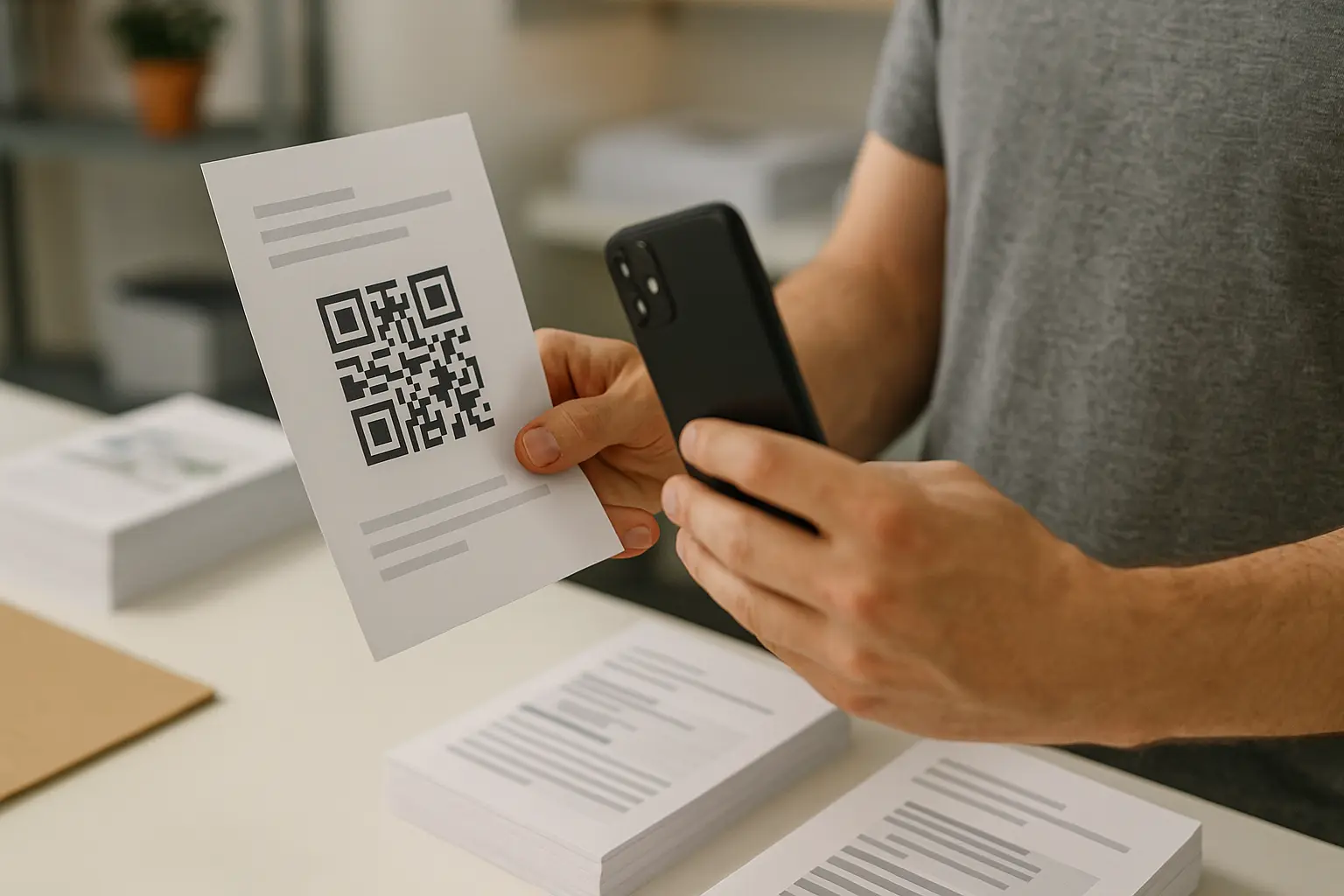
The difference between static and dynamic matters most when you have printed materials in the real world.
What happens to my dynamic QR codes after I cancel my subscription? This varies by tool. Many providers can deactivate dynamic QR code destinations after cancellation or a downgrade, while static QR codes are often designed to keep working because the data is encoded in the image itself.
This varies by tool. One cited support statement says static QR codes remain active permanently even after a free trial or paid subscription ends. Do not treat that as universal without checking your provider’s help text.
After-cancellation outcomes: static vs dynamic QR codes
| QR type | What typically happens after cancellation | Risk level for printed assets | What to verify |
|---|---|---|---|
| Static QR code | Often continues to work because the content is encoded in the code | Lower | Confirm the provider’s statement on expiration for static codes |
| Dynamic QR code | This varies by tool. May stop resolving or redirecting if the hosted link is disabled | Higher | Confirm whether deactivation happens at cancel time, end date, or downgrade |
Takeaway: If anything important is printed, assume a dynamic QR code could break until you verify your provider’s behavior.
Why dynamic codes are risky for print
A dynamic QR code often relies on a hosted redirect or management layer. If access to that layer ends, scans may fail or stop redirecting. This varies by tool. Dynamic QR codes may stop working immediately after cancellation or downgrade, so confirm your provider’s behavior before you cancel.
Mitigation checklist (before you cancel)
- Inventory where each QR code is used, especially printed packaging, signage, menus, and mailers.
- Separate static QR codes from dynamic QR codes in your list.
- Decide which destinations must remain editable, and which can be fixed.
- If your provider allows it, export code assets and keep destination records.
- Create a plan to replace printed materials if any dynamic QR code will deactivate.
Example scenario: printed campaign using a dynamic QR code (safe cancellation plan)
Hypothetical example:
- A retail flyer includes a dynamic QR code that redirects to a limited-time landing page.
- Before canceling, you confirm whether the dynamic code will continue to resolve after the end-of-service date.
- If it will not, you update the flyer workflow: either replace the printed QR with a static QR code pointing directly to the final URL, or schedule reprints before cancellation becomes effective.
- You also save the QR image files and destination mapping so you can rebuild the same experience elsewhere if needed.
Refunds: what to check and what timelines to expect
Refunds depend on the provider’s refund policy, when you canceled, and how you paid.
Can I get a refund if I cancel my subscription before the year is over? This varies by tool. Some providers offer refunds only under specific eligibility rules, while others treat cancellations as stopping future renewals without refunding unused time, so you need to check the refund policy for your plan and billing channel.
What to check in a refund policy (provider-specific)
- Whether refunds are offered for annual plans, monthly plans, or both
- Whether you must request a refund within a certain window
- Whether charges made via app stores are handled by the store
- Whether downgrades affect eligibility
- Whether usage, scans, or account activity changes eligibility (tool-dependent)
If you are trying to cancel qr code generator subscription get refund, avoid assumptions. Read the policy shown in your billing portal or help center and match it to your invoice date and cancellation timestamp.
Processing timelines (when stated)
This varies by tool. One cited provider documentation example states eligible refunds are typically processed within 5–7 business days. Your provider may state a different window, and payment rails can add extra time.
What to gather before requesting a refund
- Invoice or receipt (amount, date, and subscription ID if shown)
- Renewal date and billing cycle details
- Screenshot proof that auto-renewal was disabled
- Notes on why you are requesting a refund (brief and factual)
- If applicable, evidence you canceled before the stated cutoff
If you paid through Google Play subscriptions, the refund and cancellation workflow may be controlled by Google rather than the QR tool.
Alternatives to canceling: downgrade, pause, or reactivate
If you have active campaigns or printed materials, a full cancellation can be riskier than changing to a lower tier.
Can I reactivate my subscription after cancellation? This varies by tool. Many subscription systems allow you to reactivate from the billing page or by resubscribing, but you should confirm whether reactivation restores the same dynamic QR code behavior and analytics.
When downgrade is safer than canceling
A downgrade can reduce cost while keeping access to features that keep dynamic QR codes resolving. This matters if:
- You cannot replace printed materials quickly
- You still need redirects or destination edits
- You need access long enough to transition away safely
This varies by tool. One cited pricing note says The QR Code Generator allows users to downgrade after the first contract period. That is an example of a tool-specific constraint you should confirm in your own account.
If you are looking to cancel qr code generator subscription downgrade plan, check whether downgrading turns off dynamic features, removes custom domains, or changes QR behavior. Downgrades can still affect dynamic QR codes.
Pause or suspend (if offered)
Some providers offer a pause, suspend, or temporary stop. Availability varies. If you see it, confirm:
- Whether QR codes keep resolving during the pause
- Whether billing stops immediately or at the next renewal date
- Whether reactivation is self-serve
Delete account vs cancel (and data retention)
Canceling a plan is not always the same as deleting your account. If you are trying to cancel qr code generator subscription delete account, confirm whether the platform separates:
- Billing cancellation (stops auto-renewal)
- Account deletion (removes access and may remove data)
This varies by tool. One cited terms example states QR TIGER retains customer data for a maximum of one year after subscription expiration, after which it may be permanently removed. It is one provider’s retention example; other tools set their own terms.
Use cancellation when you mainly want to stop charges. Consider account deletion only if you understand how it affects data access, QR management, and recovery.
If you were still charged after canceling
If you are billed after canceling, act quickly and collect clean documentation. Many disputes fail because the timeline is unclear.
What should I do if my cancellation request was not processed and I was still charged? Re-check the billing page to confirm the cancellation effective date and renewal status, gather screenshots and receipts, then contact support or the billing channel you used (including app stores) with a clear timeline and proof.
If you are searching for cancel qr code generator subscription still charged, start with these checks.
First, double-check what actually happened
- Confirm you canceled the correct account (work email vs personal email).
- Confirm you canceled the correct plan (some accounts have multiple subscriptions).
- Confirm the cancellation effective date. Some cancellations stop the next renewal but keep service until the end of the billing cycle.
- If you used Google Play subscriptions, confirm the status in Google Play, not only in-app.
Troubleshooting decision tree (charges and broken QR codes)
Problem: I was charged after canceling
  |
  v
Did I cancel via the same channel I paid through (dashboard vs Google Play)?
  |-- No --> Cancel in the correct channel, then request help with the unexpected charge
  |
  |-- Yes
        |
        v
Does billing show auto-renewal OFF with an end date BEFORE the charge date?
  |-- No --> Treat as not canceled, repeat cancellation steps, capture screenshots, contact support
  |
  |-- Yes --> Gather proof and dispute the charge with provider billing support (or app store support)

Problem: My QR code stopped working after cancellation
  |
  v
Is it a dynamic QR code?
  |-- Yes --> This varies by tool. Check if your plan downgrade/cancel deactivated redirects
  |           Then decide: reactivate temporarily, replace printed materials, or switch to static
  |
  |-- No --> Re-test with multiple scanners, confirm the destination URL still works, and check print quality
Evidence to gather (before you contact anyone)
- Billing page screenshot showing current status and end date
- Receipt for the charge that happened after cancellation
- Timestamped screenshots from the day you canceled
- Any emails or in-app messages related to cancellation
- Notes on your renewal date and the provider’s stated cutoff
Contact path
- Contact provider support and reference their cancellation and refund policy language.
- If you paid through an app store, use the app store support path for billing issues.
- Keep messages factual: dates, amounts, and screenshots.
Consumer-protection context (what ‘click to cancel’ aims to change)
Subscription cancellation rules are getting more attention because recurring billing problems are common. The FTC reported receiving nearly 70 consumer complaints per day on average in 2024 about negative option and recurring subscription practices, up from 42 per day in 2021.
FTC Click-to-Cancel rule (informational)
The FTC Click-to-Cancel rule is described as requiring cancellation to be as easy as signup, with an effective date stated as January 14, 2025 in the cited summary. This is not legal advice, but the practical expectation is clearer: if signup was a few clicks, cancellation should not require extra hurdles.
California Automatic Renewal Law (informational)
California’s updated Automatic Renewal Law is noted as effective July 1, 2025 and includes annual reminders to subscribers with charge details and cancellation means. It sets the context; each provider’s own process still decides what you see.
Practical takeaway for buyers
- Keep your own cancellation proof, even if laws require simpler flows.
- Prefer cancellation paths that show an immediate status change on the billing page.
- Treat renewal cutoffs and dynamic QR code behavior as items to verify, not assumptions.
FAQ
How do I cancel a QR code generator subscription without being charged again? Cancel through the same channel you paid through, do it before the renewal cutoff, and verify auto-renewal is off with an end-of-service date shown on the billing page.
A safe pattern is: cancel early, reload billing, screenshot the canceled state, then re-check the next day to ensure nothing reverted.
What happens to my dynamic QR codes after I cancel my subscription? This varies by tool. Dynamic QR codes may stop redirecting after cancellation or downgrade, which can break printed materials.
Before canceling, identify which printed assets rely on a dynamic QR code and confirm the provider’s post-cancellation behavior for those codes.
Can I get a refund if I cancel my subscription before the year is over? This varies by tool and depends on the refund policy, your billing cycle, and when you requested the refund.
Collect your invoice, cancellation proof, and renewal date details first so your request is easy to evaluate.
Can I reactivate or downgrade instead of canceling? This varies by tool. Many platforms let you reactivate, and some allow a downgrade after certain contract conditions.
Use downgrade when you need QR codes to keep working during a transition, and use full cancellation when you are sure post-cancel QR behavior will not break anything.
How do I know cancellation was successful? Confirm the billing page shows auto-renewal disabled and a clear end-of-service date, then save screenshots as cancellation confirmation.
If your provider does not send emails, the billing page status plus your saved proof is your best record.