How to Make a QR Code for My YouTube Channel
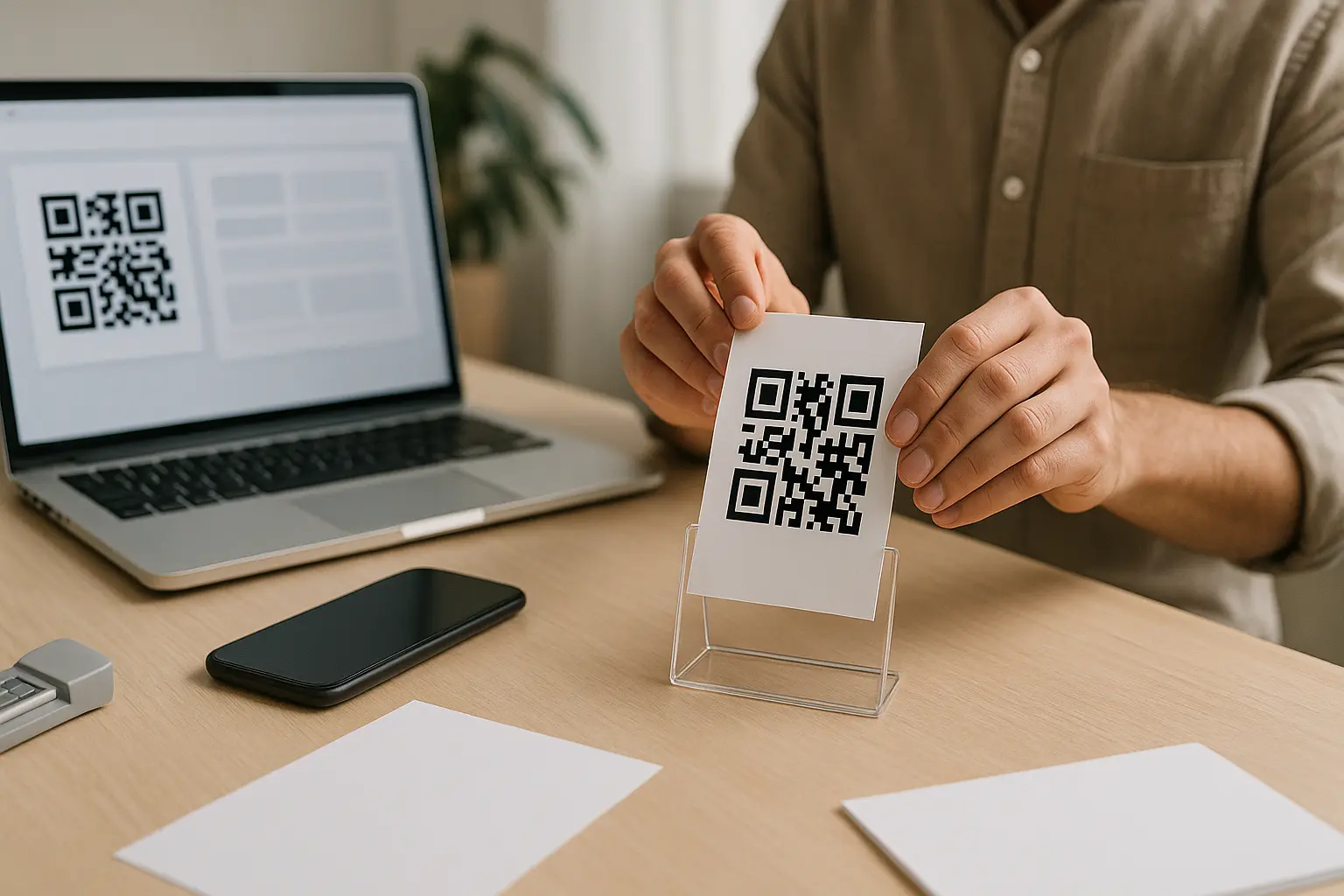
To answer how to make a qr code for my youtube channel, you have two fast options: generate one inside the YouTube mobile app, or copy your channel URL and turn it into a QR code with a QR generator. The key is choosing the right link (channel, video, playlist, or subscribe prompt) and then exporting and printing it so it scans reliably.
You can make a QR code for your YouTube channel in minutes, but most scan failures happen later because of the wrong link, the wrong file format, or printing it too small. A YouTube channel QR code is a 2D matrix barcode that smartphone cameras can read to open a destination like your channel page or a specific video.
TLDR: Use the YouTube app if you just need a quick, static code to share. Use a URL-based QR if you need a subscribe prompt, different destinations (channel, video, playlist), vector downloads for print, or the option of scan analytics with a dynamic QR code.
- Copy the right YouTube destination link (channel URL, video, playlist, or subscribe-confirmation link).
- Choose a creation method: YouTube in-app QR or a URL-based QR generator.
- Decide static QR code vs dynamic QR code if your tool offers both.
- Customize carefully (high contrast, keep finder patterns clear, pick error correction level
QorHif branding is heavy). - Download the right file type:
SVGorPDFfor print,PNGfor digital. - Size it for distance and keep a clean quiet zone around it.
- Test on both iOS and Android in real lighting before you publish or print.
TL;DR: Make a YouTube channel QR code in 2 ways
Here is a simple decision tree to pick the fastest path:
- Need a quick code with minimal setup: Use Method 1 (YouTube in-app QR).
- Need a specific link (channel, video, playlist) or better print exports: Use Method 2 (URL-based QR).
- Want a subscribe prompt on scan: Use the subscribe-confirmation link option with
?sub_confirmation=1. - Printing or posting publicly: Export
SVG/PDF, size for distance, keep a quiet zone, and test on iOS plus Android.
When people ask how to make a qr code for my youtube channel, the biggest choice is whether you are fine with a simple static code, or whether you need a URL-based QR you can export cleanly and potentially track (this varies by tool).
Step 1: Get the correct YouTube channel link

A QR code is only as reliable as the destination it encodes, so start by copying a stable channel URL. In practice you will see two common formats, and both can work:
- Handle URL (youtube.com/@…) Example format:
youtube.com/@YourHandle - Channel ID URL (youtube.com/channel/UC…) Example format:
youtube.com/channel/UCExampleChannelId
If you are trying to match searches like youtube channel qr code handle url, you are usually deciding which of those two to encode. Handles are simpler to read, while the channel ID URL is more “fixed” in structure.
Where to find it in YouTube Studio
This varies by tool and interface, but you can typically find your channel identifiers in YouTube Studio under settings, including areas labeled like Advanced Settings. Look for a place where your channel URL, handle, or channel ID is shown so you can copy it accurately.
When to use a video or playlist link instead
Use a non-channel link if you want the scan to land on a specific action right away:
- Specific video link: Best for posters promoting one video.
- Playlist link: Best for events or courses where you want people to keep watching.
- Channel link: Best for business cards, booths, and general promotion.
Method 1: Create a QR code in the YouTube mobile app
If you want a youtube channel qr code in app, YouTube can generate one directly from the mobile app (this varies by tool and UI, and labels can change).
Can I create a QR code directly in the YouTube app without a third-party generator? Yes. This varies by tool and UI, but the YouTube mobile app commonly offers a channel QR code option under Share for your channel.
You typically get a ready-to-scan QR code with channel branding, but you usually do not get advanced export formats or scan analytics.
Steps (YouTube app native QR)
- Open the YouTube mobile app.
- Go to Your Channel page.
- Tap Share Channel.
- Select QR Code (or a similar option).
- Save it to your device, or take a screenshot if saving is not offered.
- Test-scan it with your phone camera before sharing it widely.
What you get and what you do not
- Usually static: The QR code points to a fixed destination and is not meant to be edited later.
- Limited customization: You may not be able to change colors, add a logo, or set error correction level.
- No tracking: You generally will not get scan analytics from the in-app QR alone (this varies by tool).
Method 2: Turn your channel (or video) URL into a QR code
A URL-based workflow is simple: you paste your channel URL, video link, or playlist link into a QR generator and export the QR code in the file format you need.
What’s the difference between YouTube’s native QR code and one made with an external generator? The in-app code is usually quick and fixed, while a URL-based QR often gives you more control over design, download formats, and sometimes dynamic redirects and scan analytics (this varies by tool).
Steps (URL-based QR creation)
- Copy your destination link (channel URL, video, or playlist).
- Open a QR generator that supports URL QR codes.
- Paste the link and generate the QR code preview.
- Choose static QR code or dynamic QR code if the tool offers both.
- Customize cautiously (contrast first, then branding).
- Download in the format that matches your use case (print vs digital).
- Test on multiple devices before distributing.
Static vs dynamic choice at this stage
This is where many “print it once, regret it later” issues come from. If you might change the destination after printing, you are usually looking for dynamic. If you want the simplest long-term behavior, static is safer.
Optional: Make a “Scan to Subscribe” QR code
If your goal is subscriptions, you can encode a link that shows a subscription confirmation prompt after the scan. This is the youtube channel qr code subscribe link approach.
How do I create a QR code that triggers the Subscribe pop-up when scanned? Append ?sub_confirmation=1 to your YouTube channel URL, then generate a QR code from that full link using a URL-based QR method.
A common format looks like this (example pattern, not a clickable link):
youtube.com/@YourHandle?sub_confirmation=1
Or using a channel ID URL:youtube.com/channel/UCExampleChannelId?sub_confirmation=1
Steps (Subscribe-confirmation QR)
- Copy your channel link (handle URL or channel ID URL).
- Add
?sub_confirmation=1to the end of the link. - Paste that full link into your QR generator.
- Generate the QR code and preview the destination.
- Export the QR code in the file format you need.
- Test-scan to confirm you see the subscribe confirmation flow.
What users see after scanning
This varies by device and YouTube state (signed in or not), but the intent is that YouTube opens and shows a subscription confirmation prompt tied to your channel.
Where it fits best
- Events and booths where people are ready to subscribe.
- Business cards where you want one clear action.
- Signage near a stage or display where a quick subscribe is the goal.
Static vs dynamic YouTube QR codes (and whether they can ‘expire’)
A YouTube QR code can be either static or dynamic depending on how you created it. If you are searching youtube channel qr code static vs dynamic, here is the practical difference that matters after you print.
Do QR codes for YouTube expire? Static QR codes generally do not expire because they store the destination URL directly. This varies by tool, but dynamic QR codes can stop working if the redirect service, trial, or subscription ends.
Static means the QR code is the link. Dynamic means the QR code points to a redirect, and the redirect points to your YouTube destination.
Static vs dynamic comparison
| Type | Editable After Printing | Trackable (Scan Analytics) | Risk Of Stopping Later |
|---|---|---|---|
| static QR code | No | No | Low |
| dynamic QR code | Yes, via redirect | Yes, this varies by tool | Higher, depends on provider status |
Takeaway: If you must be able to change the destination later or want scan analytics, dynamic is the usual path, but it introduces provider dependency.
Can I track how many people scan my YouTube QR code? This varies by tool, but tracking typically requires a dynamic QR code or a tracked redirect that can record scan analytics such as device type, time, and general location.
Customize your YouTube QR code without breaking it
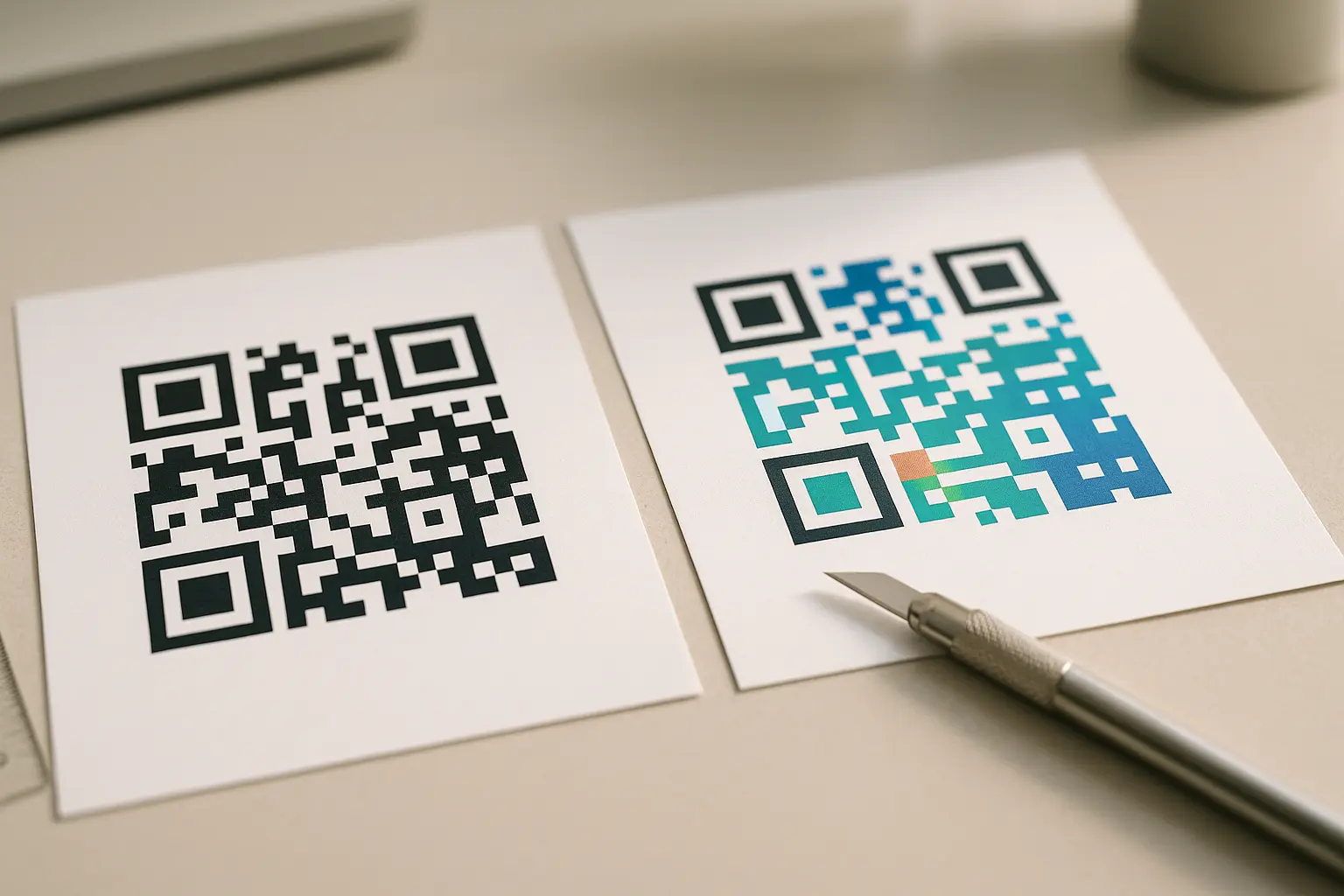
Design changes are where QR codes often fail, especially in print. If you are looking for youtube channel qr code color contrast tips, start with contrast and structural safety.
Can I customize a QR code with my brand colors and logo without breaking it? Yes, if you keep strong contrast, avoid touching the finder patterns, and use a higher error correction level like Q or H when the design is more aggressive.
A QR code includes structural elements scanners rely on:
- Finder patterns: The three large corner squares that help detection and orientation.
- Modules: The tiny squares that store data.
- Quiet zone: The blank border around the code so it stands out.
Error correction matters for branding. QR codes use Reed-Solomon error correction, and standard error correction levels are L, M, Q, and H. Those correspond to increasing tolerance for damage or obstruction, with Q and H commonly chosen when you add logos or stylized designs.
Annotated diagram (quiet zone and finder patterns)
Quiet zone (blank border) on all sides
┌──────────────────────────────┐
│                              │
│  ■■■■■        Data modules    │
│  ■   ■   (do not crowd)   ■■■│
│  ■■■■■                    ■  │
│           ■■■■■               │
│           ■   ■               │
│  ■■■■■    ■■■■■               │
│  ■   ■                        │
│  ■■■■■                        │
│                              │
└──────────────────────────────┘
^ Finder patterns (3 corners)     ^ Keep clear
Rules that keep it scannable
- Use dark code on a light background. Avoid light-on-light.
- Do not place text or graphics over the finder patterns.
- Keep the quiet zone clear. Do not box the code tightly with borders or patterns.
- Put labels and frames near the code, not inside it.
Download the right file type (SVG/PDF vs PNG) for where you’ll use it
If you plan to print, your export format matters as much as your design. If you are searching youtube channel qr code svg pdf download, the short version is: vector for print, raster for screens.
What file format should I download my QR code in for printing? This varies by tool, but SVG or PDF are usually best for print because they scale without pixelation.
Best format by use case
| Use Case | Best Download Type | Why |
|---|---|---|
| Posters, flyers, banners | SVG or PDF | Vector stays sharp when scaled |
| Business cards | SVG or PDF (preferred) | Cleaner edges at small sizes |
| On-screen overlays, slides | PNG | Works well on screens |
| Social posts and thumbnails | PNG | Easy to place into graphics |
Takeaway: Use SVG or PDF whenever you might resize for print. Use PNG when it stays digital.
Common quality pitfalls to avoid
- Do not export a tiny
PNGand scale it up for print. - Do not compress the QR image so hard that module edges blur.
- Do not let design software add effects like shadows that reduce edge clarity.
Print and placement rules: size, quiet zone, and scanning distance
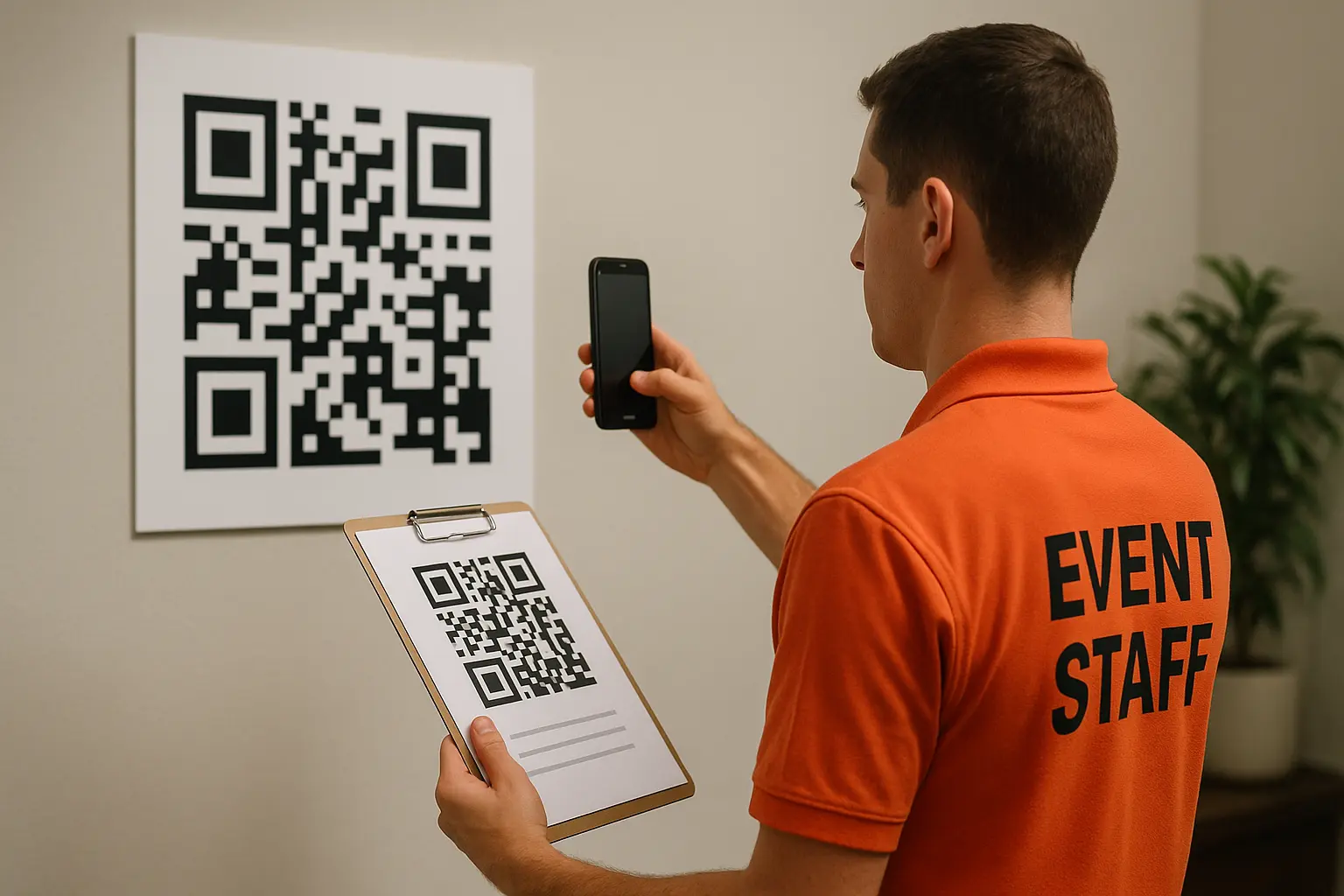
If you want a code that scans in the real world, treat print and placement as part of the build. This section covers youtube channel qr code size quiet zone choices that prevent most failures.
How large should my YouTube channel QR code be? Larger is generally easier to scan, and you should size it to the intended distance. A common rule of thumb is that for every 10 centimeters of scanning distance, increase the QR code size by about 1 centimeter in width and height.
Quiet zone requirement
The quiet zone is the blank border around the code. It should be at least one module wide on all sides to avoid interference with scanner recognition.
Placement tips
- Avoid wrapping QR codes across folds or curved surfaces.
- Avoid moving surfaces where the camera cannot focus easily.
- Avoid awkward heights where people cannot comfortably aim a camera.
Print and display checklist table
| Check | What To Look For |
|---|---|
| Size matches distance | Use the 10 cm distance to +1 cm code rule |
| Quiet zone is visible | Keep a clean blank border around the code |
| Contrast is high | Dark code on light background |
| Surface is stable | Avoid curved, glossy, or moving placements |
| File format fits use | SVG/PDF for print, PNG for digital |
| Cross-device test | Confirm scans on iOS and Android |
Takeaway: Treat size, quiet zone, contrast, and testing as one package. Fixing only one often is not enough.
Test before you publish (and troubleshoot if it won’t scan)
A QR code can look fine and still fail in real conditions. If you are focused on youtube channel qr code test on iphone android, build testing into your workflow before printing a batch.
Does the QR open the correct channel/video on both iOS and Android? It should, but you need to verify because camera behavior, browser handoff, and YouTube app handling can differ between iOS and Android.
Steps (Testing checklist)
- Scan with at least one iOS device and one Android device.
- Test under the same lighting where it will be used (indoor, outdoor, stage lights).
- Test from the intended distance, not from a few inches away.
- Confirm the destination is correct (channel, video, playlist, or subscribe link).
- If dynamic, confirm the redirect still resolves properly (this varies by tool).
Quick checks
- Does the QR open the correct channel or video on both iOS and Android?
- Is there a visible quiet zone around the code?
- Is contrast high (dark code on light background)?
- Is the code large enough for the intended scanning distance?
- If dynamic: Is the redirect still active (trial, subscription, provider status)?
Troubleshooting by failure cause
- Too dense to scan: Use a shorter destination link when possible, or avoid adding extra tracking parameters that lengthen it. Dense codes can also happen with heavy styling.
- Low contrast: Switch to a darker code and a lighter background. Avoid gradients behind the modules.
- Printed too small: Increase physical size and re-export as
SVGorPDFfor crisp edges. - Destination is broken: Re-copy the channel URL and verify the handle URL or channel ID URL is correct.
- Connectivity issues: Test in the same environment. Poor signal can look like a QR failure even when the code is fine.
Safety note: QR codes can be swapped or hijacked in public
If you are posting codes in public, think about both the scanner and the viewer. A public QR can be physically replaced by a sticker that leads somewhere else, including phishing pages. This section addresses youtube channel qr code security phishing check basics.
Is it safe to share my YouTube channel QR code publicly? It can be, but treat public codes as tamperable. You should get in the habit of checking the URL preview before opening, and you should inspect posted codes for sticker overlays or other tampering.
Practical safety habits
- Check the URL preview shown by your camera before tapping through.
- Avoid scanning codes that look like they were placed over another code.
- For your own placements, periodically inspect for sticker replacement, especially on public surfaces like poles, kiosks, or shared bulletin boards.
FAQ
What’s the difference between YouTube’s native QR code and one made with an external generator? YouTube’s in-app QR is typically fast and static with limited customization, while a URL-based QR usually gives better control over file formats and design, and may support dynamic redirects and scan analytics (this varies by tool).
Can I track how many people scan my YouTube QR code? This varies by tool, but you generally need a dynamic QR code or a tracked redirect to get scan analytics. A static QR code that embeds the channel URL directly does not report scans by itself.
Do YouTube QR codes expire? Static QR codes generally keep working as long as the destination link works. This varies by tool, but dynamic QR codes can stop working if the redirect provider disables the link due to trial or subscription changes.
What should I include as text next to my YouTube channel QR code? Keep it short, action-based, and specific to the destination. Example options: Scan to Subscribe, Watch Now, Visit Our Channel, Or Scan For Videos. If space allows, add a hint like Open Camera And Point Here so people know it is a QR code.