
How Long Do QR Codes Last?
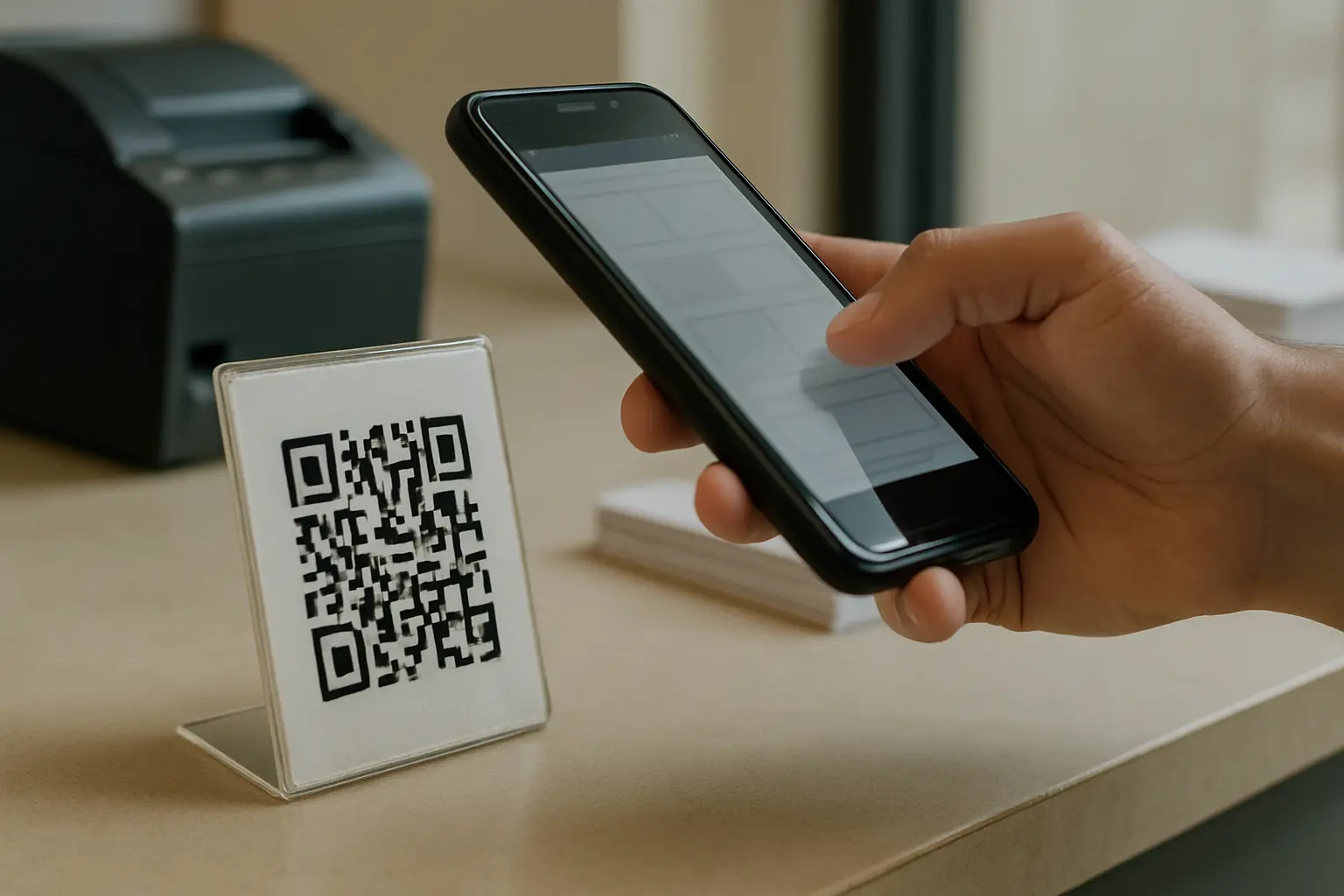
If you are wondering how long do qr codes last, the QR pattern itself does not have a built-in expiration date. A QR code can keep working as long as it stays scannable and whatever it points to still works. In real life, failures usually come from physical damage, broken links, or expired dynamic plans.
QR code longevity is easier to think about when you separate the printed symbol from the destination it opens. A QR code is a 2D matrix barcode made of tiny squares (called modules), and scanning depends on both the condition of that pattern and what happens after your phone decodes it.
TLDR: QR codes do not technically expire, but they can stop working when the print becomes unreadable, the destination URL changes or disappears, or a dynamic QR service plan ends. Treat lifespan as three separate parts: the printed code, the destination, and the platform behind any redirects.
Do QR codes expire? (The direct answer)
Do QR codes themselves have an expiration date? No. The QR symbol has no built-in timer, so it does not expire on its own if the printed pattern remains intact and readable.
What people call expiration is usually one of these situations:
- The code cannot be read anymore (damage, low contrast, glare/reflective surfaces, poor print).
- The code still scans, but the destination is gone or changed (link rot, moved pages, domain expiration).
- The code is dynamic and depends on a redirect server that stops resolving (for example, a subscription ends or a provider shuts down).
Can qr codes expire over time? The pattern does not expire over time, but time increases the chance of physical wear, fading, or changes to the destination or service that the QR code relies on.
A quick way to keep the terms straight:
- Code expiration: Not a QR feature.
- Destination expiration: The page, file, or app link can be removed or moved.
- Plan or platform expiration: A dynamic QR can stop resolving if its redirect service stops working.
What determines how long a QR code lasts
A useful mental model for QR code longevity is three independent lifespans. If any one fails, the QR experience fails.
1) Printed symbol lifespan (can it be scanned?)
This is about the physical QR pattern or displayed graphic. Print quality, contrast, quiet zone (margin), scratches, creases, water damage, and lighting can all decide whether a camera can decode the modules.
2) Destination lifespan (does the decoded data still work?)
Many QR codes decode into a URL. Even if scanning works, the destination can break due to link rot, site restructures, deleted pages, or domain expiration.
3) Dynamic platform lifespan (does the redirect still resolve?)
A dynamic QR code typically encodes a URL that leads to a redirect server, which then forwards to your real destination. That extra hop adds flexibility, but it also adds dependency on the platform and its plan status.
This three-part model also helps with blame. If a QR stopped working, the fix depends on which lifespan failed, not on the QR code format alone.
Static vs dynamic QR codes: longevity differences that matter
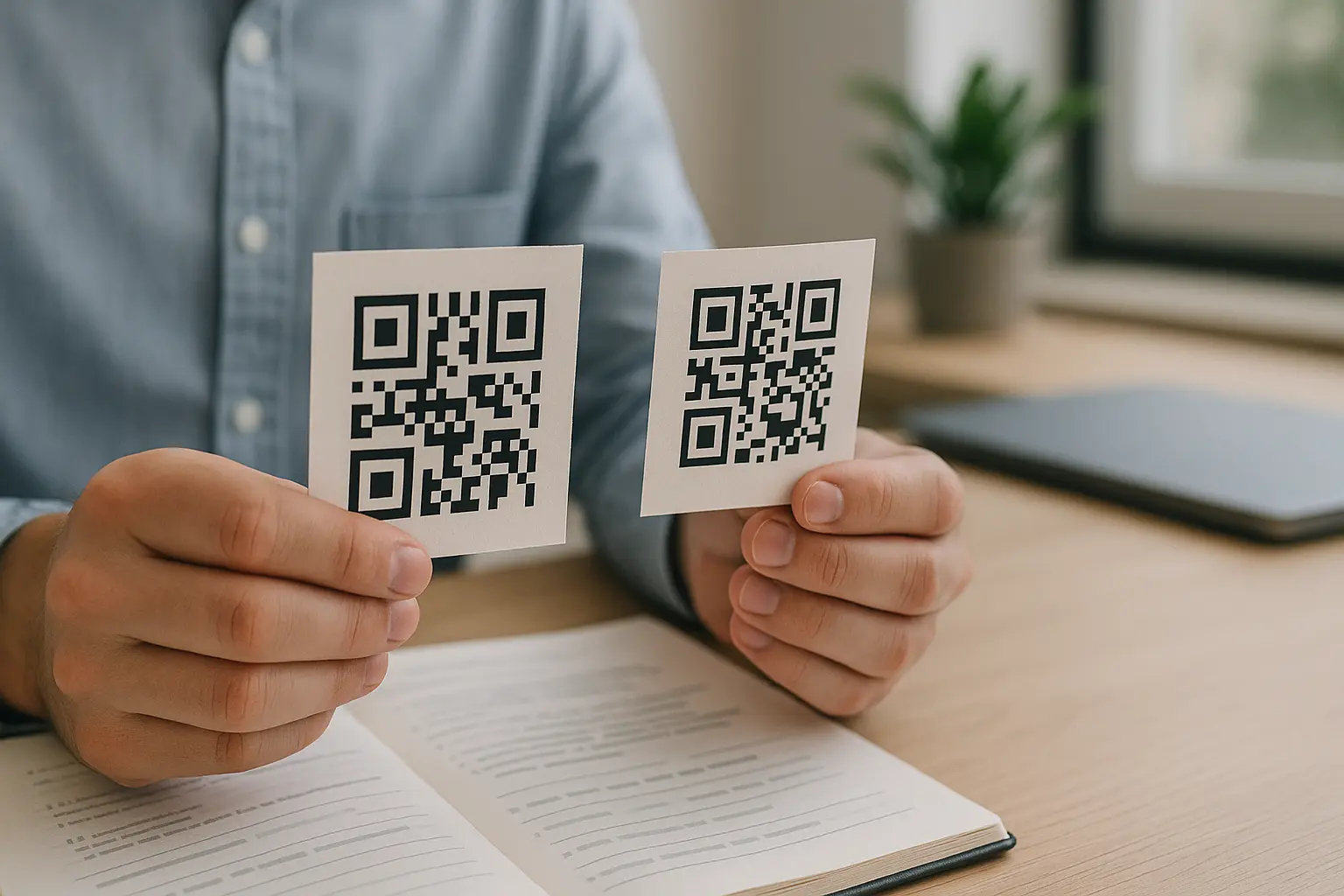
What’s the difference between static and dynamic QR codes in terms of longevity? A static QR code permanently embeds its data (like a URL) into the code, so it cannot be edited later. A dynamic QR code usually points to a redirect server, so the final destination can be updated without reprinting, but it depends on the redirect platform staying active.
Static QR code (embedded data, no edits after creation)
A static QR code stores the destination directly in the symbol. That means:
- If the destination URL changes, the QR will still scan but will open the old URL.
- If the old URL breaks, the QR effectively fails even if it looks perfect.
- Fixing a static destination mistake often means reprinting or changing the destination to match what is encoded.
Dynamic QR code (redirect-based, editable destination)
A dynamic QR code usually encodes a short link that routes through a redirect server. That means:
- You can often change where it redirects without changing the printed QR.
- The QR’s usefulness depends on the redirect continuing to work.
What happens when a dynamic QR code subscription expires? This varies by tool. When a plan ends, the redirect may stop resolving correctly, which can make scans fail or lead to a deactivation page until the plan is renewed or the code is replaced.
When to choose each for longevity needs
Choose based on what you expect to change:
- Static: Best when the encoded data will stay stable and you control the destination long term.
- Dynamic: Best when you expect to update destinations, run time-bound campaigns, or need to fix destinations without reprinting.
Static vs dynamic QR codes table
| Type | Can Edit After Printing? | What Can Expire? | Common Failure Causes | What To Do When It Breaks |
|---|---|---|---|---|
| Static | No | The destination can fail | Link rot, moved/deleted page, domain expiration, print damage | Restore the original destination, add redirects on your site, or reprint a new QR |
| Dynamic | Often yes (via platform) | This varies by tool. The plan, redirect, or provider can fail | Subscription ends, provider shutdown, redirect misconfiguration, print damage | This varies by tool. Renew, reconfigure redirect, or replace with a new QR |
Takeaway: Static codes depend more on destination permanence, while dynamic codes depend more on platform continuity.
Physical lifespan: how long printed QR codes stay scannable
How long can I expect printed QR codes to remain scannable? It depends on where they live and how they are produced and handled. A well-printed code placed indoors and protected from wear can remain scannable for a long time, while a code that gets scratched, soaked, or creased can fail quickly.
This section focuses on how long do printed qr codes last in practical terms: they last until scanners cannot reliably decode the pattern.
Common print and handling problems that shorten lifespan
How does physical damage affect QR code readability? Physical damage removes or distorts modules, and enough distortion prevents a phone from decoding the symbol. Even when error correction can recover some damage, severe smears, creases through dense areas, or missing quiet zones can cause scan failures.
Common issues include:
- Scratches and abrasion on labels and laminated prints.
- Creases and folds on menus, flyers, and tickets.
- Water damage causing ink bleed or paper warping.
- Print defects such as banding, low ink, or muddy edges that merge modules.
- Dirt, grease, and fingerprints on frequently handled items.
Material and surface effects (including glare)
Scans can fail even when the code is not damaged if the camera cannot capture a clean image:
- Glossy coatings and glare/reflective surfaces can wash out contrast.
- Curved surfaces can distort the square geometry a scanner expects.
- Textured materials can break up module edges.
Example scenario: Menu QR breaks after a URL change
A restaurant prints a menu QR that works for months. Later, the website reorganizes pages and the exact URL in the static QR changes. The QR still scans, but customers start seeing errors because the old page is gone. The printed code did not fail physically, but the destination lifespan ended.
Outdoor lifespan: UV fading, weather, and protection
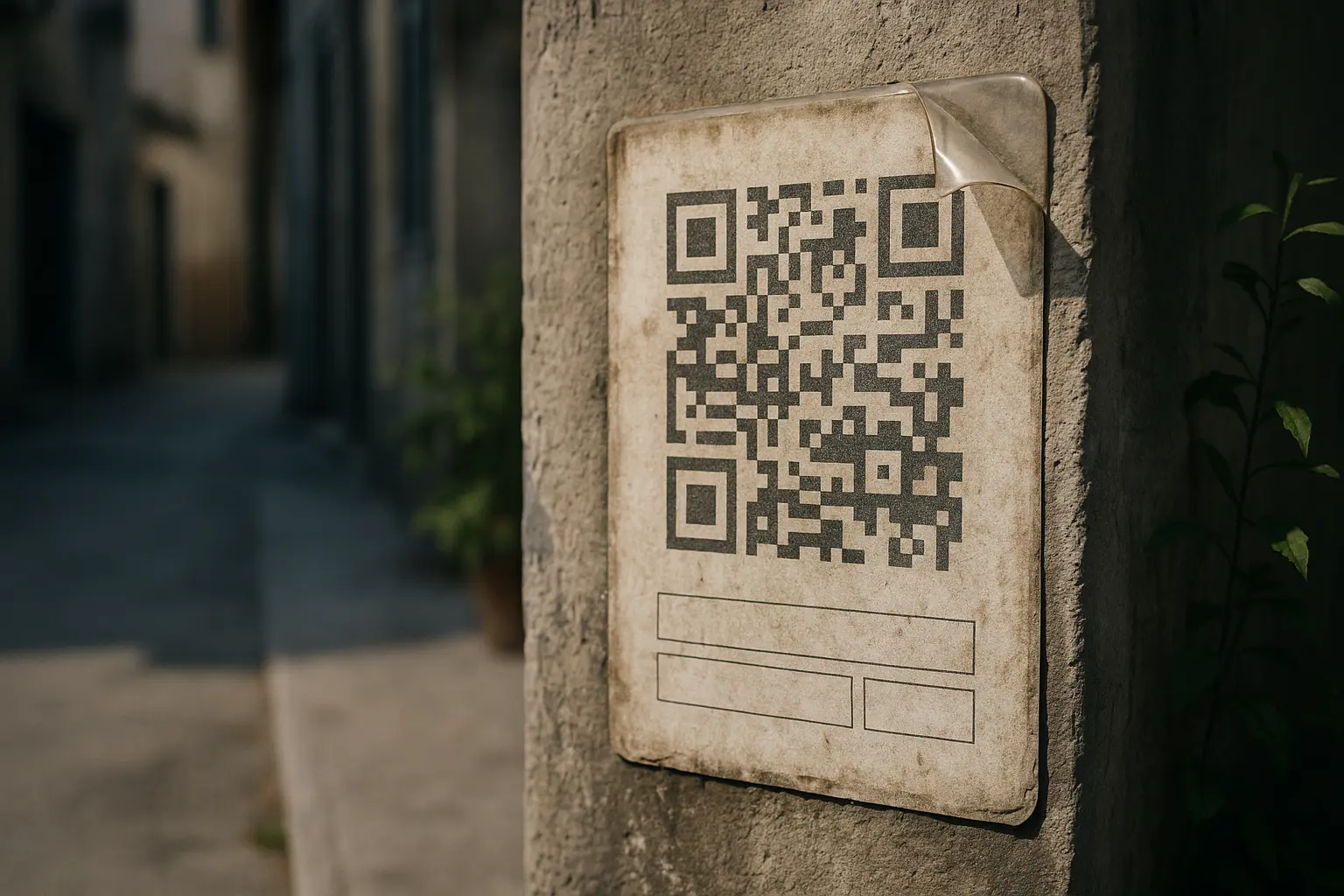
Outdoor QR code longevity is usually limited by the environment, not the QR format.
Can outdoor QR codes fade due to sunlight? Yes. Sun exposure can cause UV fading, lowering contrast until scanners struggle, especially if the code was printed with inks that are not UV-resistant or placed where sunlight hits directly for long periods.
This section addresses how long do outdoor qr codes last without pretending there is one universal timeline. Outcomes depend on placement, local weather, substrate, ink, and whether the code is protected.
What outdoor exposure does to QR codes
Outdoor conditions can cause:
- UV fading that reduces contrast between dark and light modules.
- Moisture intrusion that warps substrates or lifts adhesives.
- Temperature swings that crack coatings or cause peeling.
- Dirt accumulation that fills in light areas or blurs edges.
Protected vs unprotected framing (no guarantees)
Protection can change results, but it is not a guarantee:
- A protective top layer can reduce abrasion and moisture contact.
- UV-resistant inks and coatings can slow fading.
- Better placement (shade, reduced direct exposure) can help.
Inspection and maintenance cadence concept
Instead of assuming an outdoor code will last, plan periodic checks:
- Inspect for fading, peeling, or cracking.
- Clean dirt and residue carefully without scratching.
- Re-test scanning from the typical distance and angle people use.
Example scenario: Outdoor sign becomes inconsistent to scan
A QR on an outdoor sign works at first, then becomes inconsistent. Up close it still scans sometimes, but from normal viewing distance it fails. The printed symbol is still there, but UV fading and grime lowered contrast enough that real-world scanning became unreliable.
Why a QR code stops working even if it still ‘looks fine’
Can a QR code stop working even if the destination link is still active? Yes. It can fail due to scanning conditions (glare, low contrast, small size), due to the QR being dynamic and the redirect path failing, or due to device or app behavior. A QR can look normal to the eye while still being hard for a camera to decode.
This section covers the mapped topic why static qr codes stop working, plus other non-obvious causes.
Static QR failure modes: link rot and ownership issues
With a static QR, the code can be fine and still fail because the destination is not:
- Link rot: The specific URL no longer exists or no longer returns the expected page.
- Page moves: A site restructure changes paths, and the old path is not redirected.
- Domain expiration: The domain name registration lapses, and the domain stops resolving or is reassigned.
Dynamic QR failure modes: subscription and provider dependency
Dynamic QR codes introduce additional points of failure:
- This varies by tool. If a plan ends, the redirect may stop working.
- This varies by tool. If the provider shuts down, the redirect can fail even though the printed code is perfect.
- Misconfiguration can send scanners to the wrong place, even though the QR still scans.
Example scenario: Poster stops working after a plan ends
An event prints posters with a dynamic QR so the destination can be updated. After the event, the subscription is not renewed. People who scan later see a failure because the redirect no longer resolves as expected. The printed QR did not change, but the platform lifespan ended.
Do free QR code generators provide lifetime functionality? This varies by tool. Some keep static codes working because the QR contains the data directly, while some dynamic offerings may impose limits or deactivate redirects unless you upgrade or renew.
Scannability rules that affect lifespan (size, distance, colors, error correction)
Sometimes a QR code did not “expire.” It was always marginal, and changing conditions exposed that.
Minimum size and distance basics
For reliable scanning, the recommended minimum size is 2 cm × 2 cm (0.8 × 0.8 inches). This is a practical baseline, not a guarantee.
A common rule of thumb is a 10:1 scanning distance ratio, meaning scanning distance is about 10 times the code’s width. If you enlarge the viewing distance (posters, signs), the code needs to scale up accordingly.
This is often the hidden answer to how long do qr codes last in public spaces: the code is still there, but people cannot scan it from where they stand.
Quiet zone and layout illustration (conceptual)
A QR code needs a clear margin around it (quiet zone). If surrounding graphics, borders, or text crowd it, scanners can struggle.
Conceptual layout checklist:
- Keep a clean margin around all four sides of the QR.
- Avoid placing it on busy backgrounds or patterns.
- Do not add decorative frames that intrude into the quiet zone.
Color, contrast, and inverted colors caveat
High contrast is easier to scan than low contrast. Dark modules on a light background are the safer default.
Inverted colors (light modules on a dark background) can work in some scanners, but they are riskier and can fail more often across different devices and apps. If broad compatibility matters, avoid inversion.
Error correction and damage tolerance
QR codes use Reed-Solomon error correction with four levels: L, M, Q, H. Higher levels can recover from more damage, up to about 30% at H (with L being the lowest, around 7%). More error correction can improve damage tolerance, but it cannot fix severe blurring, missing quiet zones, glare, or extreme fading.
Why density matters: versions and modules
The QR standard traces back to DENSO WAVE (1994) and was standardized as ISO/IEC 18004 (June 2000). QR codes range from Version 1 to Version 40. Version 1 is 21×21 modules and Version 40 is 177×177 modules, adding 4 modules per side per version. More data typically means more modules, which can require larger printed size to keep modules readable.
Troubleshooting: what to do when a QR code stops working
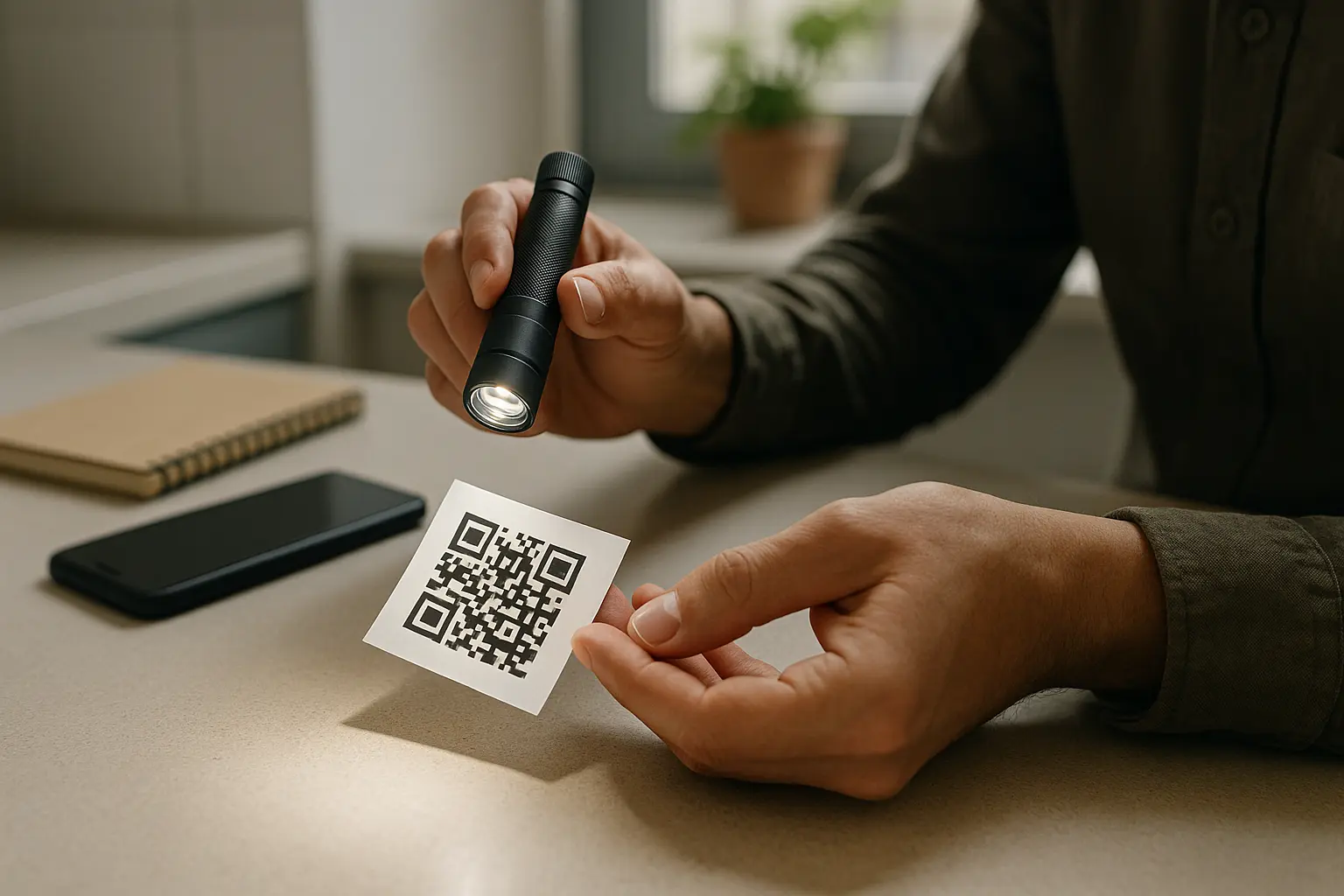
What should I do if a QR code stops working after printing? Start by separating a scan problem (camera cannot decode) from a destination problem (it decodes but the link fails) and from a dynamic plan problem (redirect fails). Then confirm with simple tests before you reprint anything.
Quick checks (fast elimination)
- Scan with 2+ devices to rule out a single scanner issue.
- Check for glare or reflection on glossy surfaces.
- Verify the destination URL loads and hasn’t moved/deleted.
- Confirm whether the QR is static or dynamic (and if a plan/trial expired).
- Inspect for physical damage and test from typical scanning distance.
Simple flowchart: QR code not working diagnosis
Start: Does any device scan the code?
- No: Likely scan issue.
- Check size and distance.
- Check glare/reflective surfaces and lighting angle.
- Check print quality, quiet zone, and physical damage.
- Yes: Does the scan open the expected destination?
- No, it errors: Likely link issue or redirect issue.
- Check if the decoded URL returns an error or was moved.
- If dynamic, check redirect settings and plan status.
- Yes, but inconsistent: Likely marginal scan conditions.
- Improve contrast, reduce glare, increase size, or change placement.
Step-by-step diagnosis sequence (do in order)
- Test scanning with at least two different devices and, if possible, two different camera apps.
- Move closer and change the angle to reduce glare, then try in different lighting.
- Inspect the print for smears, scratches, creases, or a missing quiet zone.
- If it scans, check what it decodes to and verify the destination loads without errors.
- If it is dynamic, confirm the redirect server is resolving and check plan status.
- Decide the fix path based on what failed: reprint, restore the destination, add redirects on your site, or renew and reconfigure the dynamic redirect.
How reactivation really works
How to reactivate an expired qr code depends on what expired.
Common cases:
- Static QR with a broken destination: Reactivation usually means restoring the original URL path, adding a redirect on your website, or reprinting a new code with the new URL.
- Dynamic QR with plan issues: This varies by tool. Reactivation may mean renewing the plan, re-enabling the redirect, or replacing the QR if the provider no longer supports it.
- Physically damaged QR: Reactivation is reprinting or replacing the label or sign.
QR code failure modes table
| Symptom | Likely Cause | How To Confirm | Fix |
|---|---|---|---|
| No devices can scan | Size too small, low contrast, print defect, missing quiet zone | Try closer, brighter light, and inspect edges and margin | Reprint larger, increase contrast, keep clear margin |
| Scans only at certain angles | Glare on glossy surface | Tilt phone or move light source | Change finish, relocate, or add non-gloss protection |
| Scans but opens 404 or error | Link rot or moved/deleted page | Open the decoded URL in a browser | Restore page, add redirect, or reprint static QR |
| Scans but opens wrong page | Destination changed on dynamic redirect or wrong URL in static | Compare decoded URL and expected target | Fix redirect (dynamic) or reprint (static) |
| Worked before, now fails | Domain expiration or service dependency | Check domain status and whether redirect resolves | Renew domain, fix DNS, or replace QR strategy |
| Scans but is slow or inconsistent | Dense QR, low light, damaged modules | Try better light and closer distance | Increase size, improve print quality, raise error correction if regenerating |
Takeaway: Confirm scan vs destination vs subscription before you spend time redesigning the code.
Security and privacy considerations (so ‘lasting’ doesn’t become ‘risky’)
QR codes can be physically durable and still be risky if someone can alter where they lead.
Counterfeit overlays and malicious redirects
A common real-world risk is a sticker placed on top of a legitimate QR, redirecting to a malicious site. Because users cannot see the destination until they scan, QR codes are a useful vehicle for phishing and social engineering.
Safer scanning habits
Keep it practical:
- Prefer scanning QR codes from sources you trust and locations you control.
- Check the previewed destination before you tap through, especially if it asks for logins or payments.
- Be cautious with unexpected prompts to install apps or enter credentials.
- If a QR is on a public sign, look for signs of tampering like overlays, bubbles, or misaligned stickers.
These steps do not make scanning risk-free, but they reduce the chance that a long-lived QR becomes a long-lived problem.
Quick checklist: how to make QR codes last longer
Use this print-and-forget checklist before you deploy codes at scale.
- Choose static vs dynamic intentionally based on whether the destination might change.
- Keep long-term destinations stable, and maintain ownership to avoid domain expiration.
- Plan for site changes so old URLs redirect instead of breaking.
- Meet the minimum size guidance of 2 cm × 2 cm (0.8 × 0.8 inches) when space allows, and scale up for longer viewing distances using the 10:1 rule of thumb.
- Avoid inverted colors when you need broad scanner compatibility.
- Use strong contrast and a clean quiet zone with no surrounding clutter.
- Select best materials for long lasting qr codes for the environment, and avoid glossy finishes that create glare.
- For outdoor placements, account for UV fading and weather with protective choices and periodic inspections.
- Test in real conditions, including the typical scanning distance, lighting, and angle, before mass printing.
- Document whether each code is static or dynamic so you can respond fast if something breaks.