
Blog
Can Barcode Scanners Read QR Codes?
On this page
Can barcode scanners read qr codes? Sometimes, but it depends on the scanner type and whether QR decoding is enabled. Most standard 1D laser or CCD barcode scanners cannot read a QR code because they scan a single line, not a 2D pattern. A 2D imager (area imager) is typically required.
Learn when barcode scanners can read QR codes, why many 1D/laser scanners can’t, and how to check if you need a 2D imager for printed and on-screen QR codes. Get a clear yes/no based on scanner type, plus a quick way to verify QR support and troubleshoot the most common reasons QR codes won’t scan.
If you are trying to scan at checkout, on warehouse labels, or from a customer’s phone, the details matter: scanner hardware (laser vs imager), firmware/decoding software, and even the way the QR code is printed or displayed.
TLDR: A 2D imager scanner is the safest bet for QR codes on paper and on screens, but format support still depends on the model and decoding settings. If your scanner only lists 1D formats like UPC/EAN and Code 128, it is likely not meant for QR. A fast spec check plus a printed and on-screen test will confirm it.
Quick answer: when barcode scanners can (and can’t) read QR codes
Most people mean a handheld 1D barcode scanner when they say standard barcode scanner. Those usually read linear 1D barcodes (like UPC, EAN, and Code 128) and usually fail on QR because QR is a 2D barcode that needs image capture plus decoding.
Here is the practical rule that solves most confusion: To scan a QR code reliably, the scanner generally needs to be a 2D imager (area imager) and have QR decoding enabled in firmware/decoding software. This varies by tool, and the same hardware can behave differently depending on configuration.
Compatibility checklist (real-world constraints)
Use this quick checklist before you assume your hardware is broken:
- Confirm the scanner is a 2D imager (not a 1D laser scanner or basic CCD linear scanner).
- Confirm the supported symbologies list includes QR Code (and not only UPC/EAN/Code 128).
- Confirm QR decoding is enabled in settings (some units ship with 2D disabled for specific workflows).
- Confirm whether you need to scan from screens (phones, tablets, kiosks). Screen scanning is more demanding.
- Confirm the QR code has a proper quiet zone and enough contrast.
Quick checks (2-minute reality test)
- Check your scanner’s supported symbologies for “QR Code”.
- Test scan a printed QR and a phone-screen QR.
- If it only reads UPC/EAN, you likely have a 1D-focused scanner.
- Confirm your QR has a quiet zone and high contrast.
Why many standard barcode scanners fail on QR codes
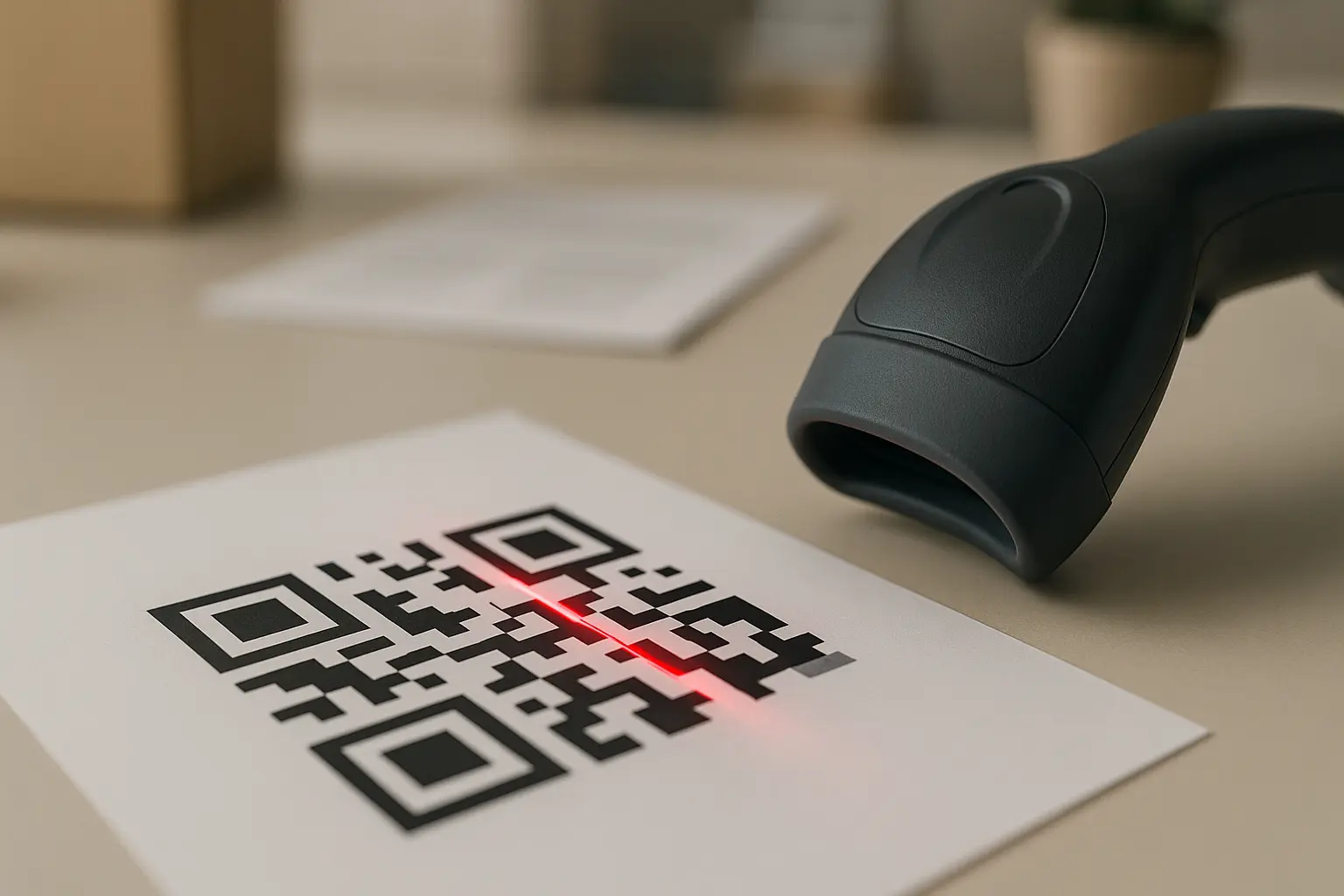
A 1D barcode is a linear pattern designed to be read across one axis. A QR code is a matrix-style 2D barcode, standardized under ISO/IEC 18004, where data is stored in a grid of small squares called modules. That difference changes what the scanner must physically capture.
If you are asking can a 1d barcode scanner read qr codes, the usual answer is no, because many 1D units are designed to sample a single scan line (or a small band) and interpret changes in reflectance as bars and spaces. A QR code requires capturing the full 2D pattern, locating it, correcting perspective, and decoding it.
Simple diagram: 1D lines vs 2D matrix
1D barcode (linear)              QR code (2D matrix)
||||| || ||||| |||              █ ███ █ █
||||| || ||||| |||              █  ███  █
||||| || ||||| |||              █ ██ ███ █
                                █  █  █  █
The technology mismatch in plain terms
- Laser line scanning vs image capture: A laser scanner projects a line and measures reflections. It is built to interpret 1D patterns, not a grid.
- Sensor type matters: A 2D imager scanner uses a camera-like sensor (often CMOS, sometimes CCD depending on design) to capture an image of the symbol.
- Decoding is required: Even with an imager, the device needs firmware/decoding software that recognizes a QR code and can decode it into text, a number, or another payload.
Laser vs imager scanners: what each one is built to read
Scanner names get used loosely, so it helps to tie the label to what the hardware actually does. This section is about expectations, not specific products.
Laser scanners (typical 1D focus)
If you are wondering can a laser barcode scanner read qr codes, a traditional 1D laser scanner generally cannot. It is tuned for 1D barcodes like UPC and EAN at speed, often in retail workflows where everything is linear and printed with good contrast.
A laser scanner may still be the right tool for a 1D-only environment. It is just the wrong shape of sensor for QR patterns.
2D imager/area imager scanners and what formats they typically support
If you are asking what 2d imager barcode scanner reads qr codes, the practical answer is: most 2D imagers can read QR, but this varies by model and the enabled symbologies. Many also support other 2D barcode formats you may see in operations, such as Data Matrix and PDF417, alongside 1D formats like Code 128.
A 2D imager is also the common choice for scanning QR codes shown on devices, like event tickets on a phone screen or a kiosk display.
CCD/LED scanners vs imagers (capabilities and limits)
Many CCD (LED) scanners are built as linear readers that behave more like 1D-only devices, even though they use light and a sensor rather than a laser line. Some CCD-based designs can be more capable, but the safe assumption is: if it is a linear CCD scanner, it is usually meant for 1D.
If the workflow includes QR, look for an imager scanner or area imager language and confirm QR Code is explicitly supported.
Orientation and omnidirectional scanning
Some setups are forgiving about how you present the code, others are not. A barcode scanner reads qr codes from any angle only when the scanner is doing true 2D image capture and the decode pipeline is designed for fast location and rotation handling. Even then, real-world factors like glare, motion blur, and tiny modules can still force you into a more careful aiming technique.
Laser vs CCD vs 2D imager (quick comparison)
| Scanner type | Usually reads 1D (UPC/EAN, Code 128) | Usually reads 2D (QR, Data Matrix, PDF417) | Reads QR on phone screens | Typical limitation |
|---|---|---|---|---|
| 1D laser scanner | Yes | No | No | Cannot capture a 2D matrix image |
| Linear CCD (LED) scanner | Yes | Usually no | Usually no | Often limited to linear symbols |
| 2D imager / area imager | Yes (varies by model) | Yes (varies by model) | Yes (varies by model) | Needs correct decoding settings and sufficient image quality |
Takeaway: If QR scanning is a requirement, start your evaluation from 2D imager/area imager capability and then confirm decoding support.
How to tell if your barcode scanner supports QR codes
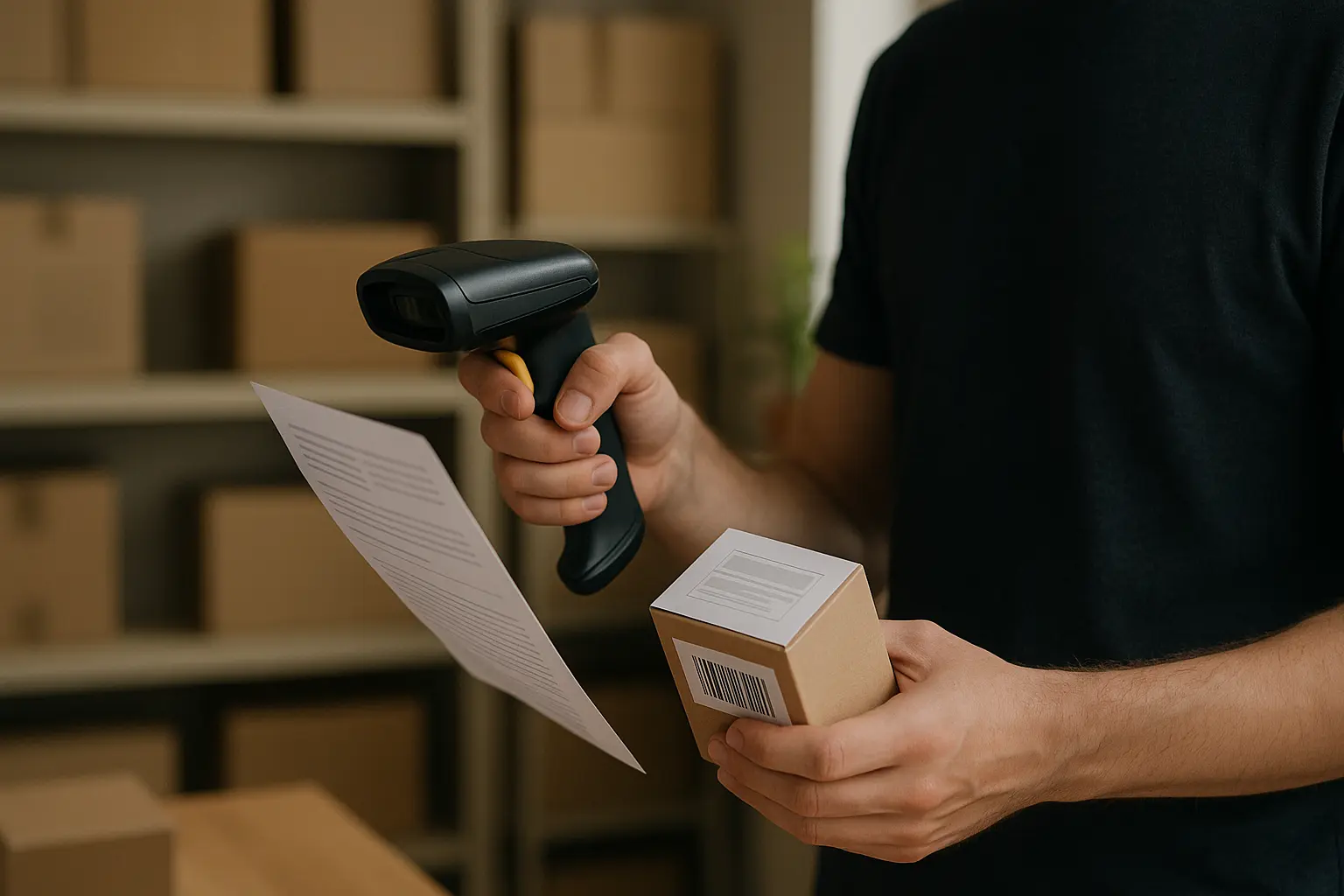
If you want the fastest confirmation, you need two things: the supported symbology list and a short test that includes both print and a screen. This is the most reliable way to answer how to tell barcode scanner supports qr codes for your specific setup.
Decision tree: do you need a 2D scanner to scan QR?
Identify your scanner type
|
+-- Is it labeled 2D imager / area imager?
|     |
|     +-- Yes -> Check supported symbologies include QR Code
|           |
|           +-- QR listed -> Test: printed QR + phone-screen QR
|           |
|           +-- QR not listed -> Check settings/firmware and configuration
|
+-- No -> (Often 1D laser or linear CCD)
      |
      +-- If it only lists UPC/EAN/Code 128 -> Expect no QR support
      |
      +-- If documentation is unclear -> Run the test workflow anyway
Quick verification workflow (do this once)
- Find the model name on the scanner label or in your POS/device settings.
- Look up the supported symbologies list and confirm whether QR Code is listed (and whether it is enabled).
- Test a printed QR code under normal lighting at your normal working distance.
- Test a QR code on a phone screen (bright screen, then medium brightness).
- If 1D scans work but QR fails, treat it as either 1D-only hardware or QR decoding disabled, and re-check configuration.
What test results usually mean
- Scans UPC/EAN but not QR: You likely have a 1D-focused scanner, or QR decoding is not enabled.
- Scans printed QR but not phone QR: You may have an imager, but screen glare, exposure, or motion is blocking reliable capture.
- Scans some QR codes but not others: The issue may be the QR symbol itself (quiet zone, contrast, density, or damage).
This varies by tool: two scanners that both say 2D imager can still differ in supported symbologies and decoding behavior based on firmware/decoding software.
Can barcode scanners read QR codes on phone screens?
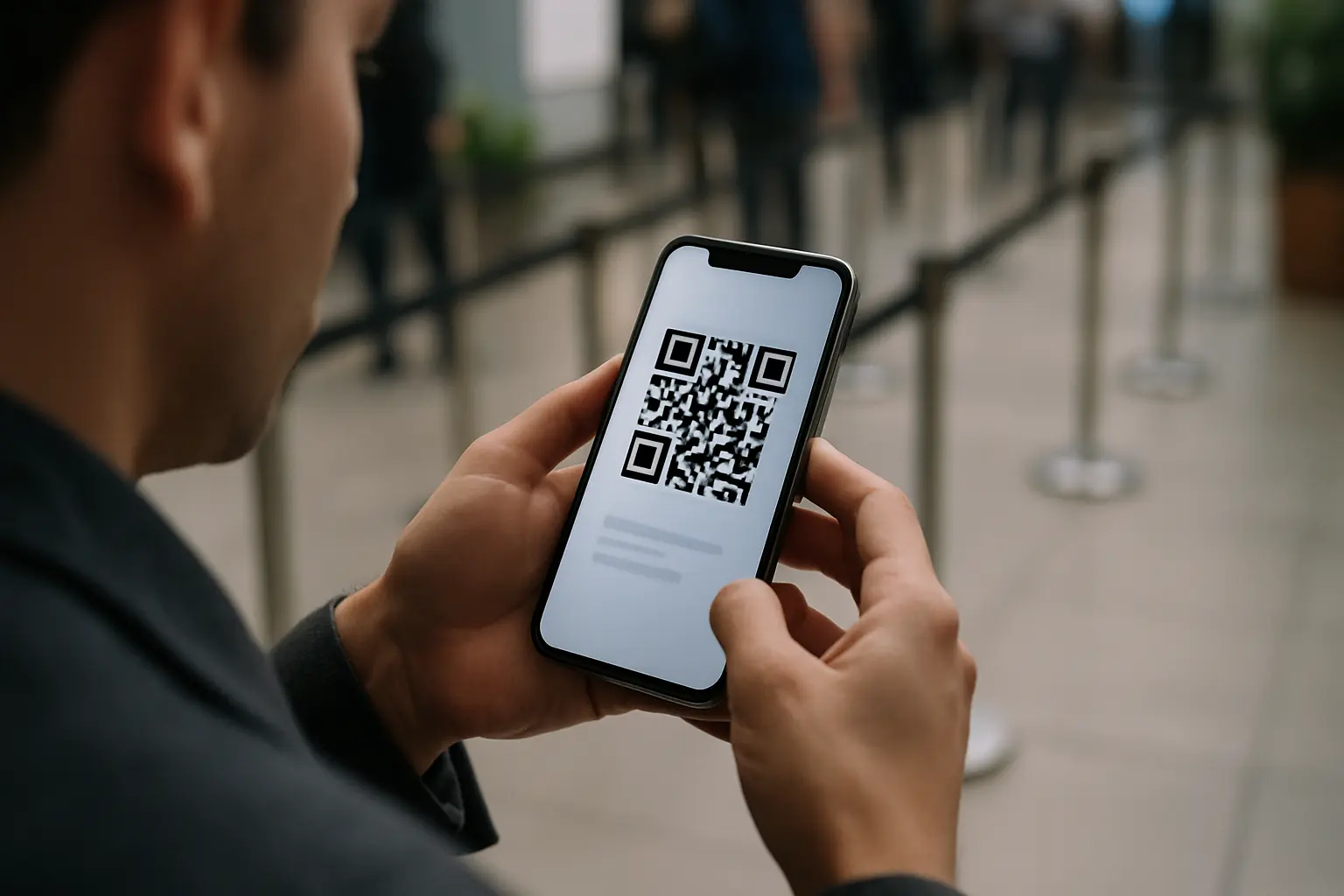
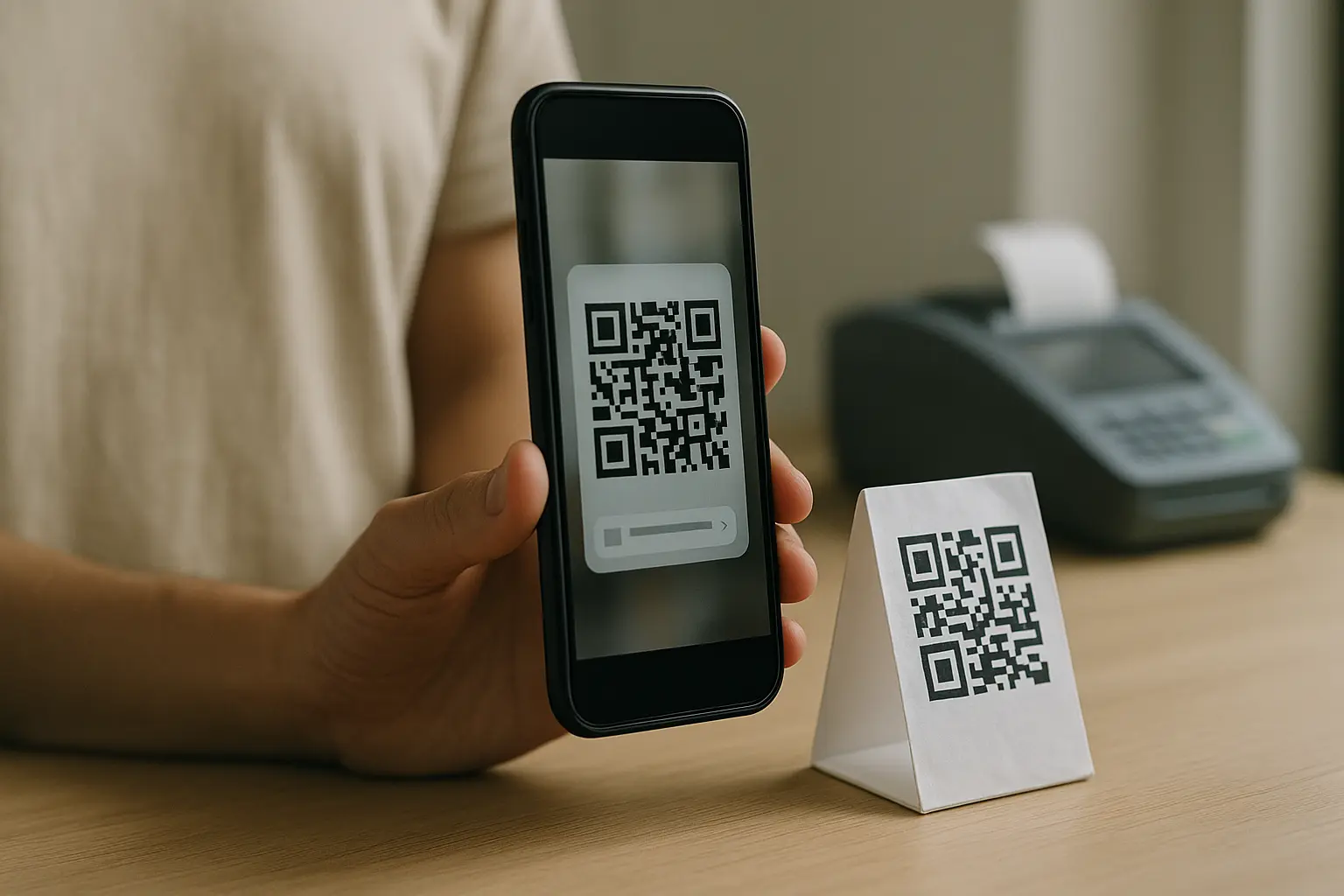
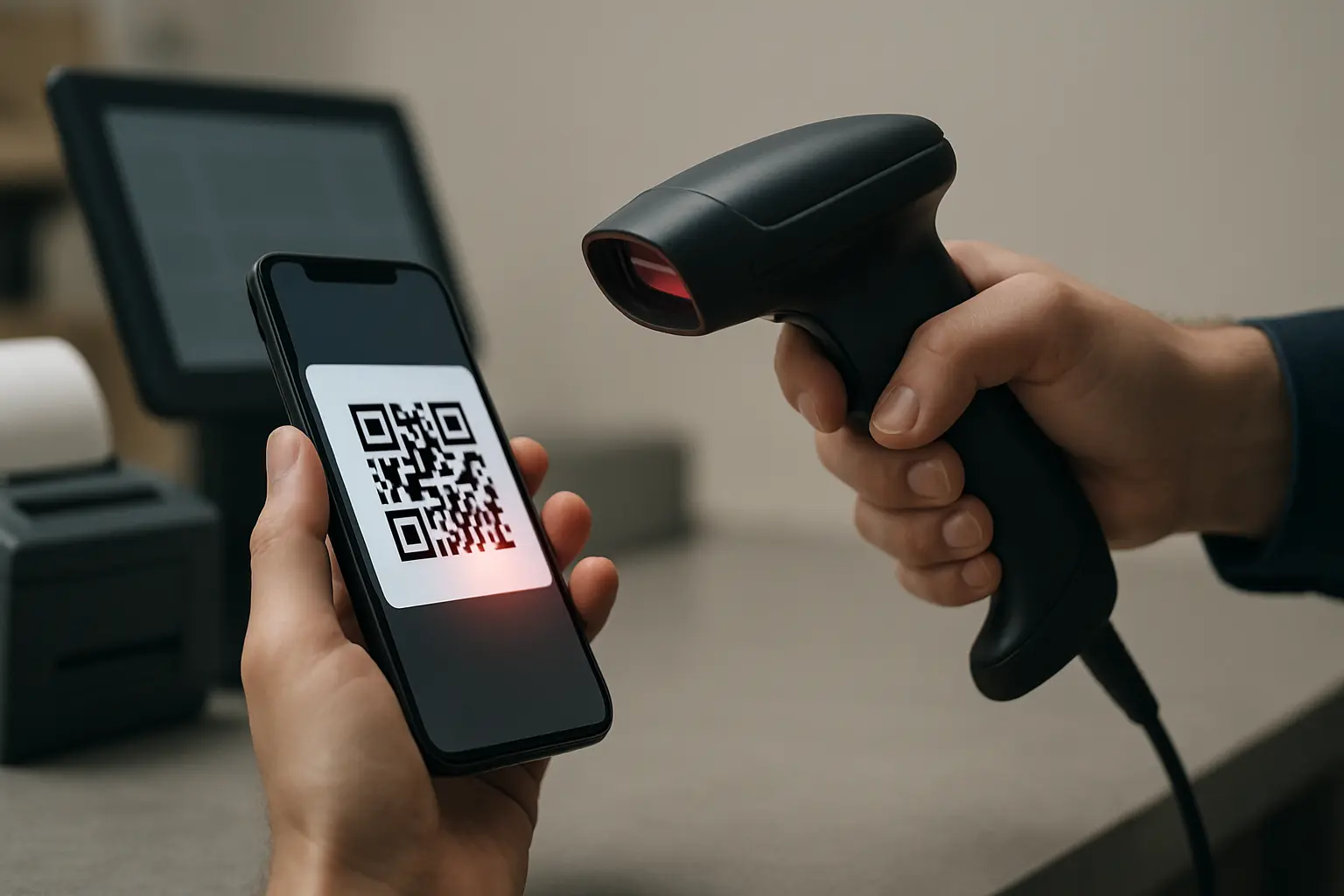
People often discover the difference between 1D and 2D the first time they try mobile scanning. If you are asking can barcode scanners read qr codes on phones, the dependable answer is: a 2D imager scanner is typically needed, and even then screen conditions can cause failures.
Traditional laser scanners generally cannot read a QR code displayed on a phone because there is no printed bar pattern to interpret, and the scanner is not capturing a full image. Imager scanners are designed to read from digital displays, but performance depends on the model and settings.
Why screens are harder than paper
- Glare and reflections: Phone glass and screen protectors can create hot spots that wash out modules.
- Brightness and exposure: Too dim can reduce contrast. Too bright can bloom highlights.
- Motion blur: A moving phone plus a fast checkout lane can produce a soft image the decoder cannot use.
Practical tips that reduce failures (without changing hardware)
- Increase screen brightness until the QR has strong contrast against the background.
- Tilt the phone slightly to move glare away from the scanner’s view.
- Hold the phone steady for a moment so the imager can capture a clean frame.
- Avoid scanning through heavily scratched protectors when possible.
Example: retail checkout scanning a QR code on a customer phone: A cashier with a presentation-style 2D imager can usually scan a customer’s wallet QR by having the customer raise brightness and angle the screen to avoid ceiling light reflections.
QR code requirements that affect scanner detection
Even with the right scanner, QR codes can fail if the symbol is not friendly to detection. Most failures come down to margins, contrast, damage, or density.
Quiet zone (margin) requirement
A QR code needs a quiet zone, meaning an empty margin around the code, for the scanner to detect the symbol boundary. For reliable detection and decoding, the quiet zone should be at least 4 modules on all sides.
If you are troubleshooting barcode scanner qr code quiet zone requirements, treat missing margin as a first suspect, especially when the QR is printed near a cut line, placed inside a busy design, or cropped tightly on a screen.
Annotated diagram: quiet zone and common failure points
Quiet zone (at least 4 modules) on all sides

[Quiet zone]
    ↓↓↓↓
□□□□□□□□□□□□□□□□□□□□□□
□□□□  █ ███ █  ███  □□□□  ← Busy background or border too close can break detection
□□□□  █  ███   █    □□□□
□□□□  █ ██ ███ ███  □□□□
□□□□  █  █  █  █    □□□□
□□□□□□□□□□□□□□□□□□□□
Version, modules, and density (how “small squares” become a scanning problem)
QR codes can range from Version 1 (21×21 modules) up to Version 40 (177×177 modules). More modules usually means more data, but it also means each module becomes smaller at a given printed size.
A Version 40 QR code can store up to 7,089 numeric characters or 4,296 alphanumeric characters. High data density can push older or lower-resolution imagers, especially when the code is printed small or viewed at an angle.
Damage and error correction (what it helps, and what it cannot fix)
QR codes use Reed-Solomon error correction, which can allow scanning even when part of the symbol is damaged or obscured.
This varies by tool. Beyond roughly 30% damage may fail depending on the error correction level (L, M, Q, H) and how the damage intersects key patterns the decoder needs to locate the symbol.
Troubleshooting: why a QR code won’t scan (and fixes)
When QR scanning fails, it helps to diagnose based on what you observe. The list below focuses on the most common field issues, including barcode scanner qr code troubleshooting glare contrast problems on screens and glossy packaging.
Troubleshooting matrix (symptom → likely cause → fix)
| Symptom | Likely cause | Fix |
|---|---|---|
| Scanner does not “see” the code at all | Missing quiet zone or code is too close to a border | Add or restore a 4-module quiet zone, or reprint with more margin |
| Scans on paper but fails on a phone | Screen glare or exposure issues | Increase brightness, tilt screen to move reflections, hold steady |
| Works only at certain angles | Perspective distortion or glossy reflections | Present the code flatter to the imager, reduce glare sources |
| Scans some QR codes but not dense ones | Code is high density, modules are too small | Reduce data encoded, print larger, use a lower QR version where possible |
| Scans intermittently | Low contrast, motion blur, or dirty window | Improve contrast, slow movement, clean scanner window |
| Fails on glossy packaging | Specular highlights wash out modules | Adjust lighting, change angle, or use a scanner designed for challenging surfaces |
Takeaway: Most QR failures are symbol quality (quiet zone, contrast, density) or capture quality (glare, motion), not “QR is unsupported,” assuming you already have a 2D imager with QR decoding enabled.
Example: warehouse shelf label QR scans with a handheld 2D imager: If shelf labels are laminated and the aisle lighting is harsh, rotating the label slightly or changing the scan angle can eliminate reflections that block the imager from seeing individual modules.
POS and retail transition: what changes when you add QR scanning
Adding QR scanning is not always a drop-in change, especially when your environment was designed around 1D barcodes. If you are selecting or validating a barcode scanner for qr codes at pos, focus on both the scanner and the surrounding system.
What often changes in real operations
- Hardware and software expectations: Legacy POS systems built for 1D barcodes may require hardware or software upgrades to support QR/2D scanning.
- Dual-marked packaging: During transitions, you may see both a 1D barcode (UPC/EAN) and a 2D barcode (QR, Data Matrix, or PDF417) on the same item, serving different systems.
- Workflow and ergonomics: Presentation scanners at a counter and handheld scanners in aisles behave differently. Your needs may include quick pickup from any orientation or reliable phone scanning.
- Connectivity (conceptual): Many environments use USB, Bluetooth, or other wireless links. The connection method can affect configuration and how decoded data is delivered to the POS field.
Example: event entry scanning mobile tickets with QR codes: A venue that previously scanned printed 1D tickets may need to switch to 2D imagers for phone screens, then confirm the POS or entry software accepts the decoded payload in the expected format.
FAQ
What is the difference between a standard barcode scanner and a QR code scanner? A standard barcode scanner often means a 1D scanner designed for linear codes, while a QR code scanner is typically a 2D imager that captures and decodes a 2D barcode image.
A QR-capable scanner is not just about optics. It also needs firmware/decoding software with QR Code enabled.
Can a 2D barcode scanner read traditional 1D barcodes? This varies by tool, but many 2D barcode scanners read both 1D and 2D formats.
Check the supported symbologies list for UPC, EAN, and Code 128, plus 2D formats like QR, Data Matrix, and PDF417.
Do I need special software to read QR codes with a barcode scanner? Often the decoding happens inside the scanner via firmware/decoding software, but your host system still must accept the decoded output.
If QR decoding is disabled in the scanner settings, the hardware may be capable but still fail until configured.
What type of barcode scanner do I need to read QR codes on mobile phones? A 2D imager (area imager) is typically required for phone screens.
Screen scanning success also depends on glare handling and the scanner’s ability to capture a clean image under reflections.
Why can’t my laser barcode scanner read QR codes? A laser scanner is typically built to read a 1D barcode by scanning a line across it, not to capture a 2D grid of modules.
Because a QR code is a 2D barcode, it usually requires image capture plus 2D decoding.
How far away can a QR code scanner read codes? This varies by tool and depends on symbol size, print quality, module size, lighting, and the scanner’s optics.
If you need longer range, test with the smallest code you expect to scan in your actual environment.
What is the minimum size for a QR code to be scannable? There is no single minimum physical size that applies everywhere because the limit depends on module size, printing/display quality, and the scanner’s resolution.
As density increases (higher versions), modules get smaller at the same printed size, making scanning harder.
Can barcode scanners read QR codes from any angle? Many 2D imagers can decode QR codes at different rotations because they capture an image of the whole symbol.
In practice, glare, motion blur, and very small modules can still make angle tolerance worse than expected.
How much data can a QR code store compared to a standard barcode? A QR code can store much more data than a typical 1D barcode because it uses a 2D grid instead of a single line.
At the high end, a Version 40 QR code can store up to 7,089 numeric characters or 4,296 alphanumeric characters.
What is error correction in QR codes and how does it work? QR codes use Reed-Solomon error correction to reconstruct data when parts of the symbol are damaged or obscured.
This varies by tool. Beyond about 30% damage may fail depending on the error correction level and where the damage occurs.
Are there different types of 2D barcode scanners? Yes. There are handheld and presentation styles, and they can use different sensor designs (often CMOS, sometimes CCD depending on the unit).
Even within 2D imagers, supported symbologies and screen-scanning behavior can differ by model and configuration.
Standards and references (for specs-minded readers)
QR codes are standardized under ISO/IEC 18004 (updated in 2024). If you are validating scanner specifications, this is the core reference that defines symbol structure, including the expectation of a quiet zone around the code.
A QR code was invented in 1994 by DENSO WAVE and was made freely available for public use without patent restrictions. The standard also defines how versions scale from Version 1 up to Version 40, which affects module count, density, and scanning tolerance in real workflows.