by Donatas Simkus | Mar 13, 2026 | How To Guides
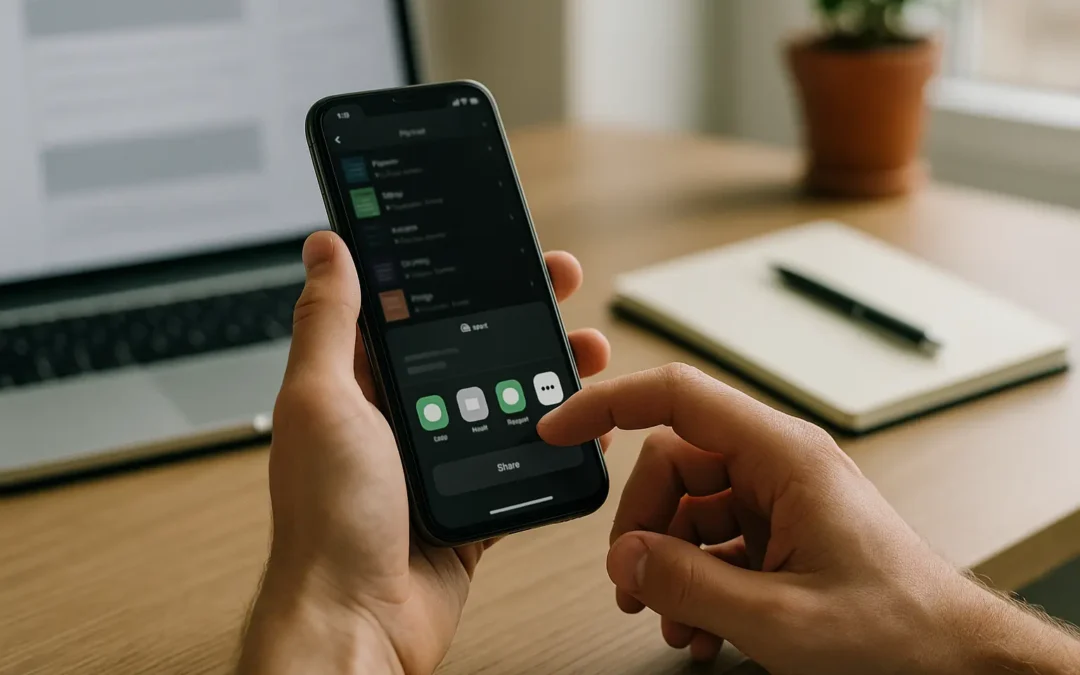
To answer how to make a qr code for spotify playlist: 1) Copy the playlist URL (or URI) from Spotify, 2) Paste it into a standard QR code generator, 3) Export the right file type for digital or print, and 4) Test scans on real phones at the real distance and lighting...
by Donatas Simkus | Mar 12, 2026 | How To Guides
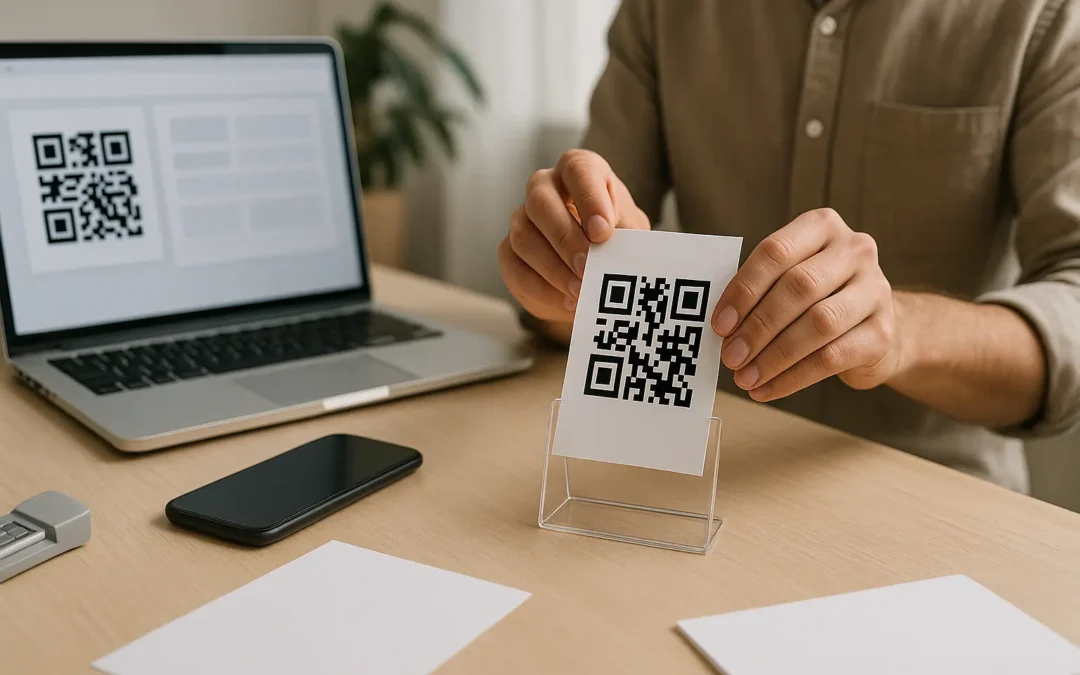
To answer how to make a qr code for my youtube channel, you have two fast options: generate one inside the YouTube mobile app, or copy your channel URL and turn it into a QR code with a QR generator. The key is choosing the right link (channel, video, playlist, or...
by Donatas Simkus | Mar 10, 2026 | How To Guides
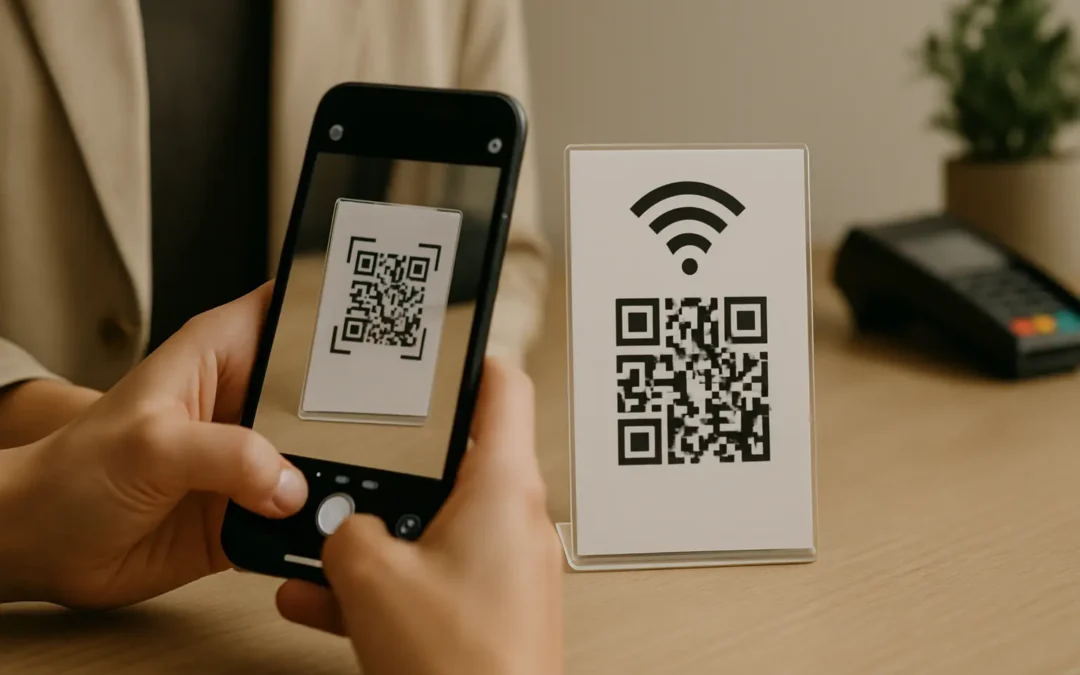
To join WiFi on an iPhone, 1) Open the iPhone Camera app, 2) Point it at the WiFi QR code until a join banner appears, then 3) Tap the banner and confirm. If no banner shows, adjust lighting and distance, and make sure QR scanning is enabled. The same idea applies on...
by Donatas Simkus | Mar 8, 2026 | How To Guides
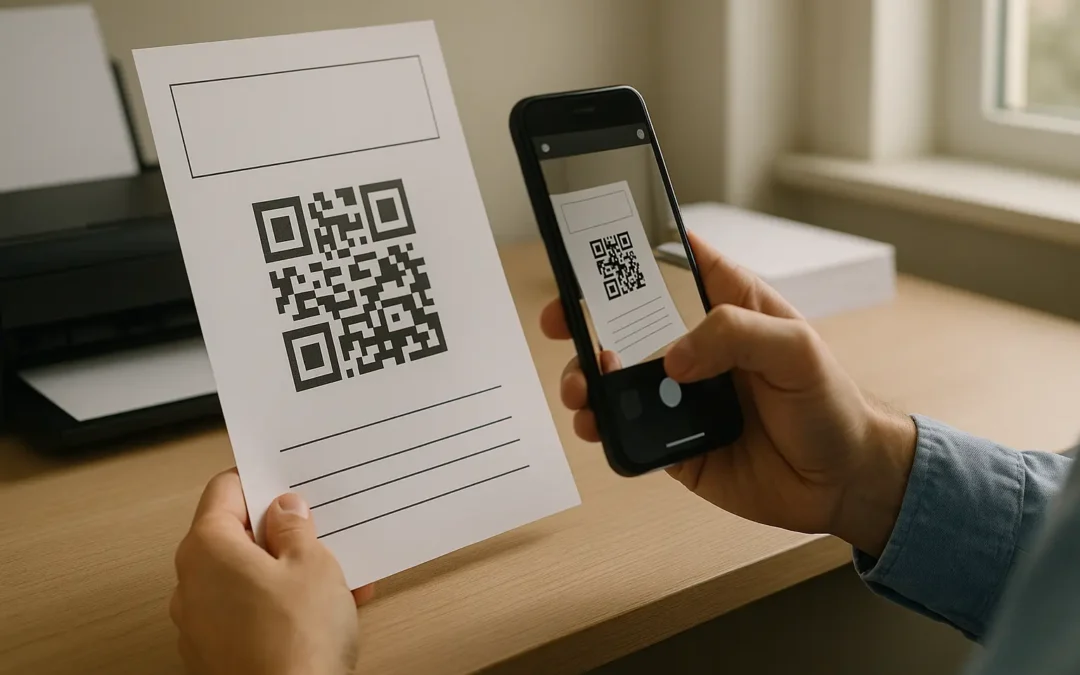
To make a QR code for a Discord server, 1) create a Discord invite link with the right expiration settings, 2) paste that link into a QR code generator, and 3) download a print-safe file (SVG/PDF or high-resolution PNG) and test scans on phones. Printed codes fail...
by Donatas Simkus | Mar 7, 2026 | How To Guides
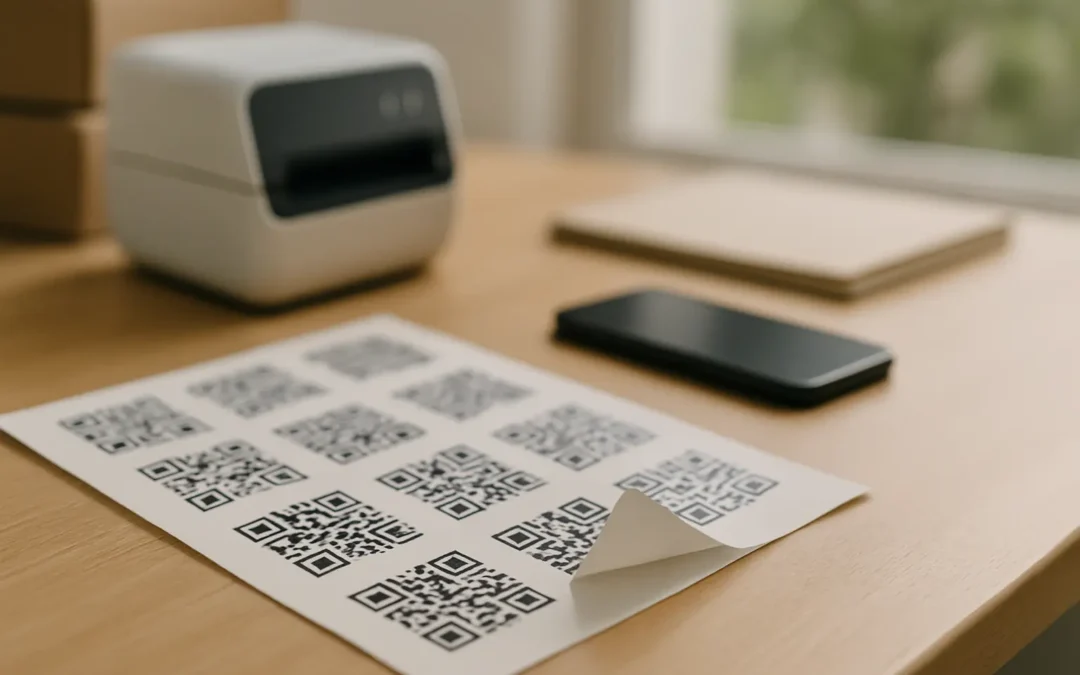
For reliable scanning, a QR code sticker should be sized for the scan distance and printed with crisp, high-contrast edges plus a proper quiet zone. A common rule of thumb is a 10:1 distance-to-code-size ratio, and a practical minimum is about 2 cm (0.8 in) square for...
by Donatas Simkus | Mar 6, 2026 | How To Guides
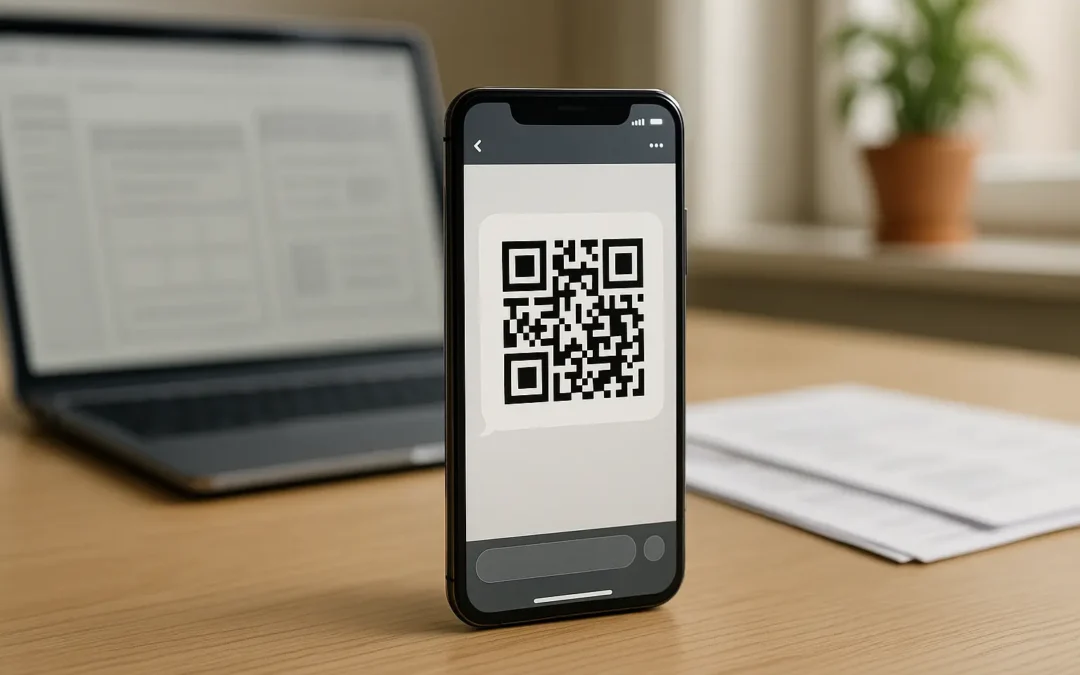
1) To send a QR code by text, decide whether you will send an image (MMS) or a link (SMS). 2) If you need the code visible in the thread, attach the QR image as MMS. 3) If you want maximum compatibility, text a link to a hosted QR image or use an SMS QR that opens a...
