
Table of Contents
To answer how to get a qr code for my etsy shop: 1) Copy your Etsy shop URL (or a listing URL). 2) Paste it into any QR code generator and create the code. 3) Download SVG for print or PNG for screens. 4) Test-scan on iPhone and Android cameras, then print with high contrast and a clear quiet zone.
You can create an Etsy shop QR code in minutes: grab your shop URL, generate the code, download the right format for print or web, and test it so it scans reliably. Most problems come from using the wrong link, downloading the wrong file type for print, or over-styling the code until phones cannot read it.
TLDRCopy the correct Etsy shop URL, generate a QR code from it, and download SVG for print or PNG for digital. Choose static if you will not need edits later, and choose dynamic if you might change the destination or want QR code analytics, noting that dynamic behavior depends on the service.
What an Etsy shop QR code is (and when sellers use it)
A QR code for an Etsy shop is a scannable square that opens an Etsy page on a phone. It can point to your shop homepage, a specific product listing, or a promotion landing page you control.
QR codes were invented in 1994 by Masahiro Hara of Denso Wave. They store data in both directions, which is why smartphone cameras and QR scanning apps can read them quickly.
Common seller use cases tend to be very practical:
- Shop link: Send people to your storefront to browse.
- QR code for Etsy listing: Send buyers to one exact item, restock, or variation.
- Pop-up shops and craft fairs: A sign on the table lets people scan while they browse in person.
- Packaging: Add care instructions, assembly videos, tracking pages, or a simple request for reviews.
- Print collateral: Business cards, thank-you cards, and mini-flyers.
- Digital graphics: Add the QR to social posts, story highlight covers, or an image you share in messages.
etsy shop qr code for business cards usually works best when the QR is paired with a short label so people know what they will get after scanning.
etsy shop qr code for packaging inserts is often a better fit than printing on the outside of a box because inserts are flat, not glossy, and easier to scan.
Example placements mockups (simple visual guides)
Business card mockup:
┌─────────────────────────────┐
│ ShopName                     │
│ Handmade Goods                │
│                               │
│ [ QR CODE ]  Scan to shop     │
│                               │
│ @SocialHandle                 │
└─────────────────────────────┘
Thank-you card mockup:
┌─────────────────────────────┐
│ Thank you for your order!    │
│                               │
│ [ QR CODE ]                   │
│ Scan to shop my Etsy store    │
│                               │
│ Scan for care instructions    │
└─────────────────────────────┘
Package insert mockup:
┌─────────────────────────────┐
│ Care + Setup                  │
│ 1) Unpack                      │
│ 2) Follow steps                │
│                               │
│ [ QR CODE ]                    │
│ Scan for care instructions     │
└─────────────────────────────┘
Craft fair sign mockup:
┌─────────────────────────────┐
│ ShopName                      │
│                               │
│ [     LARGE QR CODE     ]     │
│                               │
│ Scan to browse and save       │
└─────────────────────────────┘
Step 1: Get the correct URL for your Etsy shop

The QR code is only as good as the link inside it. Start by copying the Etsy shop URL you want people to land on, and paste it exactly.
These are the common formats to use (copy/paste style examples):
shopname.etsy.comwww.etsy.com/shop/shopname
This varies by tool. Some shops may also work with longer regional or app-based links, but the two formats above are the safest starting point for an etsy shop url for qr code because they are clear and readable.
How do I get the correct URL for my Etsy shop to use in a QR code generator? Open your shop in a browser, click into the address bar, and copy the full shop page link, preferably in the shopname.etsy.com or www.etsy.com/shop/shopname format.
If you are on a phone app, share your shop to yourself (email or notes) and copy the link from there, then test it in a browser before generating the QR.
Is it better to link to my entire Etsy shop or specific product listings in my QR code? Link to your shop if you want browsing, and link to a listing if you want one focused action like buying the item in someone’s hand.
A shop link is flexible for business cards, while a listing link often converts better for packaging that relates to that exact product.
A quick decision tip before you generate anything:
- Use the shop homepage for general discovery (cards, signs, social graphics).
- Use a specific listing for product-specific inserts, booth signage for one item, or a QR next to a display.
Step 2: Create the QR code (basic workflow)
Once you have the right Etsy shop URL, generating the code is straightforward and tool-agnostic. If your goal is to create etsy shop qr code link assets for print and digital, do the steps below and keep one tested master file.
- Paste your shop or listing URL into a QR code generator.
- Choose a standard QR type that opens a website link.
- Generate the QR code.
- Add only light customization if offered (keep high contrast and a clear border).
- Download the file format you need (SVG for print, PNG for screens).
- Place a short label next to it so people know what it does.
- Test-scan on more than one phone before printing or posting.
Example labels that set expectations clearly:
- Scan to shop my Etsy store
- Scan for care instructions
Static vs dynamic QR codes: which should you choose for Etsy?
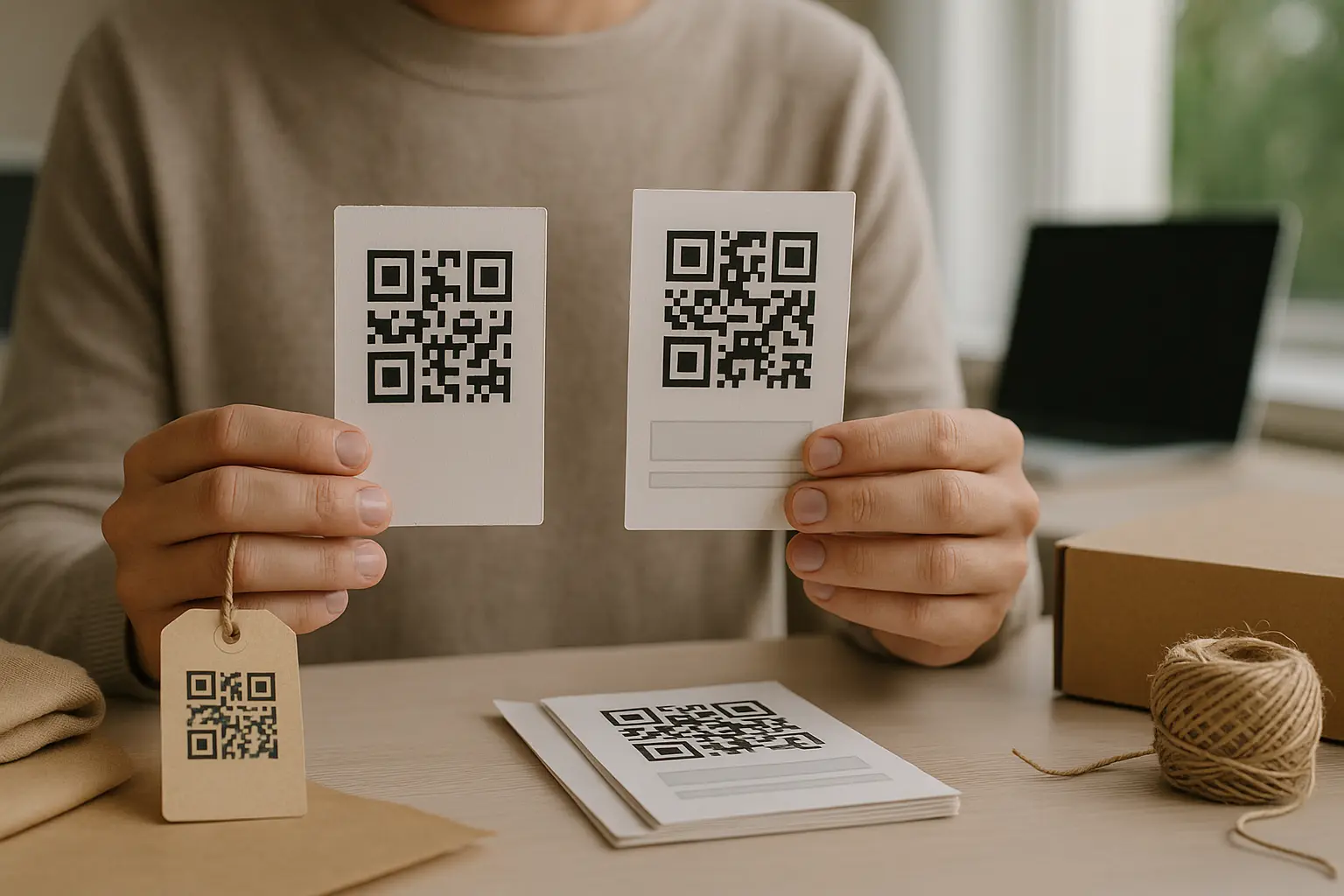
For Etsy sellers, the choice usually comes down to whether you need to edit the destination later and whether you want scan reporting.
What is the difference between a static and dynamic QR code for my Etsy shop? A static QR code hard-codes the destination URL into the pattern, so it cannot be edited later. A dynamic QR code points to a redirect link managed by a provider, so you can change the destination and often view QR code analytics.
This varies by tool, including what editing and reporting is included.
Here is the practical comparison most sellers care about:
| Feature | Static QR code | Dynamic QR code |
|---|---|---|
| Edit destination later | No, you must make a new code | Yes, you can usually change the destination |
| QR code analytics | Not built-in | Commonly included (varies by tool) |
| Print risk | Low, because the pattern stays valid if the URL stays valid | Higher dependency on the provider’s redirect staying active |
| Best for | Long-term shop link on cards and packaging | Campaigns, rotating links, or when tracking matters |
| What “expired” can mean | Usually the QR itself does not expire | This varies by tool and subscription status |
Takeaway: Static is simplest when you are confident the destination will not need changes, while dynamic is useful when you want the option to edit or track scans and you accept provider dependency.
Do QR codes expire, and will my Etsy shop QR code work forever? A static QR code typically keeps working as long as the destination URL keeps working. A dynamic QR code can stop working if the redirect service changes, shuts down, or a subscription lapses.
This is why “expired” usually refers to the service behind the code, not the QR pattern itself.
A note on styling and resilience: QR codes use Reed-Solomon error correction, which can help them remain readable even if part of the code is damaged or obscured, up to 30% in some configurations. This varies by tool and by error correction level (L, M, Q, H), and it is not a reason to overdo logos or effects.
If you need to change the link later (without reprinting)
Dynamic QR codes matter most when your destination needs to move, but your printed materials are already out in the world.
Common Etsy scenarios where you may want to update the destination:
- Seasonal promos where you rotate a landing page.
- Switching from a shop link to a specific listing (or the other way around).
- Replacing an out-of-stock listing with a similar product page.
change link in dynamic etsy shop qr code workflows depend on the service you use, but the idea is the same: you update the destination in the provider dashboard, and the printed code remains the same because it still points to the provider’s redirect.
Plan for continuity so you do not get surprised later:
- Keep a record of which dynamic code maps to which printed item (Card1, Insert1, Sign1).
- Decide who owns the account and login, especially for shared shops.
- Keep a fallback static code file so you can reprint if you ever need to.
Download formats: PNG vs SVG (and what to use for print)
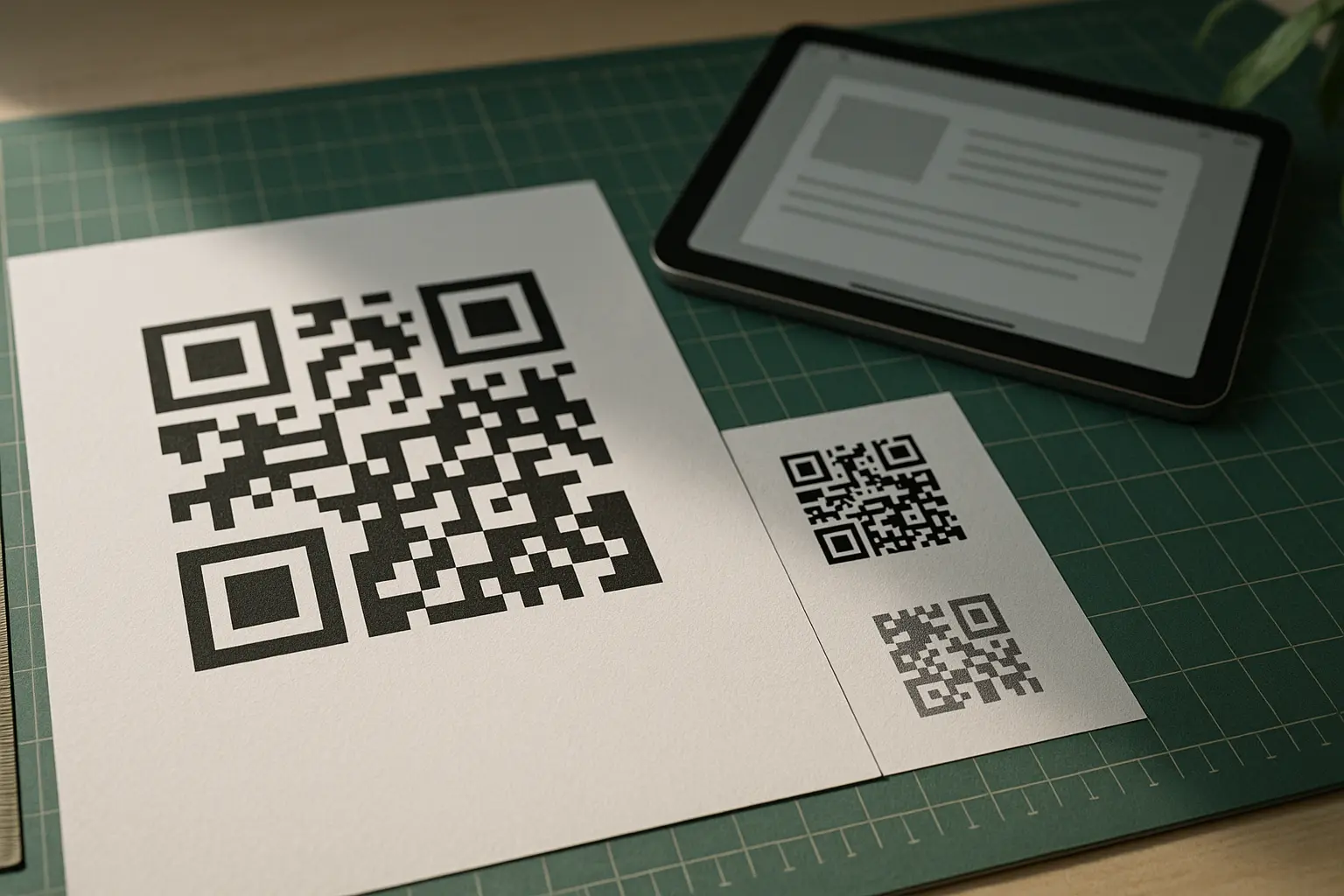
The download format is where many Etsy QR prints go wrong. A QR that looks fine on screen can turn soft or blocky when enlarged for print.
What file format (PNG, SVG, PDF) should I download for printing my QR code? Use SVG for print because it scales cleanly without pixelation, and use PNG for digital because it is widely supported on screens. PDF is also common for print if your generator offers it, while JPG is usually a last choice because compression can blur edges.
This varies by tool and what export formats it supports.
Use this as a quick chooser:
| Format | Best for | Why | Watch-outs |
|---|---|---|---|
| SVG | Print (cards, inserts, signs) | Vector lines stay crisp at any size | Some editors need proper import settings |
| PNG | Screens (social images, email, web graphics) | Simple and widely compatible | Can pixelate if enlarged for print |
| Print workflows | Convenient for printers and layout tools | Export quality varies by generator | |
| JPG | Only if required | Easy to place anywhere | Compression artifacts can hurt scanning |
Takeaway: If you will print it, start with download etsy shop qr code svg and keep the PNG for digital placements.
Also, if you are deciding etsy shop qr code png vs svg, the simplest rule is: SVG for paper, PNG for pixels.
Print sizing, contrast, and the quiet zone (so it scans)
Most scan failures on printed Etsy materials come from size, contrast, or missing margins.
What size should my QR code be for packaging, business cards, or posters? This varies by tool and print conditions, but a commonly cited minimum starting point for close-range scanning is at least 2 × 2 cm. Larger is better for posters and signs because people scan from farther away, and scanning distance increases with size.
When in doubt, print a test sheet at your planned size and scan it on multiple phones.
Include the sizing keyword here for clarity: etsy shop qr code minimum print size is not one universal number, but 2 × 2 cm is a practical starting point for close-range items like inserts.
Contrast rules (simple and reliable)
- Use a dark code on a light background.
- Avoid reversing it (light code on dark) unless you test thoroughly.
- Avoid patterned backgrounds behind the code.
The quiet zone: the margin scanners need
The QR code quiet zone is the empty border around the QR. It helps the camera detect the edges of the code. This varies by tool, but it is often described as at least 4 modules wide. Do not let background graphics, borders, or text crowd that margin.
Annotated example of the quiet zone:
Quiet zone (empty margin)
┌─────────────────────────────┐
│                             │
│   █ █ █ █ █ █ █ █ █ █ █     │
│   █ QR pattern area █ █     │
│   █ █ █ █ █ █ █ █ █ █ █     │
│                             │
└─────────────────────────────┘
Quiet zone (empty margin)
Customization limits (logo, color, style)
It is fine to brand your QR lightly, but be careful:
- Keep contrast high.
- Keep any logo small and centered.
- Do not round or stylize modules so much that edges blur.
- If your generator offers error correction choices, higher error correction can help tolerate a small logo, but it is not a free pass.
Test before you print or post
A QR code that fails after you have printed 200 inserts is an avoidable problem. Build a short test routine and reuse it every time you make a new code.
This varies by tool. Some generators show a preview that looks correct but still links to a slightly different destination than you intended, especially if you pasted the wrong Etsy shop URL.
Use this checklist before you commit to packaging, cards, or signage:
- Do scan testing (iPhone, Android camera) before printing.
- Do keep high contrast (dark code on light background).
- Do leave a quiet zone around the code.
- Do use SVG for print to avoid pixelation.
- Do avoid oversized logos that reduce scannability.
Also test in real conditions:
- Try bright light and dim indoor light.
- Try close-range and the actual distance someone will scan from.
- Confirm it opens the exact intended Etsy page, not a search result or a general Etsy page.
Troubleshooting: Etsy shop QR code not scanning
If your QR is not scanning, the fix is usually physical, not Etsy-related. Start with the most common print issues.
What should I do if my QR code isn’t scanning properly on smartphones? Increase contrast, increase size, and restore a clear quiet zone first, then retest on both iPhone and Android cameras. If you printed from a PNG, regenerate or re-export as SVG or PDF to avoid pixelation.
Older phones may need larger, cleaner codes and better lighting.
Include the mapped keyword naturally: etsy shop qr code not scanning fixes often come down to one of the items in the table below.
| Problem | Likely cause | Fix |
|---|---|---|
| Code blends into design | Busy background or low contrast | Put the QR on a solid light box and darken the code |
| Scans sometimes, not always | Glare on glossy paper or tape | Move it to a matte surface, change angle, avoid lamination over the code |
| Will not scan up close | Printed too small | Reprint larger and keep the quiet zone clear |
| Looks fuzzy when enlarged | PNG enlarged for print | Re-export as SVG or use a high-quality PDF export |
| New phones scan, old phones do not | Camera limitations | Simplify the QR (shorter URL), print larger, improve lighting |
A few extra checks that catch edge cases:
- Make sure the QR does not open inside an in-app browser that blocks the page. Retest by scanning with the native camera and a second scanning app.
- Confirm you did not accidentally encode a tracking preview link or a copied search URL instead of your shop page.
- If you used heavy styling, regenerate a plain black-on-white version and compare scan behavior.
Tracking scans (what’s possible and what to expect)
Tracking depends on whether you use static or dynamic, and what your QR provider reports.
Can I track how many people scan my Etsy shop QR code? You can often track scans if you use a dynamic QR code, because the scan typically goes through a redirect that can be measured. With a static QR code, there is usually no built-in scan reporting, but you can sometimes approximate activity using trackable destination links.
This varies by tool and by your analytics setup.
Include the mapped keyword: track scans with dynamic etsy shop qr code setups commonly report items like:
- Timestamp of scans
- Device type
- Approximate location
- Unique vs total scans
One practical distinction matters:
- QR scan analytics tell you about the scan event at the QR level (often via the redirect).
- Click tracking on the destination page tells you what happened after the page loaded, and it may not match scan counts one-to-one.
If you need consistent reporting across different printed materials, label each code version (Insert1, Card1, Sign1) so you do not mix data later.
Optional: make it easier to scan with a shorter URL
Long URLs can create denser QR patterns. Denser patterns can be harder for older cameras, small prints, or low light.
Include the mapped keyword: shorten url for etsy shop qr code if you want a simpler pattern and easier scanning.
This varies by tool. If you use a URL shortener, you may get:
- A visually simpler QR code pattern.
- Easier scanning on older devices.
- The option to use a branded link, depending on your setup.
Be mindful of tradeoffs:
- Short links add another dependency layer, similar to dynamic QR services.
- If the short link ever changes or stops working, the QR destination breaks even though the code prints fine.
Safety note for public QR codes (quick check)
Public, unattended QR codes can be tampered with. Attackers can place a different code sticker over yours, sometimes called quishing.
For craft fairs and public signage, keep it simple:
- Check your printed QR before the event and periodically during it.
- Place the QR where you can see it, not on an unattended exterior surface.
- Encourage shoppers to verify the destination preview on their phone shows Etsy and your shop name before they continue.
Ready to Create Your Own QR Code?
Join thousands of users creating beautiful QR codes.
Try QRplify FreeNo credit card required