
Skip to content
How To Guides

How to Create a QR Code for Wedding Photos
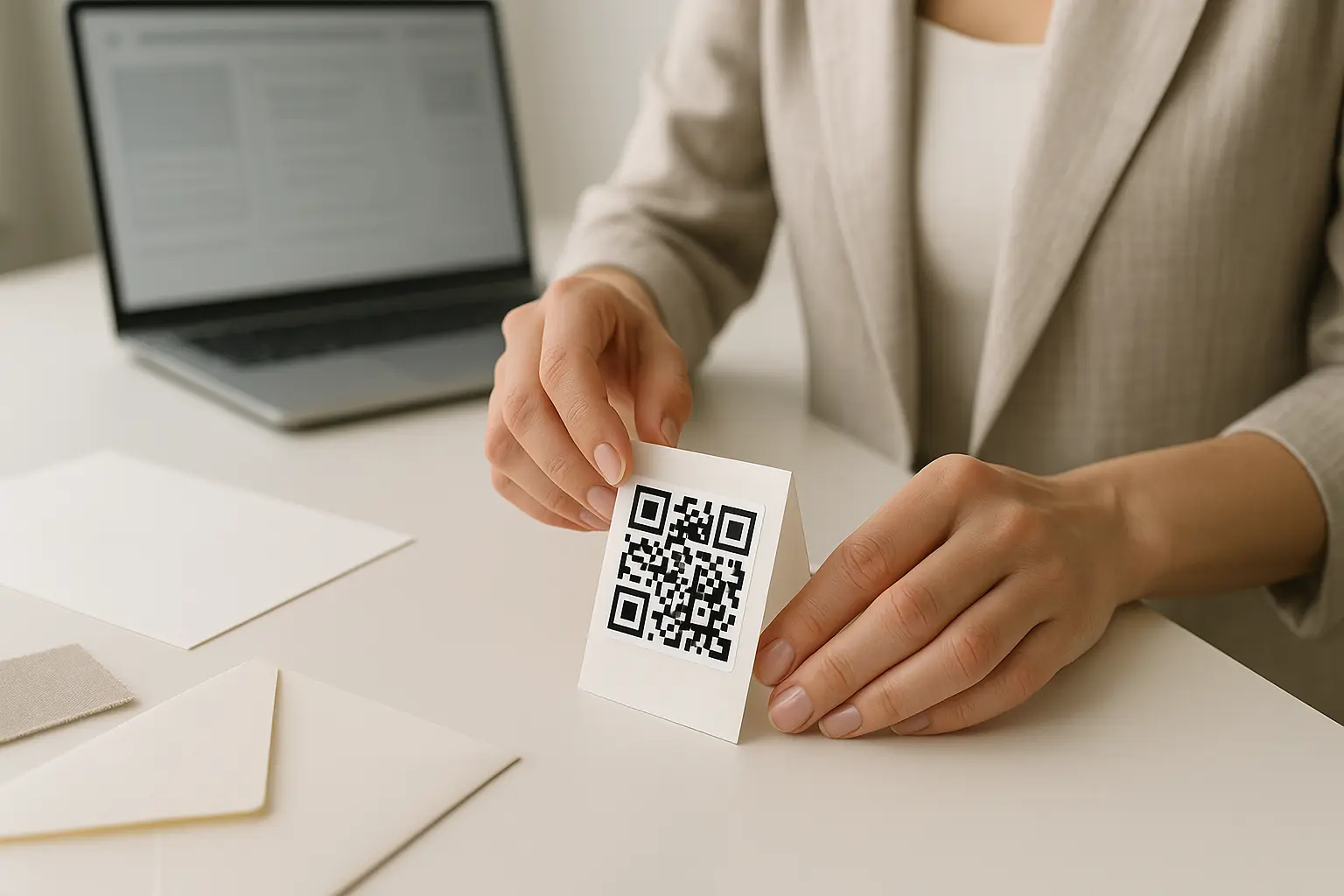
Hands placing a QR code sticker onto a wedding photo table tent card

To answer how to create a qr code for wedding photos: 1) Choose where guests should land (a view-only album or an upload page) and copy the shareable link. 2) Paste that link into a QR code generator and download the code. 3) Test the scan on multiple phones, then print and place it where guests will actually see it.

Learn how to create a wedding photo QR code that guests can scan to view or upload pictures. Includes placement tips, print sizing, testing, privacy, and troubleshooting.

You’ll create a QR code that sends guests straight to your wedding photo link (view and/or upload). We’ll cover setup, print-ready sizing, placement, testing, and privacy basics.

TLDR: Pick a destination that guests can open fast, copy the shareable link, and generate a QR code from that URL. Print it with enough size, contrast, and quiet zone to scan in real lighting, and test on iPhone and Android before you distribute it.

What a QR code for wedding photos does

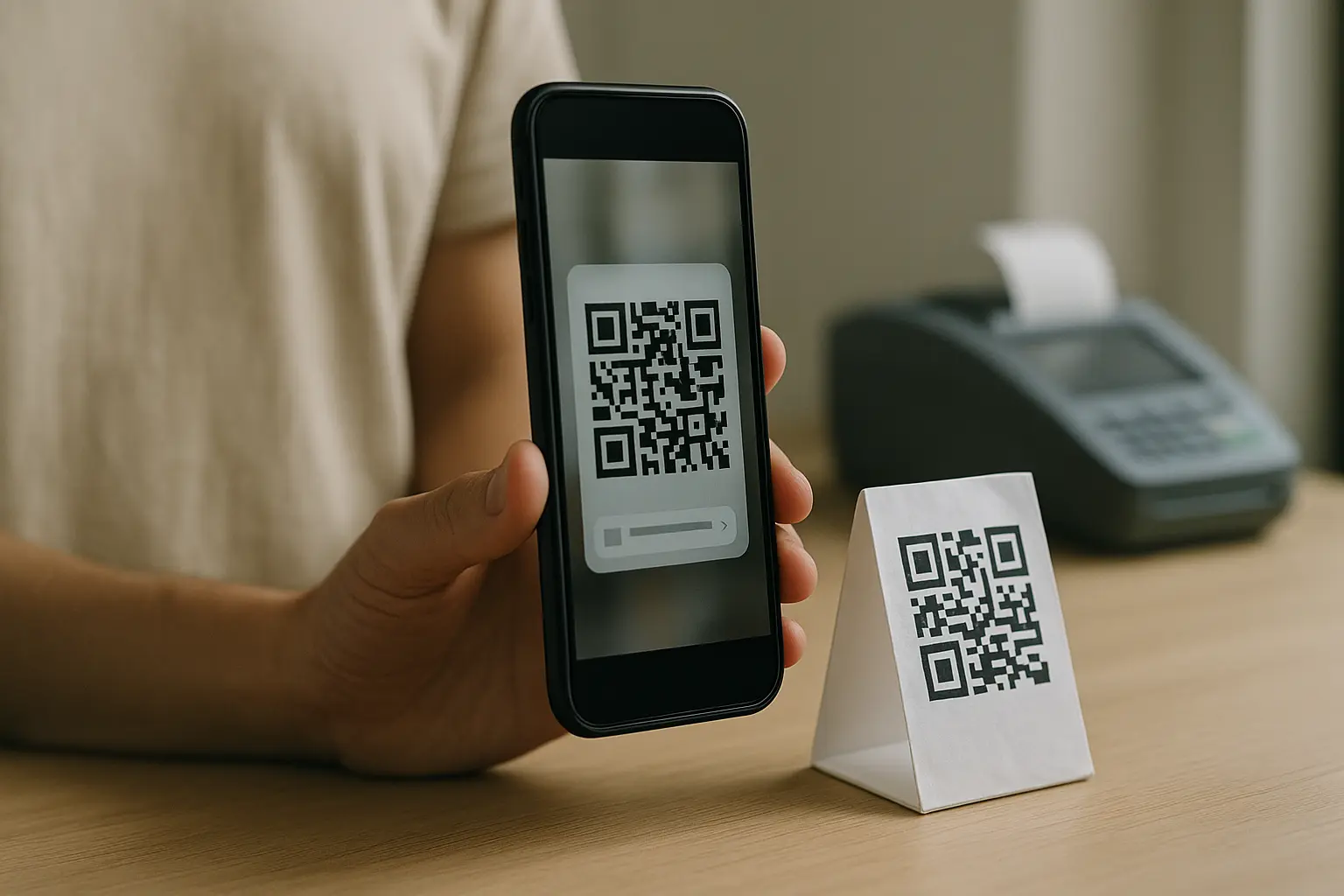
A QR code for wedding photos is a QR code (a two-dimensional barcode) that opens a web page when a guest scans it with a smartphone camera. That page is usually a web-based gallery for viewing, an upload platform for guest submissions, or a single page that offers both.

Here is the basic flow:

QR code → Guest scan (phone camera) → Shareable link opens → Album or upload page

What guests should expect after scanning depends on your destination link:

  • View-only: Guests see an album or gallery and can scroll and download.
  • Guest upload: Guests can add photos from their camera roll (sometimes after a quick permission step).
  • Mixed: Guests can view what others posted and also upload their own.

A few background points can help when you are choosing settings and print specs:

  • QR codes were invented in 1994 by Masahiro Hara at Denso Wave.
  • The specification is defined in ISO/IEC 18004:2015.
  • QR codes come in sizes from Version 1 to Version 40 (measured in modules), and higher versions pack more data.
  • QR codes support multiple encoding modes (numeric, alphanumeric, byte, and Kanji).
  • Higher error correction can help a code remain readable even if part is damaged. For example, Level H can allow readability even if up to 30% is obscured.

Is a QR code for wedding photos more effective than using a wedding hashtag? Often yes for collection, because guests can go straight to one controlled link instead of posting publicly and hoping others find it. A hashtag can still work as a social add-on, but it is not a reliable way to gather every guest photo in one place.

Step-by-step: create your wedding photo QR code

If you are searching for how to make a qr code for wedding pictures, the workflow is simple: pick the destination, create a shareable link, generate the code, test it, then print and display it.

  1. Decide the destination type (view-only vs upload). Choose whether the QR code should open an album for viewing, an upload flow for contributions, or a page that offers both.
  2. Create the destination. Make the album, gallery, or upload page in the platform you plan to use.
  3. Generate a shareable link. Copy the link guests will open on their phones. This varies by tool. Aim for a link that works in a normal mobile browser.
  4. Generate the QR code from the link. Paste the URL into a QR code generator and create the QR code.
  5. Download the QR code in a print-ready format. Save a high-quality file so it does not blur when resized for signs or table cards.
  6. Test on multiple devices before printing. Scan it with at least one iPhone and one Android phone, in normal room light and from the distance guests will be standing.
  7. Distribute it where guests will notice. Put it on a welcome sign, table tents, menus, or a small card at each place setting. Add a short instruction like View photos or Upload photos.

Hypothetical example workflow: You create a shared album, copy its shareable link, generate a QR code from that URL, test it on two phones, then print a table tent for each table plus one larger welcome sign near the entrance.

Couple comparing options for viewing versus uploading guest photos

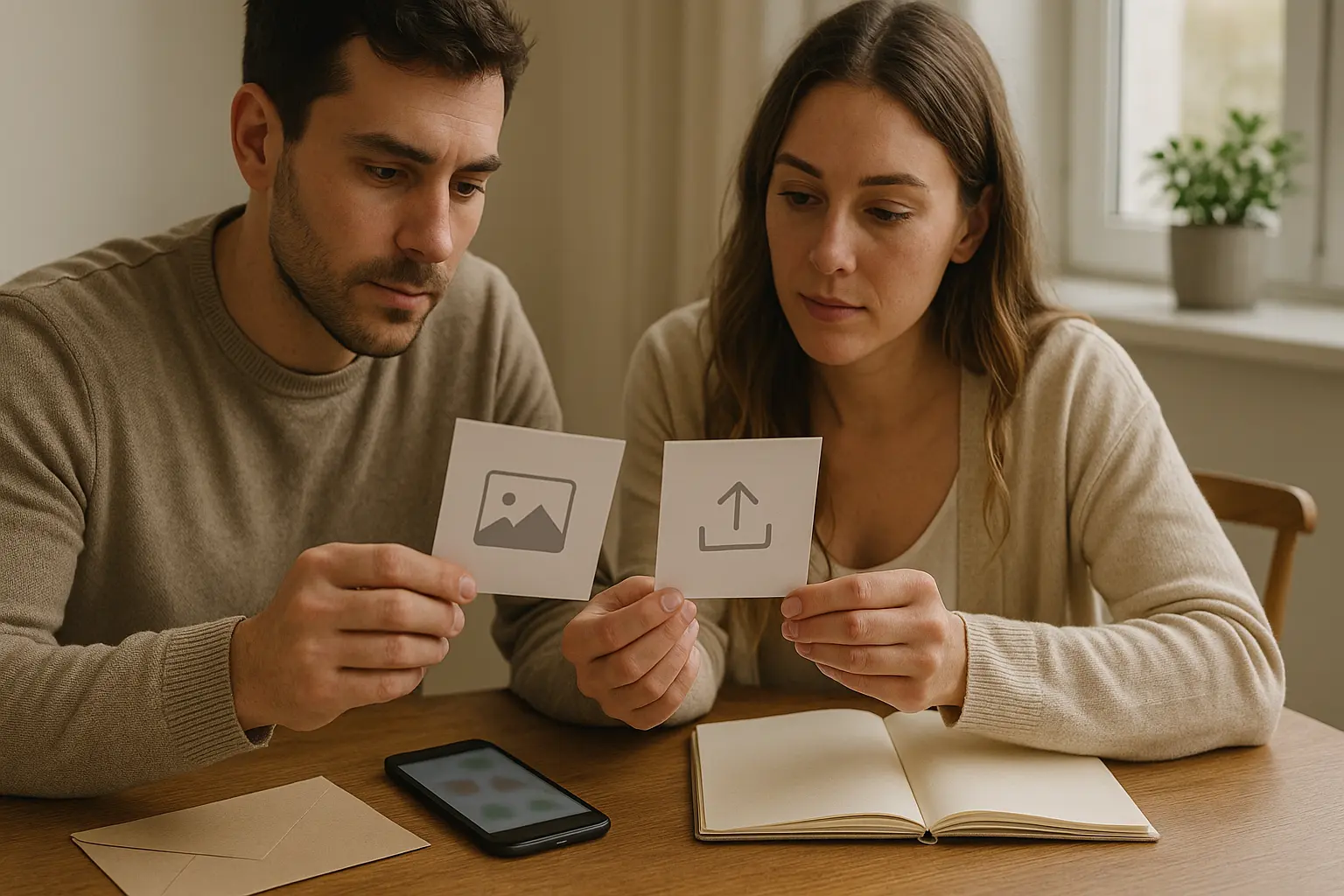
Your QR code is only as good as the page it opens. Before you generate the code, decide what you want guests to do and how much friction is acceptable.

A practical decision framework:

If you only need viewing: Use a shared album or web-based gallery with a clean shareable link. This reduces accidental uploads and keeps the experience simple.

If you want contributions: Use a guest photo upload QR code destination that lets guests upload with minimal steps. This varies by tool, but the goal is consistent: a shareable link that opens quickly and clearly shows where to add photos.

If you want both: Pick a destination where guests can view what is there and also upload. Make sure the page labels are obvious on mobile.

Common friction points to avoid (when possible):

  • A flow that requires guests to create an account before they can upload.
  • A flow that forces a dedicated app install to complete the upload.
  • A link that is restricted to specific email addresses unless you truly want that.

Do I need to use a specific platform or app for wedding photo QR codes? No. A QR code can point to any shareable link, so you can use many albums or upload platforms as long as the link works on a phone. The best choice is the one your guests can open quickly and understand without instructions.

Do guests need to download an app to scan and upload photos using a wedding photo QR code? Scanning usually happens in the phone camera, but uploading depends on the destination. This varies by tool, so check whether your chosen album or upload platform allows uploads in a mobile browser without requiring an app or account.

Privacy note while you choose: A shareable link can be effectively public if it is forwarded. If you would be uncomfortable with strangers viewing the gallery, choose stricter access and sharing settings, even if it adds one small step for guests.

If you already use Google Photos, you can use an album share URL as the QR destination. This approach is straightforward: the QR code opens the album link, and guests interact with the album based on the album’s sharing settings.

To set it up at a high level:

  • Create the album in Google Photos.
  • Use the album’s sharing option to create a shareable link.
  • Paste that album link into your QR code generator.

This is the qr code for wedding photos google photos approach in one sentence: the QR code is just a shortcut to the album’s share URL.

Settings matter more than the QR code here:

  • The destination’s permissions determine whether guests can only view or can also add photos.
  • Access can be more open (easier for guests) or more restricted (better control). What you can configure depends on Google Photos options.

How do I create a QR code that links to a Google Photos album? Create the album, copy the Google Photos shareable link, then generate a QR code from that URL. After that, test the scan on multiple phones to confirm it opens the album and matches your intended access settings.

If you need step-by-step clicks for a specific Google Photos screen, use Google Photos help resources to confirm the exact sharing options available to your account type and device.

Static vs dynamic QR codes (and why it matters after you print)

The biggest planning decision is whether you need a QR code whose destination can be changed later.

What is the difference between a static QR code and a dynamic QR code for wedding photos? A static QR code stores the destination URL in the code itself, while a dynamic QR code typically points to a short redirect link that can be edited later. Dynamic codes are also commonly where scan analytics are offered, but features vary by tool.

Here is a quick comparison for qr code for wedding photos static vs dynamic decisions:

FeatureStatic QR codeDynamic QR code
Edit destination after printingNoThis varies by tool, often yes
Scan trackingNoThis varies by tool, often yes
Risk profileLink is permanent, but mistakes are permanent tooThis varies by tool; some can stop working if a trial ends or a subscription lapses
Best fit for weddingsGreat if you finalize the link early and test hardUseful if you need to change destinations later or want tracking

Takeaway: If you want the least day-of uncertainty, a static QR code paired with careful testing is often the simplest.

Can I edit or change the QR code destination after I’ve printed the codes? This varies by tool, but typically only dynamic QR codes support changing the destination after printing. With a static QR code, if the destination URL changes, the printed code can become non-functional.

Wedding-specific guidance: Treat anything you print as permanent. If you choose dynamic, confirm how it stays active so the code does not fail during the event.

Design and print specs (size, contrast, quiet zone, file formats)

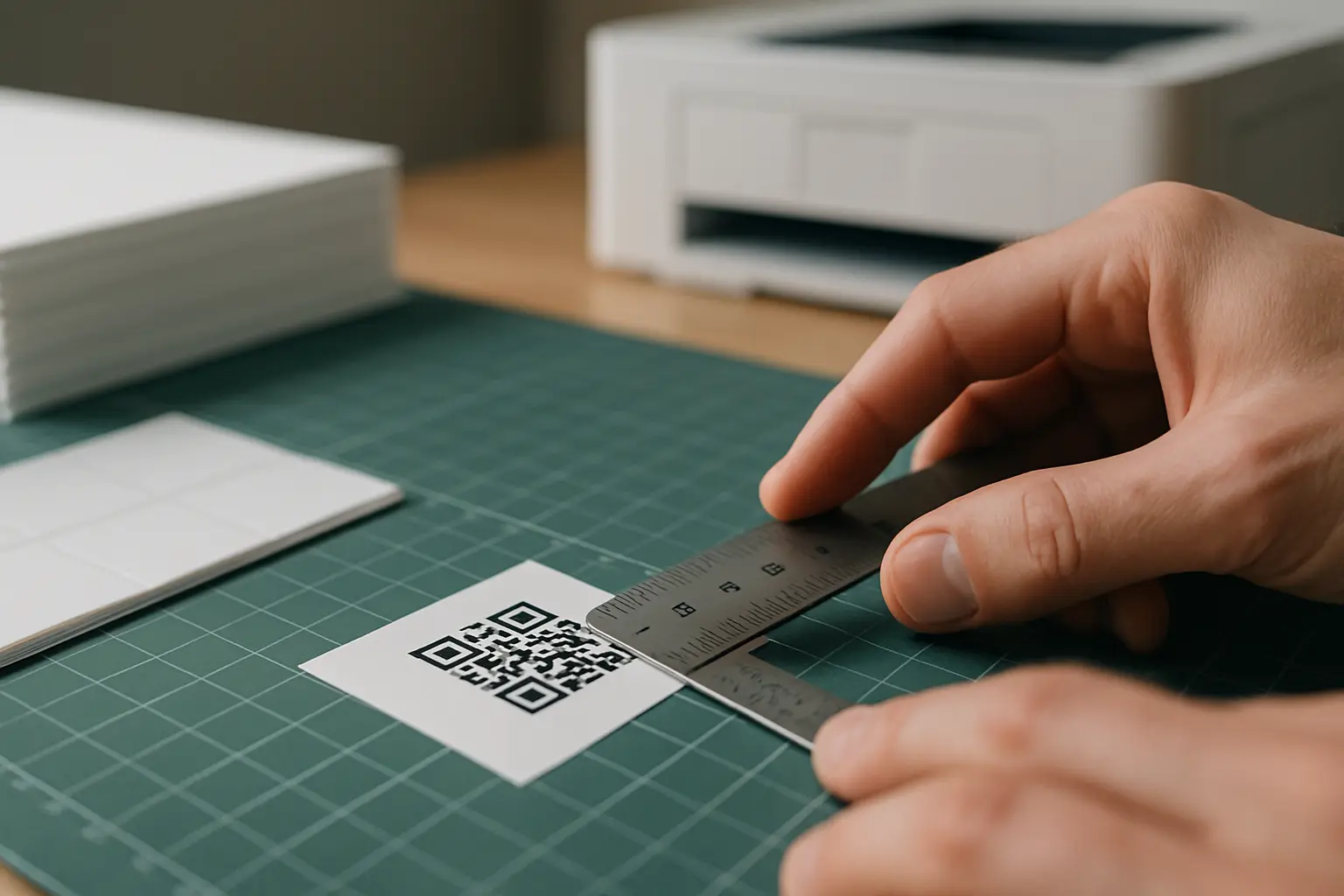
Printed QR code samples showing size and quiet zone next to a ruler

Print is where many wedding QR codes fail. A code that looks fine on your screen can become unscannable if it is too small, low-contrast, crowded by design elements, or exported at low quality.

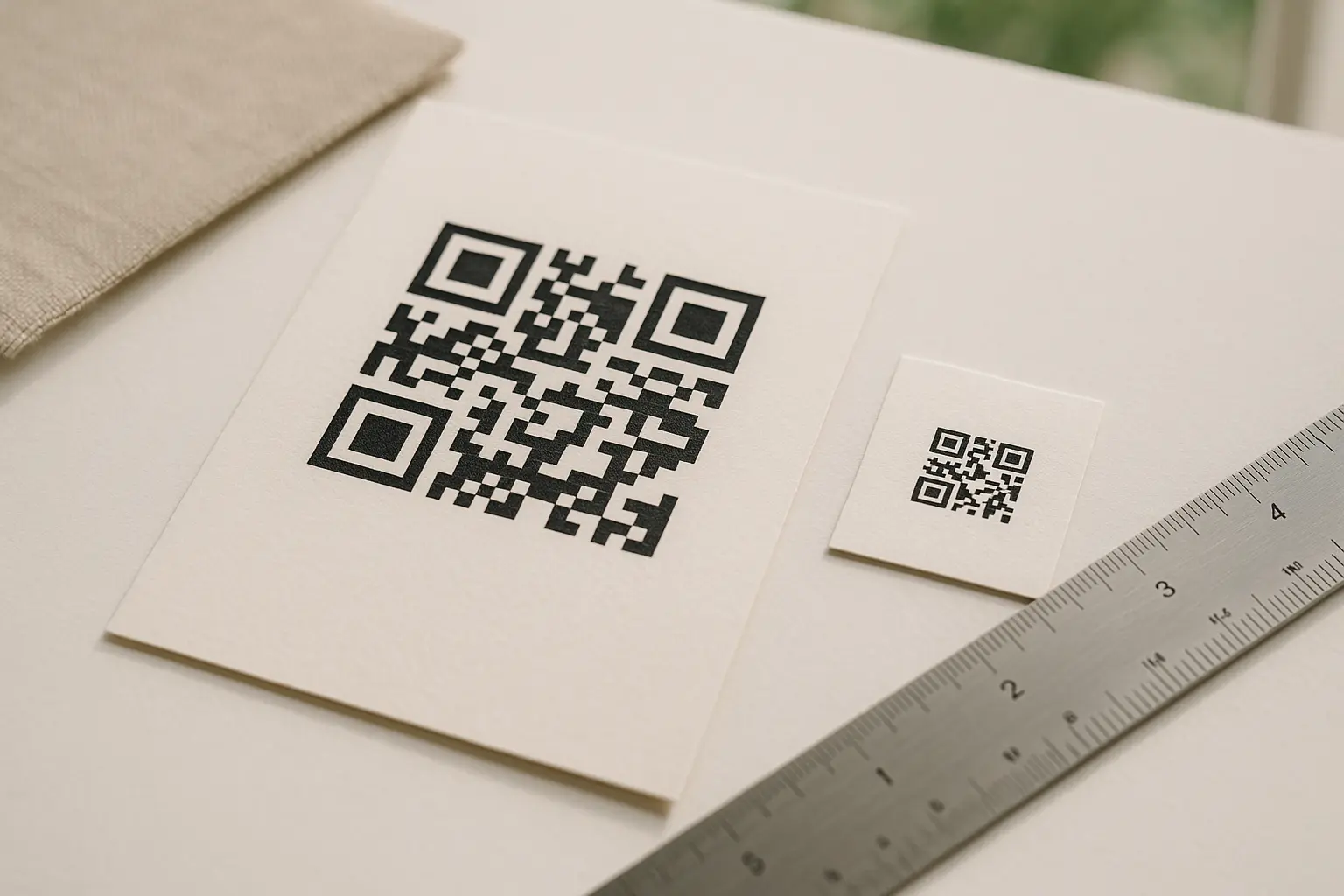
What are the minimum size requirements for a QR code so guests can scan it easily? This varies by tool, but a cited minimum print size guidance is about 2 × 2 cm (0.8 × 0.8 inches) for scanning from arm’s length or closer. If guests will scan from farther away, scale up.

Distance matters too. This varies by tool, but one cited guideline is an approximate 10:1 ratio between scanning distance and code size (for example, a 1 cm code scanned from about 10 cm away).

Quiet zone and layout safety

The quiet zone is the empty margin around the QR code. Without it, scanners can struggle to detect the code boundary.

How do I ensure the QR code matches my wedding theme or colors? Keep the QR code itself high-contrast and simple, then apply your theme around it (borders, headings, and surrounding design). If you tint the code, keep the foreground dark, the background light, and preserve a clear quiet zone so style does not interfere with scanning.

qr code for wedding photos quiet zone guidance: This varies by tool, but a common recommendation is about 4 modules of clear space around the code, and one cited print interpretation is about 0.25 inches depending on final size. The safest approach is to leave more whitespace than you think you need.

Contrast and error correction

Contrast is the difference between the code color and the background color. Low contrast fails in dim reception lighting.

This varies by tool, but a cited minimum contrast ratio is 4.5:1 between the foreground and background to support scanning across conditions.

Error correction is built into QR codes. Higher error correction can help when the code is slightly damaged (wrinkles, glare, light scratches), but it is not a substitute for correct sizing and contrast.

Download formats: PNG vs SVG

What file formats should I use when downloading a QR code for printing? For most print uses, SVG is ideal because it scales cleanly, while PNG can work if it is exported at high resolution. If you are placing the code into a design file that will be resized, SVG is usually the safer pick.

That covers qr code for wedding photos png svg decisions in practical terms: choose SVG when you can, and use PNG only if you keep it sharp at the final printed size.

CheckWhat to look forWhy it matters
SizeThis varies by tool; aim for at least 2 × 2 cm for close scanningPrevents failures from small codes
DistanceThis varies by tool; use the approximate 10:1 distance-to-size guidelineMatches real guest behavior
ContrastThis varies by tool; aim for at least 4.5:1 contrastHelps in venue lighting
Quiet zoneLeave a clear margin around the codeKeeps scanners from misreading edges
File qualityPrefer SVG, or a sharp PNG at final sizePrevents blur and pixelation
No distortionDo not stretch or skew the codePreserves module geometry
Multi-device testScan on iPhone and AndroidCatches camera and OS differences
Lighting testTest under warm, dim light tooRecreates reception conditions

Takeaway: If you pass every row in this checklist, your printed QR code is far less likely to fail at the venue.

Quick checks before you print and distribute:

  • Does the QR code open the correct link on iPhone and Android?
  • Is the QR code at least the cited minimum print size for your placement distance?
  • Is there a clear quiet zone around the code (not crowded by design)?
  • Is contrast high enough to scan in venue lighting?
  • Do you have a backup plan if venue internet is weak?

Where to place the QR code at your wedding (to maximize uploads)

Placement determines participation. You want the QR code in the guest’s line of sight at moments when they are not rushing.

High-visibility placement options:

  • Welcome table or entry area sign.
  • Bar sign or cocktail hour display.
  • Table tents or table cards at every table.
  • Menus or programs (especially if guests will hold them).
  • Near the guest book or card box.

This is where a qr code for wedding photos printable sign helps most: one large, clear code at the entrance plus smaller repeats at tables.

Two simple placement mockups (text-only):

Welcome sign mockup

Welcome
Scan To View And Upload Wedding Photos

[  QR CODE  ]

Please Use Your Phone Camera

Table tent mockup

Share Your Photos
Scan To Upload

[ QR CODE ]

Timing matters too:

  • Put it out early, before guests start taking photos.
  • Keep it visible through the reception, not just at the ceremony.

Post-wedding placement:

  • Add the QR code to thank-you cards or a post-wedding sharing note so guests who forgot can still contribute later.
  • If you do this, make sure the destination link remains accessible for as long as you expect people to upload.

Testing + troubleshooting when the QR code won’t scan

Person testing a printed wedding QR code by scanning it in dim lighting

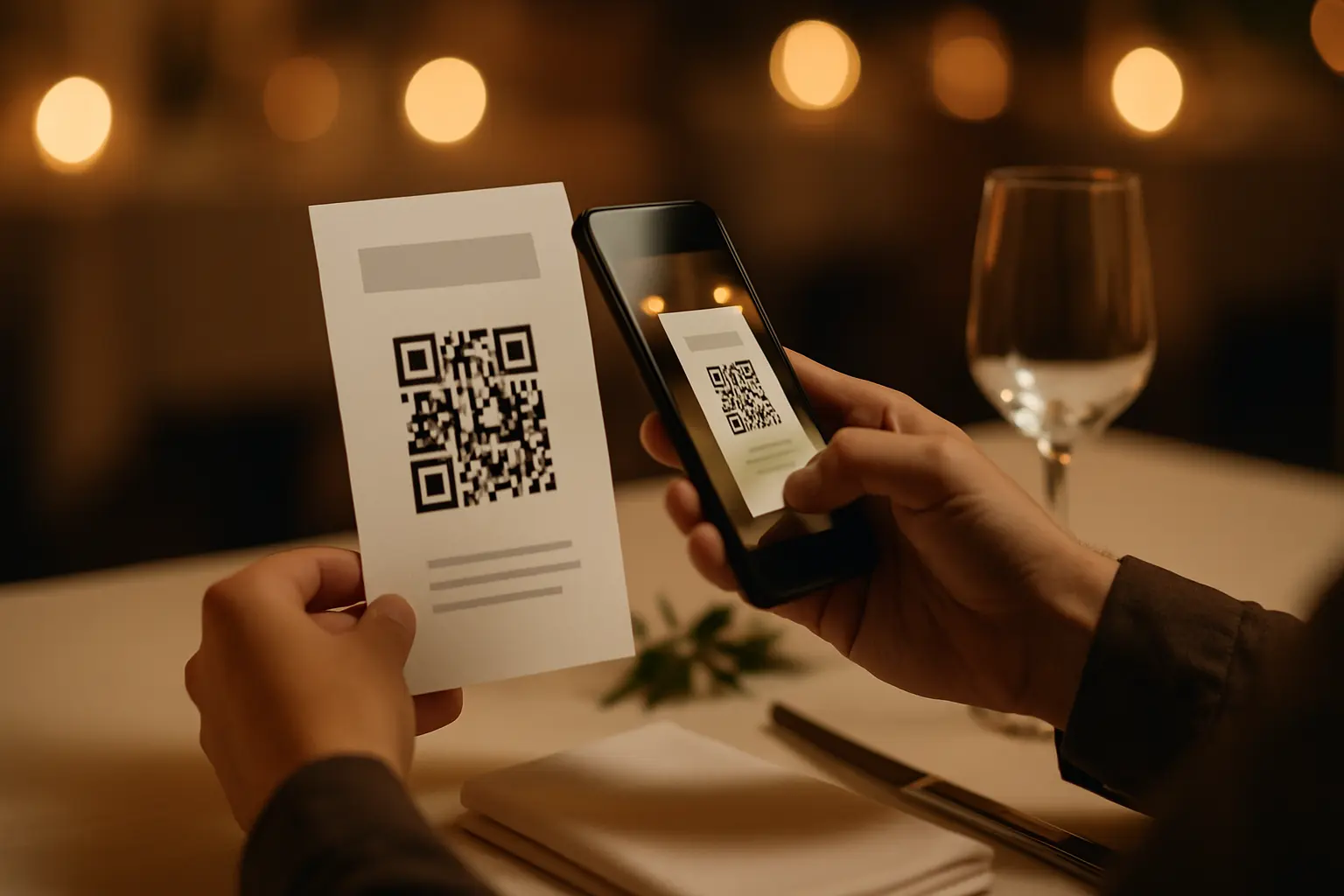
Testing is not optional for print. Do it before you print a batch, and again once you have a physical proof.

Minimum test set:

  • Scan with at least one iPhone and one Android device.
  • Test from the actual distance (table distance, sign distance).
  • Test in lighting similar to your venue.

What should I do if my QR code isn’t scanning correctly? Start by checking size, contrast, and quiet zone, then test the printed version on multiple phones. If the code scans but the page fails to load, the issue is often the destination link or venue connectivity, not the code itself.

Common symptoms and fixes (organized for fast diagnosis):

ProblemLikely causeFix
Won’t scan at allCode is too smallIncrease printed size and retest from the intended distance
Won’t scan at allLow contrast or colored backgroundUse dark code on light background and retest in dim lighting
Won’t scan at allQuiet zone is missingAdd clear margin around the code, remove nearby graphics
Scans sometimesGlare, folds, or textured paperUse matte print where possible and avoid placing over creases
Scans but opens wrong linkOld file used in layoutRegenerate or replace the QR image in the design, then retest
Scans but page will not loadWeak Wi‑Fi or cellular at venueProvide a backup connection plan and keep the link lightweight
Uploads are slow or failConnectivity or destination limitationsTest upload speed at venue, and consider an alternative upload method

Takeaway: Most scan failures come from print design issues, while most upload failures come from link settings or internet access.

A simple backup plan for venue internet:

  • Ask the venue what guest Wi‑Fi is available and test it during a site visit if possible.
  • Consider posting a short text version of the shareable link near the QR code for guests who cannot scan a QR code.
  • If uploads are the priority, prioritize placements where guests have better signal (near windows, lobby, or outdoor areas with coverage).

Privacy and security for guest photo QR codes

A wedding photo-sharing link can feel private, but a shareable link can be forwarded beyond your guest list. It is worth setting expectations and choosing settings that fit your comfort level.

qr code for wedding photos privacy settings start at the destination, not the QR code. Decide whether the gallery should be public to anyone with the link, limited to invited people, or moderated.

Key risks and practical ways to reduce them:

  • Malicious QR codes exist. A QR code can send someone to a phishing site or malware. Keep your signage controlled, and do not allow random stickers to be placed over your printed code.
  • Public link exposure. If your gallery is open to anyone with the link, assume it could be shared. Use more restrictive access if that worries you.
  • Guest comfort. Some guests do not want to share photos. Avoid pressure. Offer a simple opt-out, like telling guests they can share only what they are comfortable posting.

Is a QR code for wedding photos secure? A QR code is only a shortcut to a link, so security depends on the destination and how you manage access. Use trusted platforms, set appropriate privacy settings, and remind guests to scan only the QR code you provided on official wedding materials.

A practical wedding-specific reminder you can print near the code:

  • Scan Only This Official Wedding Photo Code
  • Do Not Scan Random QR Stickers Placed Nearby

Optional: tracking scans and participation

If you want to know whether guests engaged, scan tracking is one option, but it is not guaranteed.

Can I track how many guests scanned the QR code or uploaded photos? This varies by tool. Scan tracking is commonly tied to dynamic QR codes, while upload counts are usually reported by the destination album or upload platform itself (if it provides that visibility).

If tracking is available, it can sometimes tell you:

  • How many scans happened over time.
  • Rough timing patterns (for example, more scans during cocktail hour).

Tradeoffs to think through for qr code for wedding photos track scans:

  • Dynamic-code analytics often come with dependencies. This varies by tool, and some dynamic codes can stop working if a free trial ends or a paid subscription lapses.
  • Tracking can add one more point of failure if you do not confirm how the dynamic link remains active through your wedding date and beyond.
Get started

Free for the first code.
$279 lifetime if you ever upgrade.

No credit card. No trial clock.