
Table of Contents
To use QR codes in direct mail, start with a single clear goal and a mobile-friendly destination, then design the code with enough size, contrast, and quiet zone to scan in real-world conditions. Test on multiple phones before printing, and choose a measurement approach that still works after the piece is mailed.
QR codes can turn a postcard or letter into a measurable, mobile-first experience. This guide covers what to link to, how to design for scanning, and how to track results without creating friction for recipients or headaches for print production.
TLDRUse a QR code only when the scan leads to a simple mobile action that matches the mail offer. Prioritize scannability (size, contrast, quiet zone, error correction) and test before you print. For measurement and post-print flexibility, consider dynamic and personalized options, and be thoughtful about privacy and accessibility.
What it means to use QR codes in direct mail
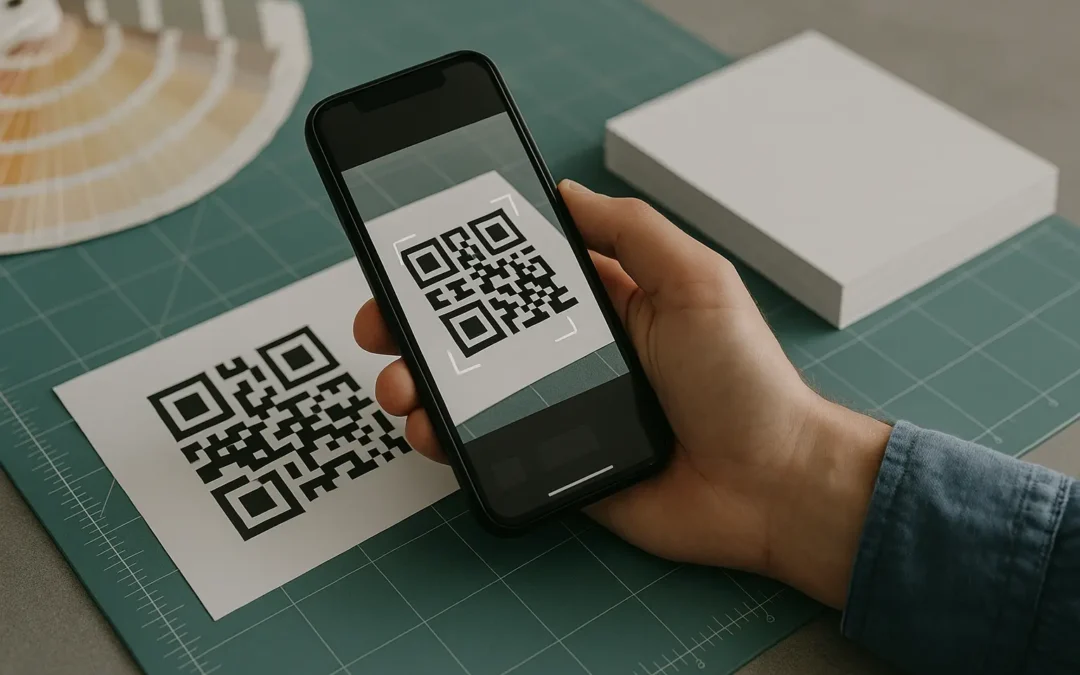
A QR code on direct mail is a printed bridge from a physical piece to a digital destination someone can open on their phone in seconds. That destination is usually a landing page designed for a quick, thumb-friendly action such as signing up, donating, claiming an offer, or getting directions.
Direct mail formats where QR codes show up often include:
- Postcards and self-mailers
- Letters and statement stuffers
- Brochures and flyers
- Envelopes (as a teaser or to support Informed Delivery and other cross-channel tactics)
Common scan destinations that work well for direct mail:
- A campaign landing page with a short form
- A coupon or offer page that can be saved
- A donation form
- Event registration or RSVP
- Product information, video, or a how-to page
- Maps and directions
- A survey or feedback form
- Loyalty or referral enrollment
If you are collecting ideas for qr codes in direct mail best practices, keep one principle in mind: The QR code is not the message. The mail piece is the message. The QR code is just the easiest path to complete the next step on mobile.
Step-by-step: how to use QR codes in a mail campaign
A direct-mail QR setup works best when it is planned end-to-end, from offer to tracking, with print constraints accounted for before your file goes to production.
- Choose one goal per mail piece and define the mobile action (Sign up, donate, claim, RSVP, watch, get directions, answer).
- Pick a single destination that matches the offer and can be completed comfortably on a phone (Usually a focused landing page, not a general homepage).
- Decide whether you need a static QR code or a dynamic QR code based on whether the destination might change and whether scan tracking is needed.
- Write the call-to-action (CTA) next to the code so recipients know what they get and what happens after scanning.
- Design for print realities: allow a clean quiet zone, use strong contrast, and avoid placing the code on folds, heavy texture, or glare-prone finishes.
- Confirm the landing page is mobile-first, fast enough, and message-matched to the mailer’s headline and promise.
- Run pre-print QA with test prints across multiple phones, lighting, and distances, and re-check the final exported print file.
- Launch measurement: define what counts as a conversion, verify analytics, and plan how you will handle late scans after the campaign window.
High-impact use cases (and what to link to)
Direct mail works when the next step is easy to complete. QR codes help when the scan reduces typing and removes guesswork.
| Use case (Goal) | Recommended QR destination | Suggested CTA |
|---|---|---|
| Lead capture | Short mobile form landing page | Scan to get your quote |
| Donations | Mobile donation form | Scan to donate in seconds |
| Coupons and discounts | Offer page with redeemable code | Scan for your discount |
| Event registration | RSVP or registration page | Scan to RSVP |
| Product info and videos | Product landing page with video above the fold | Scan to watch the demo |
| Maps and directions | Location landing page with map buttons | Scan for directions |
| Surveys and feedback | Short survey page | Scan to share feedback |
| Referrals and loyalty | Enrollment page with simple steps | Scan to join rewards |
Takeaway: The best QR destinations let someone finish the action on their phone without hunting through navigation or re-reading the mail piece to understand what to do.
Static vs dynamic QR codes for direct mail
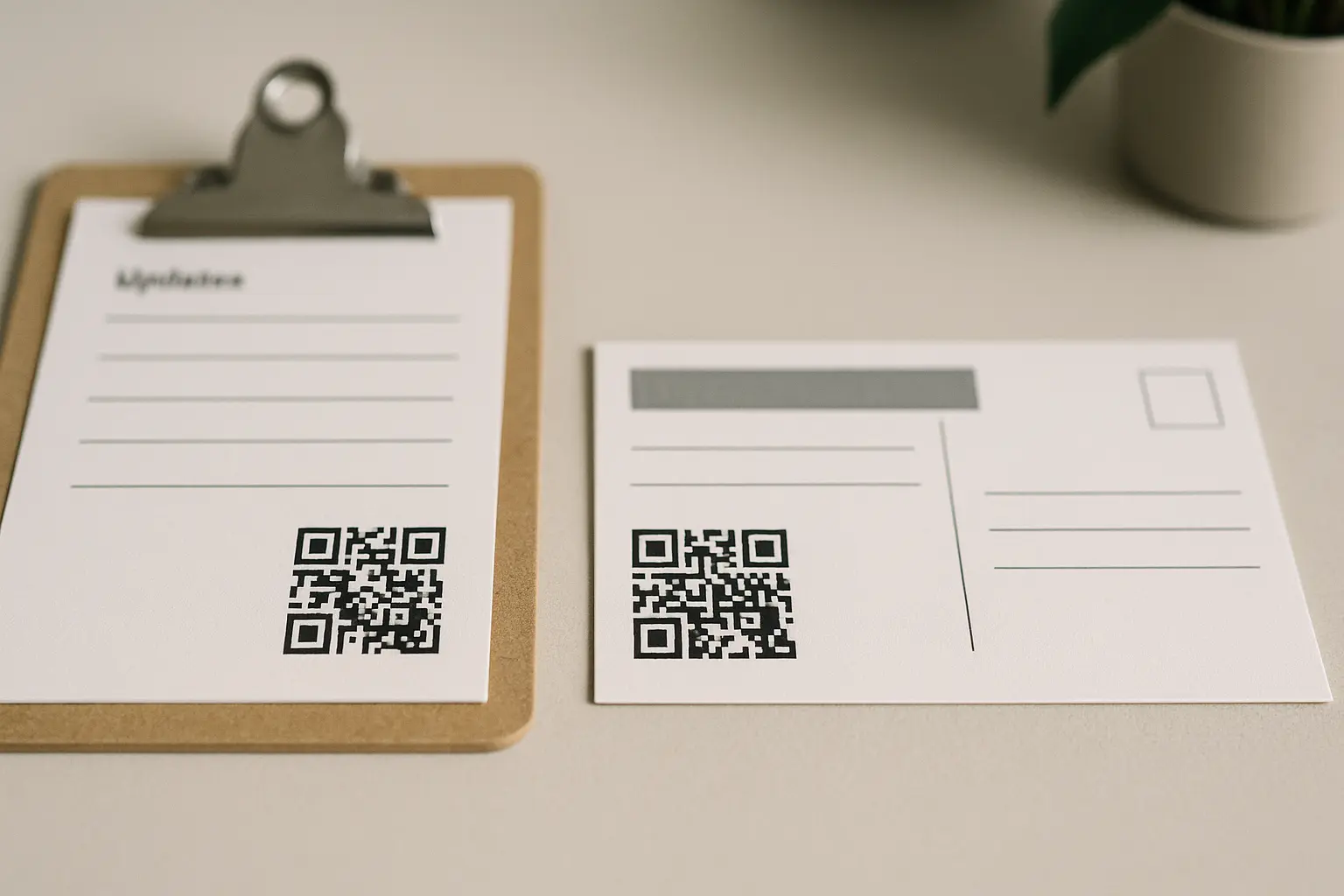
A static QR code directly encodes the destination data (often the full URL) into the symbol. A dynamic QR code typically encodes a shorter redirect that you can change later, depending on how it is set up. In print, that difference affects flexibility, tracking, and sometimes scannability.
What is the difference between static and dynamic QR codes for direct mail, and which should I use? A static QR code is fixed after printing, while a dynamic QR code can often be updated and can support tracking, depending on the setup. Use static when you are confident the destination will not change, and use dynamic when you want post-print flexibility or scan measurement.
Static can be sufficient when:
- The destination is stable (For example, a long-lived page you control)
- You do not need scan-level reporting
- You want fewer moving parts after the mail drops
Dynamic is often safer for campaigns when:
- The offer may change, expire, or need to be extended
- You want to route different segments to different experiences
- You want scan reporting (This varies by tool.)
Include the measurement keyword naturally here: dynamic vs static is where dynamic qr codes for direct mail tracking becomes a planning decision, not just a technical one.
What happens if someone scans my QR code after my campaign ends or my destination page is updated? With a static QR code, the printed code keeps pointing to the same destination you encoded, so changes require updating that destination page. With a dynamic QR code, you may be able to redirect late scans to a new page or a campaign-ended message, depending on how your redirects are managed.
A practical way to plan for late scans is to prepare a fallback page that explains the offer status and provides an alternative action.
| Print-relevant factor | Static QR code | Dynamic QR code |
|---|---|---|
| Can you change the destination after printing? | No, not without changing the encoded destination content | Often yes, by updating the redirect target (Varies by tool.) |
| Scan tracking support | Limited unless you measure on the destination | Often supported (Varies by tool.) |
| Risk if the URL changes | Higher | Lower if redirects are maintained |
| Symbol density | Can be higher if a long URL is encoded | Can be lower if a short redirect is encoded |
| Operational overhead | Lower | Higher (Redirect governance, uptime, access controls) |
Takeaway: In direct mail, dynamic options are mainly about controlling what happens after printing and how you measure, not about making the code look fancy.
Personalized and variable QR codes (PURLs + attribution)
Personalization is where direct mail can become measurable at the recipient level, if that matches your program’s privacy stance and data practices.
A personalized QR code (PQR) is a unique QR code per recipient. In practice, that often means each person gets a unique URL behind the code, which can route to:
- A personalized landing page experience
- A pre-filled form
- A recipient-specific offer or RSVP record
- An attribution record that ties the scan back to the mail file
A variable QR code is the broader concept: each printed piece can carry different data in the QR symbol or in the destination URL. This is commonly produced through variable data printing (VDP), where the print file merges a recipient list with per-recipient elements like name, offer code, and QR.
A PURL is a personalized URL, often used to identify a recipient without requiring them to type a long ID. It can be human-readable or simply unique.
If you are evaluating personalized qr codes in direct mail vdp, align three things early:
- Your data fields (Recipient ID, segment, offer code)
- Your print merge (VDP rules and proofing)
- Your measurement plan (What counts as a conversion and where it is recorded)
How do I create a personalized QR code for each recipient in direct mail? You typically generate a unique destination URL per recipient, then merge those URLs into the print file as QR codes using variable data printing (VDP). The destination can also use a PURL structure so each scan resolves to a specific recipient record.
Keep personalization lightweight for the recipient. The mail piece should still make sense even if the recipient does not scan.
Placement and CTA: make it obvious and worth scanning
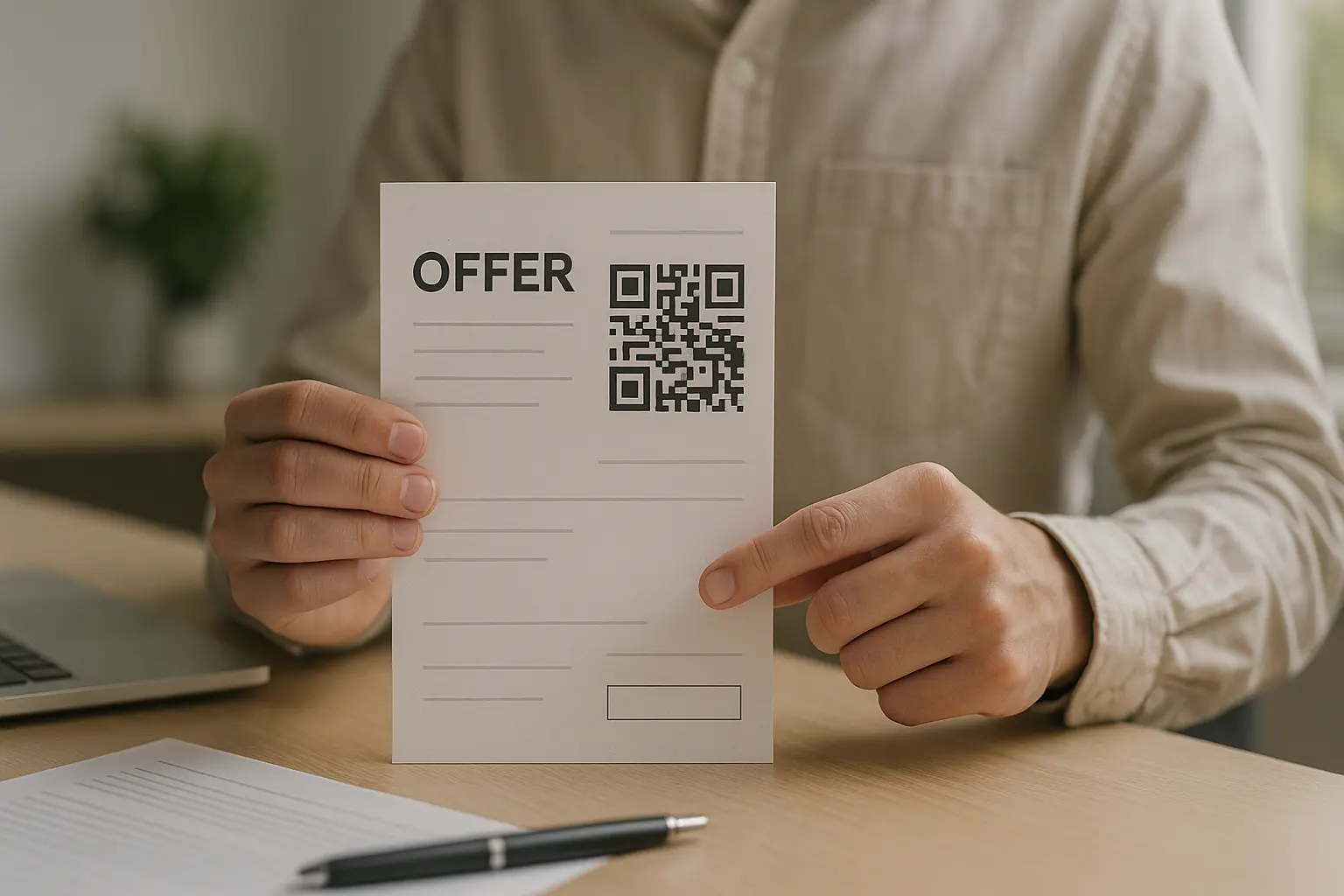
Placement is about two things: visibility and intent. People scan when they understand what they will get, and they can do it comfortably while holding the piece.
This is where qr codes in direct mail placement and cta becomes the make-or-break detail.
Placement guidelines that usually work:
- Put the code near the offer, not isolated in a corner with no context.
- Avoid putting the code across folds, seams, or areas likely to be creased.
- Avoid glossy hotspots or heavily textured stocks that can create glare.
- Keep the code on the same side as the main CTA when possible (Often the front on postcards).
- Leave enough surrounding whitespace so the code is not crowded by borders, photos, or fine patterns.
What call-to-action text should I put next to my QR code to encourage people to scan? Use a CTA that states the benefit and the action in plain language, and set expectations for what happens after the scan. Good CTAs reduce uncertainty (What is it?) and friction (How long will it take?).
CTA copy examples next to a QR code:
- Scan to donate in seconds
- Scan for your discount code
- Scan to RSVP on your phone
- Scan to see product details
- Scan for directions
Avoid context-free QR codes. A QR code with no CTA can look like a production mark, or worse, something risky to scan.
Annotated mailer mock (text-only placement guide):
- Headline area: Offer headline and one-sentence value statement.
- CTA line: A short action line directly above or beside the QR code.
- QR code block: The code with a clean quiet zone on all sides.
- Fallback: A short URL under the code for people who prefer typing.
- Footer: Required disclosures or brief privacy note if you are collecting data.
Print design essentials: size, contrast, quiet zone, and error correction
Print introduces real-world variables: ink gain, paper texture, finishing glare, and handling wear. Design choices that look fine on screen can fail after the mail is processed and handled.
Include the planning term here naturally: this section is your qr codes in direct mail size guide in practice.
How large should a QR code be on a postcard, letter, or brochure? Size depends on scan distance, print quality, and how the piece is handled, so test with a printed proof at the expected distance. A commonly cited starting point is a minimum around 2 cm × 2 cm, plus scaling up based on how far away you expect someone to scan.
Many teams also use a distance-to-size rule of thumb (often described as about 10:1) as a starting point, then confirm with test prints and real devices.
Quiet zone
The quiet zone is the clear margin around the QR code. If design elements or borders intrude into that space, scanning reliability drops.
Practical quiet-zone habits:
- Do not let photos, textures, or rules touch the code.
- Do not place the code inside a tight badge that crowds the edges.
- Do not “frame” the code with a border that eats into the clear margin.
Contrast and customization
High contrast helps phones detect the pattern quickly.
Safer print choices:
- Dark foreground on a light, flat background
- Avoid inverted codes (Light on dark) unless you have tested in print
- Avoid placing the code over gradients, patterns, or busy images
Over-customization can create scan failures. Keep the symbol structure intact and avoid shrinking modules or adding decorative elements that reduce clarity.
Error correction
QR codes have error correction, which helps scanning when parts of the symbol are damaged or printed imperfectly. QR codes are standardized under ISO/IEC 18004:2024, which defines symbol formats, encoding, error correction, and dimensional characteristics.
There are four error correction levels: L, M, Q, H, commonly described as 7%, 15%, 25%, and 30% recovery capacity. Higher error correction can help with creasing and print imperfections, but it can also increase symbol density depending on what you encode.
A common direct-mail approach is to start testing at M or H, then confirm scannability with your final printed proof.
Quick checks (before you sign off on print files)
- Is the QR code large enough for expected scan distance?
- Is there adequate quiet zone around the code?
- Is foreground/background contrast high and clean in print?
- Does the landing page work well on mobile and match the mail offer?
- Has the code been tested on multiple devices and in different lighting?
The landing page after the scan (mobile-first requirements)
The scan is not the finish line. The landing page is where the conversion happens. If the page is slow, hard to read, or does not match the mail offer, people bounce.
Use the keyword here naturally: qr codes in direct mail mobile landing pages should be built for one-handed completion.
What should my QR code landing page look like to maximize conversions? It should be mobile-first, message-matched to the mail piece, and focused on one action with minimal typing. Put the offer and CTA at the top, keep the form short, and remove navigation that distracts from the next step.
Landing page checklist for direct mail scans:
- Responsive layout that works on common phone sizes
- Clear headline that repeats the mailer’s promise
- One primary CTA above the fold
- Short form fields or pre-filled fields when appropriate
- Tap-friendly buttons and readable type
- Minimal distractions (Avoid extra menus if they are not needed)
- A clear confirmation state after submission (Receipt, thank-you, next instruction)
Example message match (mail headline → landing page hero):
- Mail: Get 15% Off Your Next Order
- Page: Claim Your 15% Discount Code
Landing page wireframe (scan-to-conversion flow):
- Header: Logo (Optional) + minimal navigation (Optional)
- Hero: Offer headline + one sentence explaining the benefit
- Primary CTA: Claim offer / RSVP / Donate
- Support: 2 to 3 bullets on what happens next
- Form: Only fields needed for the action
- Trust: Brief privacy note if you are collecting personal data
- Confirmation: Clear success message and next instruction
Testing checklist before you print and mail
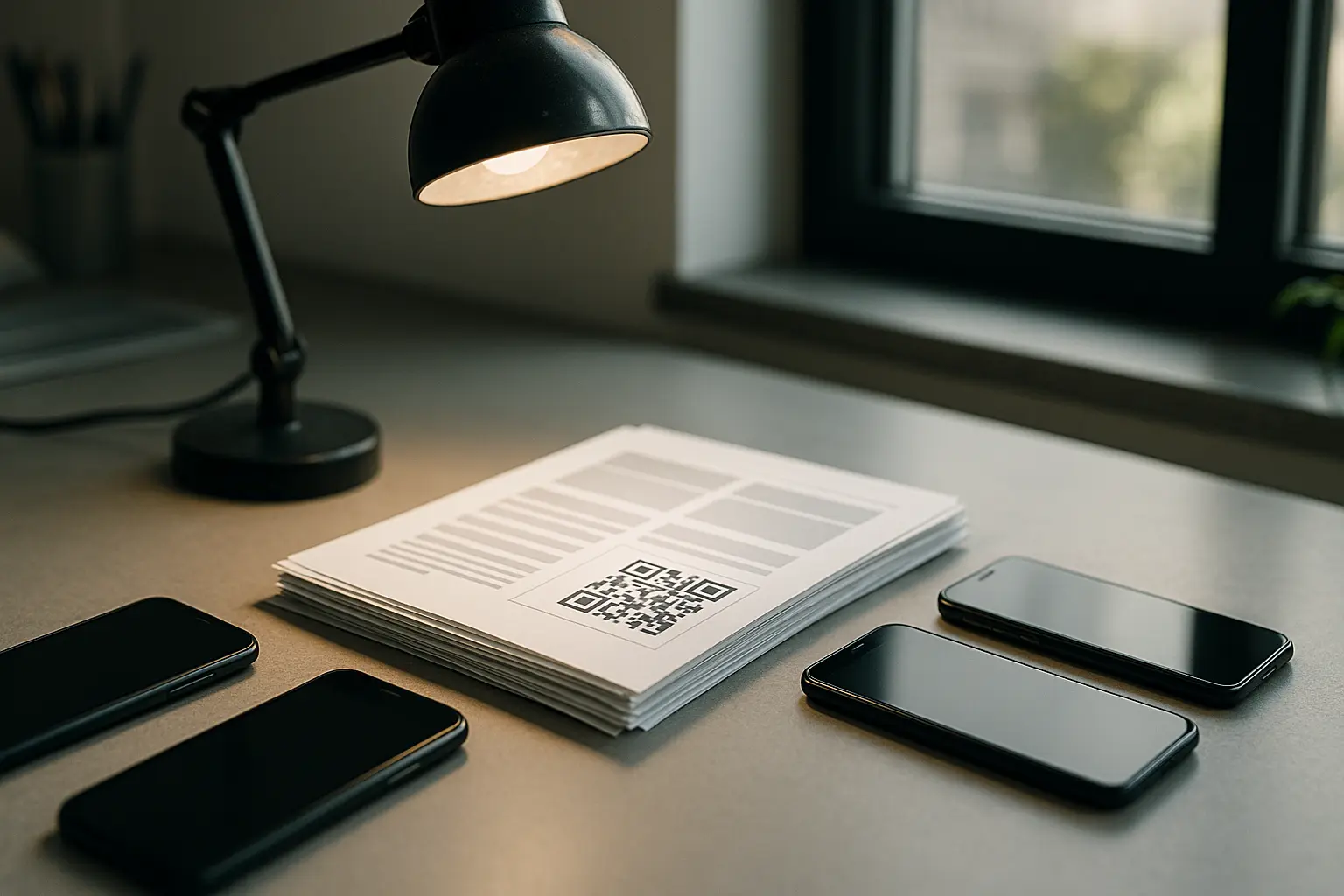
Testing prevents the most common failures: codes that are too small, low-contrast print results, quiet zones that get violated in layout, and destinations that do not load well on mobile.
Use the mapped phrase here naturally: treat this as your qr codes in direct mail testing checklist before you approve a full run.
Test in conditions that match reality:
- Multiple devices (Different camera behavior and QR detection)
- Different lighting (Bright daylight, warm indoor, lower light)
- Different distances (Arm’s length and slightly farther)
- Different handling (Flat, slightly curved, mild crease risk)
Validate not just the scan, but the full path:
- Does it open the correct landing page?
- Does the page load and render correctly on mobile?
- Does the CTA action complete and confirm?
| What to test | How to test it | Why it matters |
|---|---|---|
| Final exported print file | Scan from a printed proof, not just a screen | Screen previews can hide print issues |
| Size at expected distance | Scan at arm’s length and the expected real distance | Distance changes camera success rates |
| Quiet zone | Check for borders, photos, or text near the code | Crowding reduces detection |
| Contrast and background | Print on the final stock or a close match | Ink and paper shift contrast |
| Multiple phones | Test across iOS and Android devices | QR detection behavior differs |
| Different lighting | Test in bright and low light | Glare and noise cause failures |
| Destination behavior | Confirm the right landing page loads and functions | Wrong page equals wasted scans |
| Conversion tracking | Trigger a test conversion and verify it is recorded | Scans are not the only metric |
Takeaway: A QR code that scans on your monitor can still fail in mail-world conditions, so proof in print and test the whole conversion path.
USPS considerations and promotions (where to verify details)
USPS programs and eligibility rules can change, and they can be specific about mail classes, formats, and how digital experiences are presented. If you are considering usps promotion qr codes in direct mail, treat USPS documentation as the source of truth and confirm details before you finalize a campaign plan.
Two USPS-related items that come up often:
- USPS Integrated Technology Promotion: This program can relate to mail that connects to digital experiences such as QR-linked content. This varies by tool. Some sources describe a 3% postage discount and possible stacking up to 4%, but you should verify current terms and eligibility directly with USPS before relying on any number.
- Informed Delivery: Some mailers coordinate their physical piece with Informed Delivery campaigns. QR codes can support a consistent message between the mail piece and the digital preview, but you still need to follow USPS creative and technical rules.
General compliance-minded checks to run:
- Confirm that your QR destination is appropriate for the audience and mail class.
- Confirm any promotion enrollment steps, content requirements, and documentation.
- Confirm any placement rules if you are printing on envelopes, especially near areas used for addressing and postal processing.
Can I use QR codes on envelopes, and does the USPS allow them? QR codes can be used on envelopes, but placement must avoid areas used for addressing, barcoding, and processing. Confirm current USPS guidelines for envelope design and any promotion-specific rules before printing at scale.
Privacy and accessibility: reduce risk and widen usability
QR codes can create privacy and usability issues if teams treat them as “just a link.” Scanning and landing pages can introduce data collection, and some recipients will not be able to use the code comfortably.
Use the mapped phrase here naturally: qr codes in direct mail privacy gdpr is less about adding legal text and more about reducing surprise and limiting unnecessary data. Also treat qr codes in direct mail accessibility guidelines as a design requirement, not a nice-to-have.
Are there legal or privacy risks when using QR codes to collect data from scans? Yes. Scans and landing page visits can create data records such as IP address, device details, timestamp, and sometimes location signals, depending on your setup. Talk with counsel if you have GDPR or similar obligations, and make sure your tracking approach matches your privacy notices and consent model.
Privacy checklist (high level, not legal advice):
- Decide what you truly need to measure (Scans, clicks, conversions).
- Review what your QR and analytics setup logs by default (This varies by tool.)
- Add a short, plain-language privacy note on the landing page when you collect personal data.
- Avoid collecting extra fields “just in case.”
- Set retention and access expectations for campaign data.
- Consider whether per-recipient tracking is appropriate for your audience and offer.
Accessibility and inclusive design checklist:
- Make the QR code large enough to scan without precise positioning.
- Keep strong contrast and avoid busy backgrounds.
- Put the CTA in readable text next to the code.
- Provide a non-QR alternative such as a short URL.
- Make the landing page readable with larger text and clear buttons.
A QR code should never be the only path. A short URL gives recipients a fallback if they cannot or do not want to scan.
Common questions about direct mail QR codes
Can I track how many people scan my direct mail QR code, and can I see who scanned it? Scan counts and scan metadata often depend on whether you use a dynamic setup and what analytics are in place, and this varies by tool. Identifying who scanned typically requires a personalized QR code, a PURL, or a login or form step, and it raises privacy considerations.
Some teams track:
- Scan events (Often through redirects or page analytics)
- Clicks and conversions on the landing page
- Per-recipient attribution when using personalized destinations
Do I need a special app for people to scan QR codes, or can they use their phone camera? Many modern smartphones can scan QR codes using the built-in camera or camera features, so a separate app is often not required. Because behavior varies by device and settings, include a short instruction line near the QR code for less confident users.
Can QR codes be updated after printing? A static QR code cannot be changed after printing, but you can update the content on the destination page it points to. A dynamic QR code may allow you to change the redirect destination, depending on how it is implemented and managed.
How big should the QR code be? Start with a size that supports the expected scan distance and real mail handling, then confirm with a printed proof across multiple phones and lighting conditions. As a starting point, some teams use a minimum around 2 cm × 2 cm and scale up using a distance-to-size rule of thumb, but testing is the deciding factor for your specific paper, ink, and layout.
Ready to Create Your Own QR Code?
Join thousands of users creating beautiful QR codes.
Try QRplify FreeNo credit card required