
Table of Contents
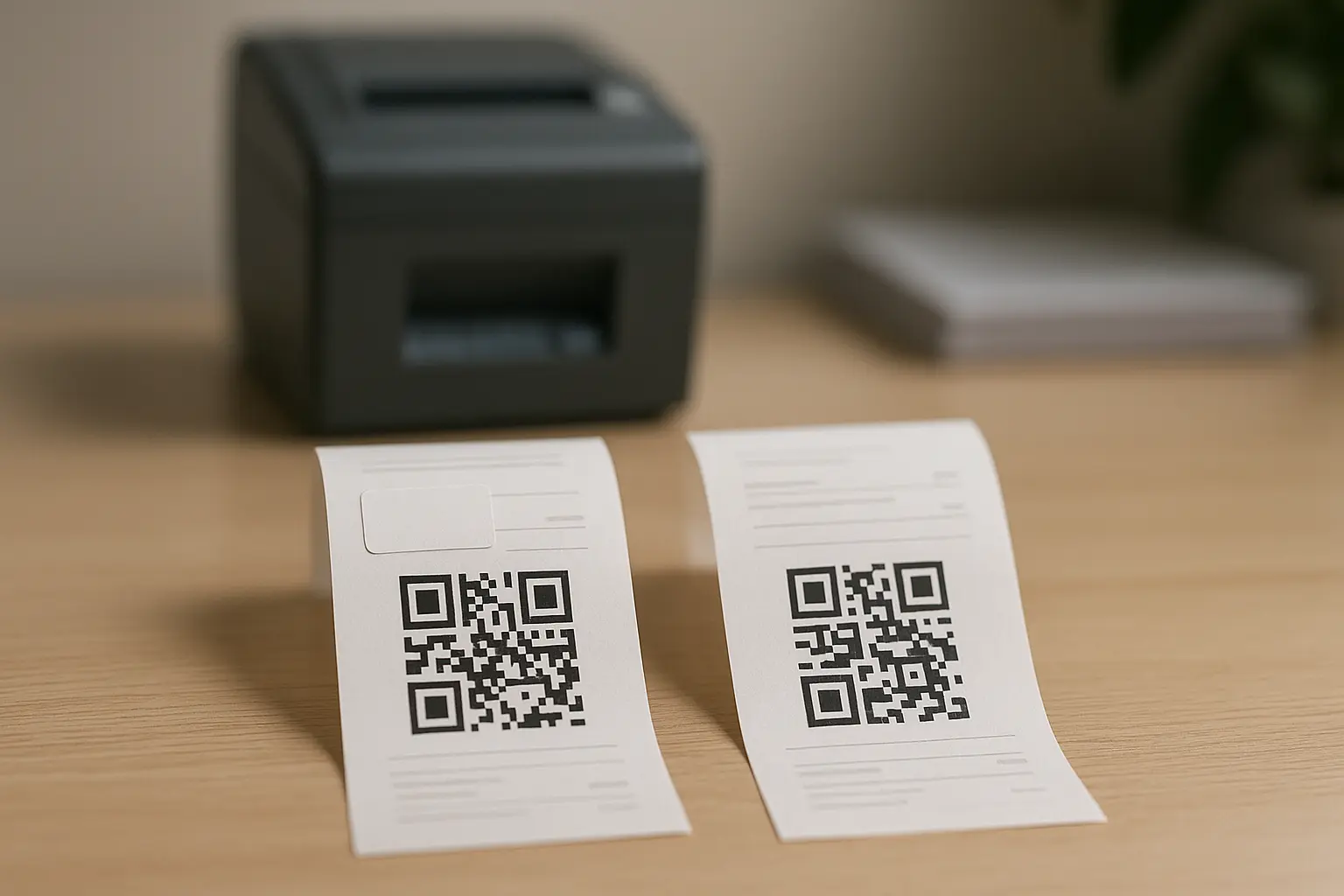
A QR code on a receipt is a two-dimensional barcode printed on a paper receipt or shown on a digital receipt that links your specific purchase to an online action. When you scan it with your phone, it typically opens a web page or app flow for things like feedback, returns, loyalty, e-receipts, or receipt verification.
You will see these codes at the bottom of many receipts, near totals, or beside return and support info. The big difference from QR codes on posters is context: a receipt QR code is tied to a transaction, so the link often depends on what you bought, where you bought it, and when.
TLDRThe answer to what is a qr code on a receipt is that it connects a purchase to a digital destination like a survey, return portal, rewards page, or verification page. Scanning usually opens a link from your camera, but you should preview the URL first and watch for quishing (QR phishing) attempts.
Definition: QR code on a receipt (paper or digital)
What is a QR code on a receipt? It is a QR code, meaning a two-dimensional barcode, that appears on a paper receipt or e-receipt / digital receipt and encodes data that points to a transaction-related destination, often a URL or an identifier tied to that purchase.
A QR code on receipts is often called a receipt QR code. You may also see it described as a receipt verification code, especially when it supports validation for invoices, tax reporting, or anti-fraud checks.
What is a receipt qr code for in plain terms? It is usually there to connect your receipt to an online step that is easier to do on a phone than on paper, such as starting a return, joining rewards, leaving feedback, or pulling up an e-receipt.
Receipt QR codes can appear in a few forms:
- Printed on thermal paper at checkout.
- Included in an emailed receipt or shown inside an order confirmation screen.
- Printed on an invoice as a QR code on an invoice for verification or reference.
What happens when you scan a receipt QR code?

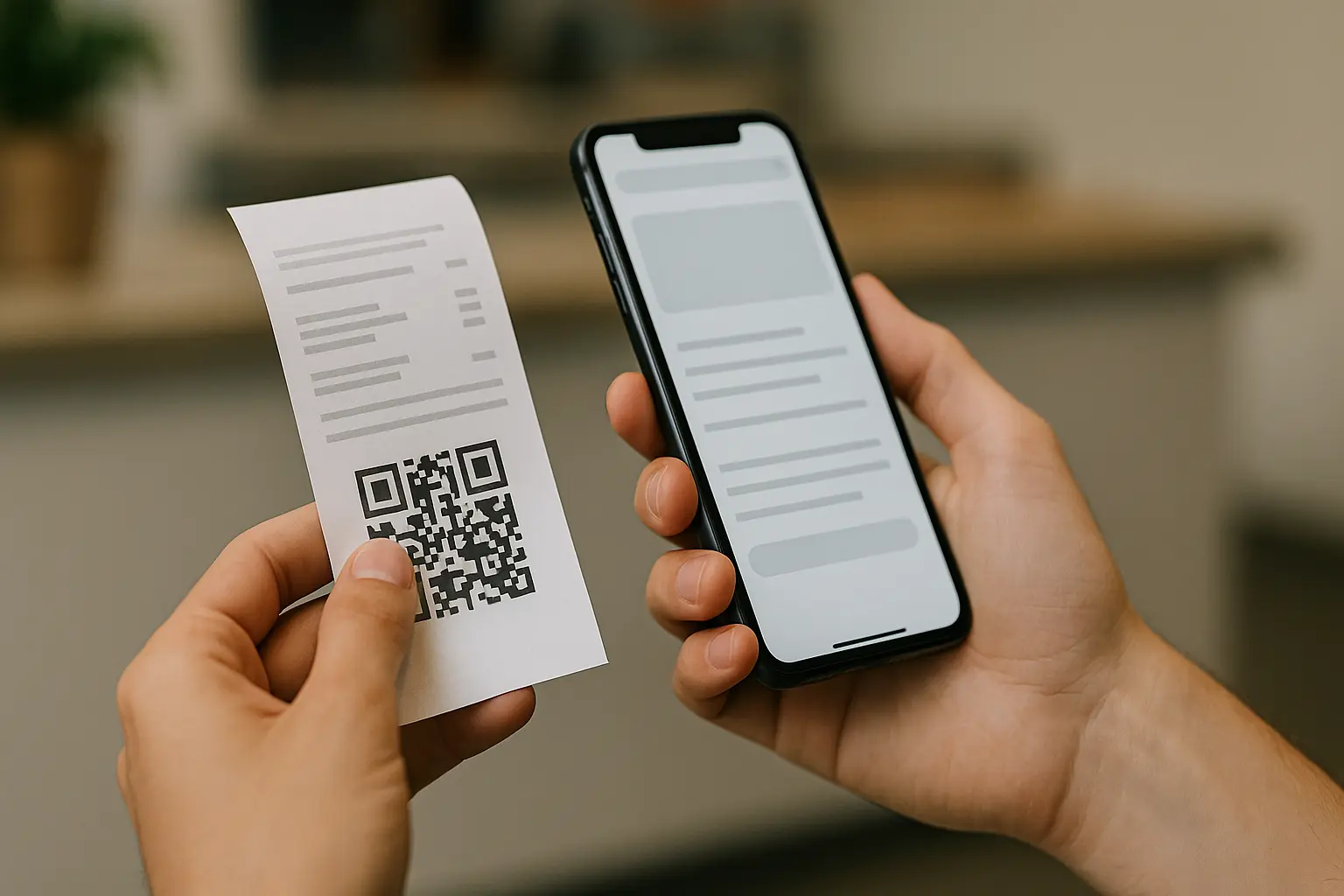
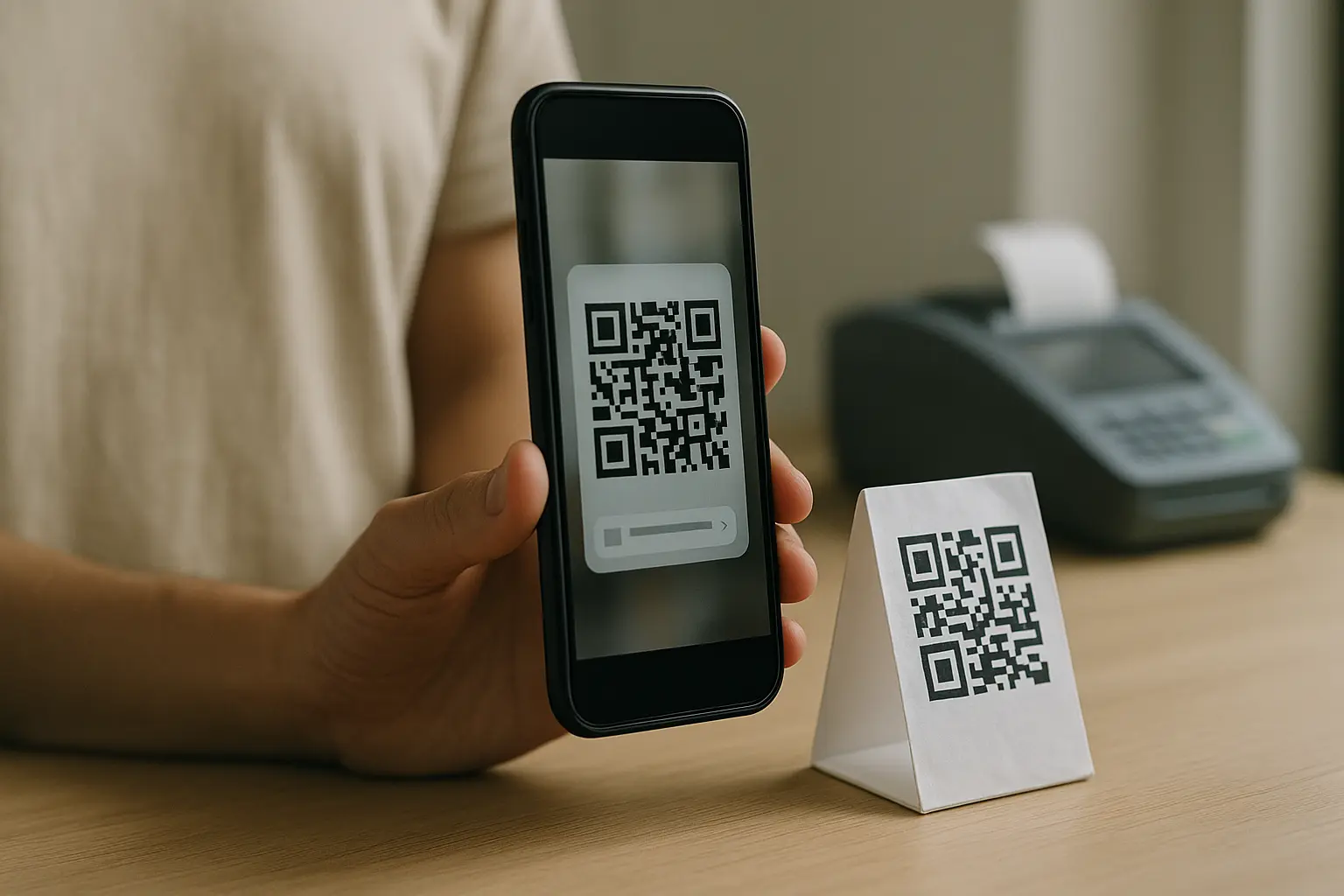
What happens when you scan a QR code on a receipt? Your phone’s camera reads the code, decodes the embedded URL or data, and then offers to open a destination, usually in a browser or within an app flow. What you see next depends on how the merchant set up that receipt QR code.
Under the hood, this is typically mobile camera scanning that turns the code pattern into a link or payload. Some receipts include a transaction identifier so the next page can prefill details like store location, date, or receipt number.
Common destinations after scanning include:
- A survey or feedback form tied to that purchase.
- A loyalty program page to enroll or add points.
- A help page for order status, support, or post-purchase offers.
- A returns or exchanges portal.
- A receipt verification page for invoice validation in some jurisdictions.
Here is a quick reference for what customers often land on.
| What you scan on the receipt | What opens next | What it is trying to do |
|---|---|---|
| Feedback prompt QR | Survey or rating form | Collect satisfaction input tied to the transaction |
| Returns QR | Returns process page | Start or manage a return using receipt details |
| Rewards QR | Loyalty enrollment page | Enroll or connect purchase to a rewards account |
| Support QR | Help center page | Reduce calls by routing to self-serve help |
| Verification QR | Receipt verification page | Confirm invoice or receipt details when required |
Takeaway: A receipt QR code usually routes you to a transaction-specific next step, not a generic marketing page.
Why businesses put QR codes on receipts (most common use cases)
Why do businesses put QR codes on receipts? They use them to connect a completed purchase to a simple, phone-friendly next action like feedback, returns, loyalty, support content, or e-receipts. Because the code is on the proof of purchase, it can also support receipt verification and fraud checks in some settings.
Below are the most common, receipt-specific scenarios.
Customer feedback and satisfaction surveys
A receipt qr code for customer feedback typically points to a short survey. Because it is tied to a specific transaction, the business can ask about that store visit, that channel, or that order without making the customer type in receipt details.
You will often see copy like:
- Scan to leave feedback
Returns and post-purchase support
A receipt qr code for returns process often routes to a returns portal, FAQs, or a support form. In some cases, it can pass along an order reference so the customer does not have to manually enter as much information.
You will often see copy like:
- Scan to start a return
Website traffic and post-purchase offers
Some merchants send scanners to a web page with product care tips, reorder links, or account pages. In a receipt context, this is usually framed as help or account management rather than a generic ad.
Product manuals and PDFs
Receipts for electronics, appliances, or parts sometimes link to manuals and PDF documents. This is practical when paper inserts are missing or when the customer wants searchable instructions.
App downloads
In some setups, the receipt code points to a page that detects your device and offers an app download, or it opens the merchant’s app if it is already installed. This varies by tool and by how the destination link is configured.
Loyalty enrollment and rewards tracking
A receipt qr code for loyalty enrollment can take you to a rewards sign-up page or a page to connect the purchase to an existing account. Some flows focus on enrollment, while others focus on points and rewards tracking after the purchase.
You will often see copy like:
- Scan to join rewards
Digital receipt delivery (e-receipts)
A receipt qr code for digital receipts can route you to an e-receipt / digital receipt retrieval page, an email capture form, or an account page where the receipt is stored. This can help reduce paper handling while still giving customers access to proof of purchase.
Tax compliance and invoice verification (high level)
In some countries and industries, QR codes on invoices or receipts are used for high-level tax reporting and receipt verification. Requirements vary by jurisdiction, and implementation details are not one-size-fits-all. From a customer perspective, the QR code typically helps confirm that the invoice or receipt details match what was issued.
Decision guide for businesses (receipt-specific)
Choosing a receipt QR code is mostly about choosing the right destination and keeping the scan flow short.
- Choose the destination: Feedback, returns, loyalty, e-receipt delivery, manuals, app, or verification.
- Choose the user path: Decide whether the landing page should ask for anything, and keep steps minimal.
- Choose what the code carries: A direct URL, or a URL plus a reference for receipt verification.
- Plan for maintenance: Avoid printing links that may change later.
- Test on real phones: Confirm the flow works for both paper and digital receipts.
Static vs dynamic receipt QR codes: what’s the difference?

What’s the difference between static and dynamic QR codes on receipts? A static QR code contains fixed data that cannot be changed after it is printed, while a dynamic QR code typically points to a redirect or managed destination that can be updated later. This varies by tool, but the practical difference is whether you can change where it goes after receipts are already in customers’ hands.
If you are comparing static vs dynamic QR codes options, think about editability and maintenance first, then reporting.
- Static QR code: The data is baked into the code pattern. If the URL changes, old receipts may lead to broken or outdated links.
- Dynamic QR code: This varies by tool. The destination can usually be edited after printing, which can reduce the risk of dead links. This varies by tool. Some setups also provide scan analytics.
Here is a simple comparison for receipt printing decisions.
| Factor | Static QR code | Dynamic QR code |
|---|---|---|
| Can you change the destination after printing? | No | This varies by tool, but often yes |
| Risk of outdated links on old receipts | Higher | Lower if you can update the destination |
| What the code stores | Fixed data | Often a managed link or redirect |
| Scan reporting | Usually limited | This varies by tool, but may include analytics |
| Best fit on receipts | Stable destinations | Destinations that may change over time |
Takeaway: If the destination might change, a dynamic QR code can reduce broken-link issues, but behavior depends on the system used.
How to scan a QR code on a receipt (quick steps)
How do you scan a QR code on a receipt? Most people can scan it using their phone’s camera app by pointing the camera at the code and tapping the on-screen prompt. If your camera does not detect it, you may need to enable QR scanning in camera settings or use a dedicated scanner feature if your phone provides one.
If you are searching for how to scan receipt qr code on a typical phone, these quick steps cover most cases:
- Open Your Phone’s Camera App.
- Point The Camera At The QR Code On The Receipt.
- Hold The Phone Steady Until A Notification Or Link Prompt Appears.
- Tap The Prompt To Open The Destination.
- Review The URL Preview Before Continuing If Your Phone Shows One.
This varies by device, but on Android you can often use the camera app, point it at the code, and tap the notification that appears.
A common friction point is scanning a QR code shown on the same phone you are using. If the receipt is on your screen as a digital receipt, you may need another device to scan it, or you may need to tap a built-in link instead of scanning.
Printing and design checklist for receipt QR codes (scan reliability)

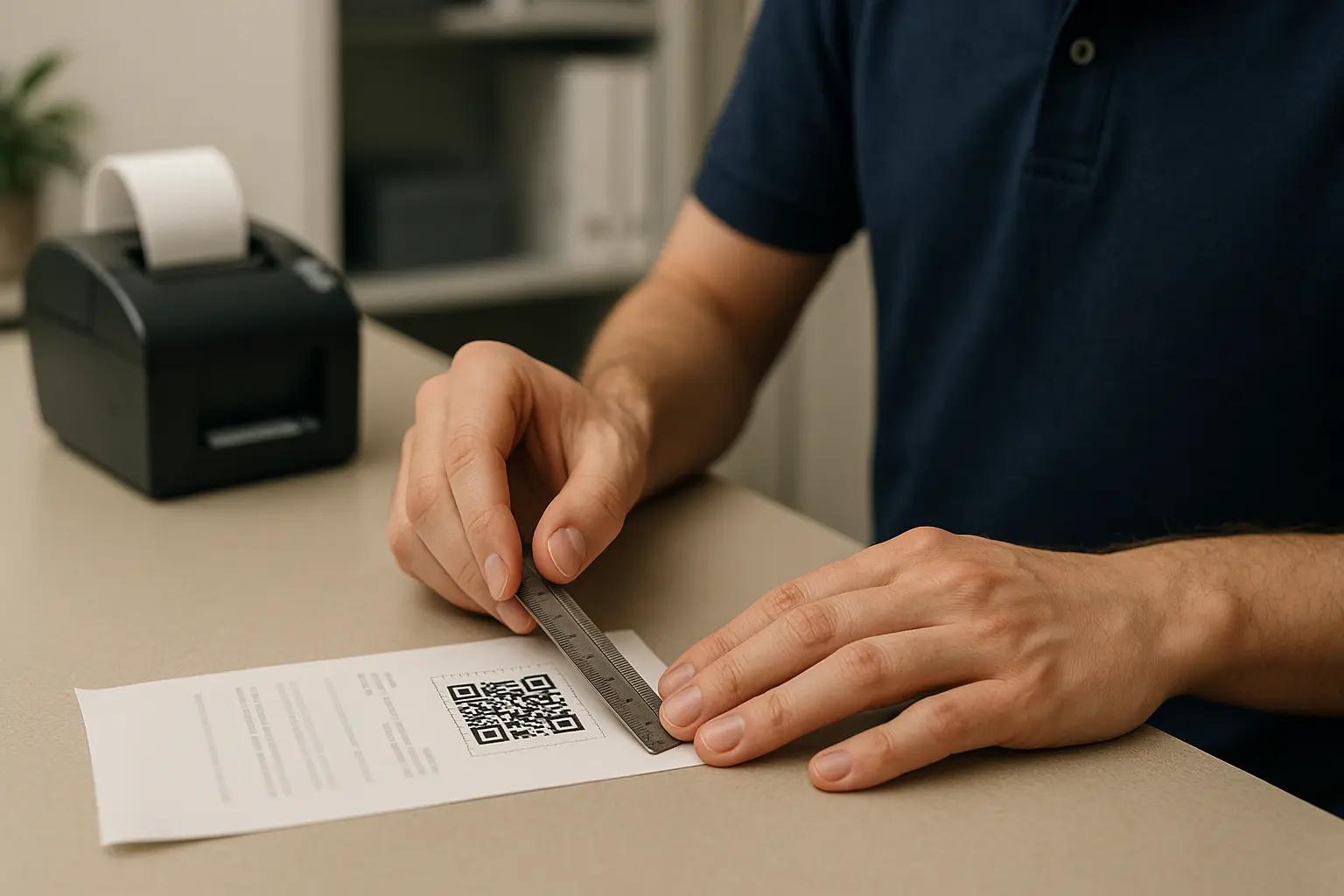
How should QR codes be sized and printed on receipts? They should be large enough to scan reliably, printed with strong contrast, and surrounded by a clear quiet zone so the camera can detect the code edges. Receipt paper quality and printer resolution also matter, so testing on real receipts is part of the job.
Receipt printing is not the same as printing a poster. Thermal paper can be faint, receipts get crumpled, and the code often sits near other dense text. Small design choices can make the difference between a fast scan and a failed scan.
Minimum size (practical guidance)
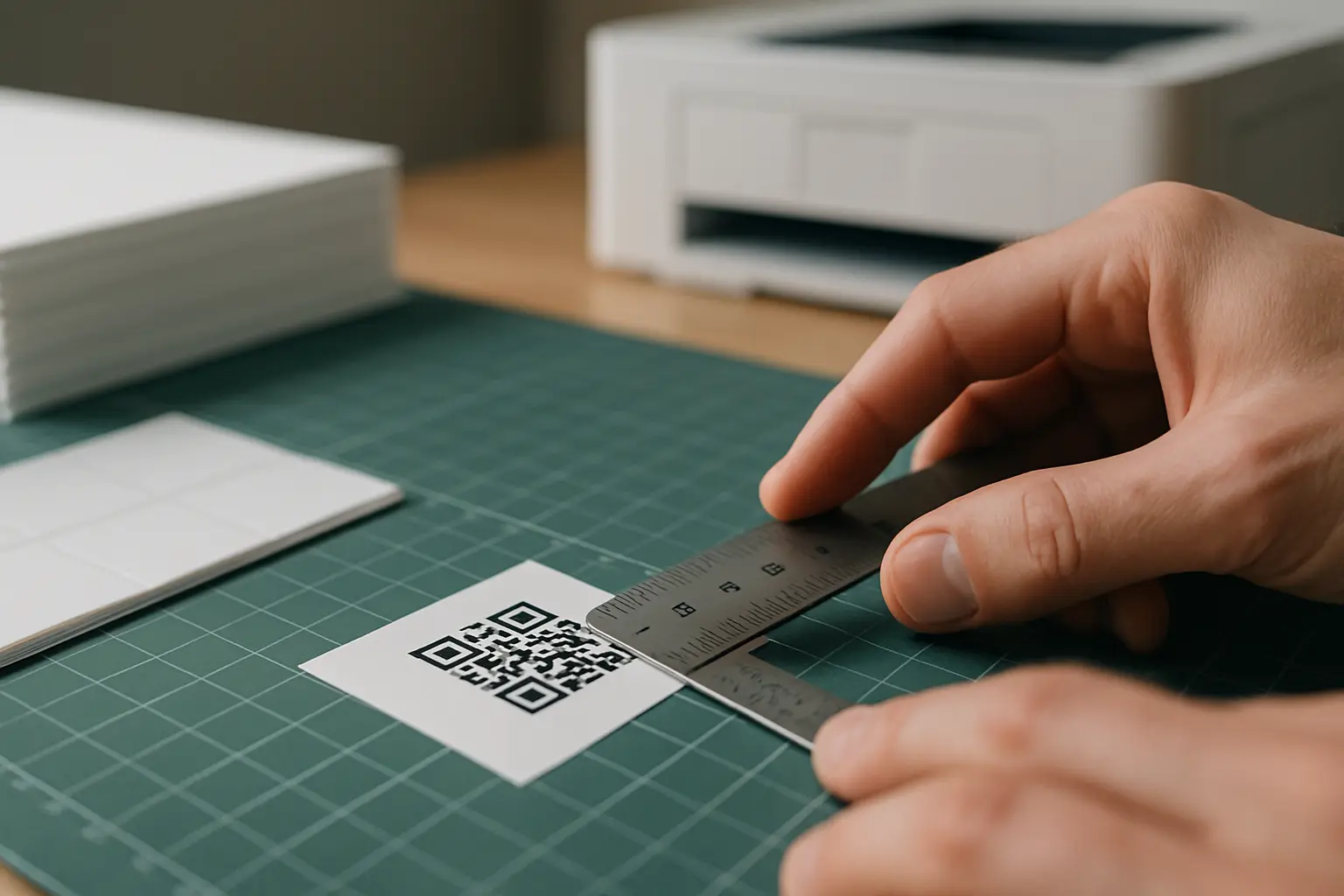
This varies by tool. One cited guideline suggests at least 2 × 2 cm for dynamic QR codes and 3 × 3 cm for static QR codes to support reliable scanning. Real-world needs still depend on printer quality, receipt width, and how far the phone is from the paper.
To make the mapped keyword explicit: receipt qr code minimum print size depends on your setup, but you should pick a size that still scans when the receipt is slightly wrinkled or lightly printed.
Quiet zone spacing
The quiet zone is the empty margin around the QR code that helps scanners detect its boundary. A common requirement is a quiet zone that is four modules wide, where a module is one small square unit in the QR code grid.
For the mapped keyword: receipt qr code quiet zone spacing is not optional if you want consistent scans. Avoid placing text, borders, or other graphics inside that margin.
Contrast, blur, and glare
Use high contrast, such as black on white. Avoid printing that looks gray on gray, especially on thermal receipts where the background can darken.
Also watch for:
- Low-resolution printing that turns edges fuzzy.
- Resizing artifacts if the QR image is scaled improperly before printing.
- Glare if the receipt is glossy or covered by a reflective sleeve.
Placement and call-to-action text
Place the code where customers will see it without hunting. Many receipts put it near the payment section or near return and support details, but placement depends on what you want customers to do next.
Add a short call-to-action line next to the code so people know why they should scan. Example receipt CTAs include:
- Scan to leave feedback
- Scan to start a return
- Scan to join rewards
Testing before rollout
Test across multiple phones and operating systems before printing thousands of receipts. A code that scans on one camera may fail on another if the receipt is faint or the quiet zone is tight.
A simple, receipt-ready checklist:
- Print At Full Intended Size With No Last-Minute Scaling.
- Keep A Clear Quiet Zone Around The Entire Code.
- Use High Contrast And Avoid Busy Backgrounds.
- Keep The Code Away From Dense Barcodes Or Other QR Codes.
- Test On Paper Receipts That Match Real Checkout Output.
- Test Under Different Lighting, Including Bright Overhead Lights.
- Confirm The Destination Loads Fast And Looks Good On Mobile.
Visuals to align teams (mockups)
Annotated receipt mockup showing ideal QR placement and call-to-action text: Show the QR code in a clear area with one short CTA line, away from dense barcode blocks and with visible margin.
Do/Don’t visual: quiet zone and contrast examples: Show one code with a clean margin and dark print, and one code with text crowding the edge and faint gray printing.
Common mistakes and limitations (and how to avoid them)
Receipt QR codes fail for predictable reasons. Most are fixable with layout changes and a shorter scan flow.
Common pitfalls:
- Multiple QR codes placed too close together: Cameras can pick the wrong code or fail to focus. Space them apart and label each with a clear CTA so the customer knows which one to use.
- Broken or outdated links: This is more common when a static destination changes. Plan for long-lived links, or use a dynamic approach if your system supports updates.
- Too many steps after scanning: If the scan opens a page that asks for too much input, people quit. Keep the flow short and focused on the receipt task.
- Digital receipt scan friction on single-device viewing: If the code is on the same phone screen, scanning is awkward. Provide a tappable link or a button inside the digital receipt when possible.
- Confusing placement near payment details: If the code is beside sensitive fields, customers may assume it is a payment QR. Make the purpose explicit with CTA text.
A simple way to reduce issues is to treat the receipt like a small UI. The customer has seconds, not minutes, and the code should be self-explanatory.
Are receipt QR codes safe? Quishing risks and a safe-scanning checklist
Are QR codes on receipts secure? They can be safe when they come from a trusted merchant and point to a legitimate destination, but they can also be abused through quishing (QR phishing). A fake or replaced code can redirect you to a lookalike site that tries to collect passwords, payment details, or other sensitive data.
For the mapped keyword: is scanning receipt qr code safe depends on whether the code is genuine and where it sends you. Receipt context helps because you know where you shopped, but it does not remove the risk of tampering.
Key risks to know:
- Fake or replaced QR codes: A sticker can be placed over a real code, or a printed receipt can include a misleading destination.
- Redirects to malicious sites: The landing page may imitate a login screen or support page.
- Extra risk near payment or account actions: Be more careful if the page asks for credentials, payment details, or verification codes.
Safe-scanning checklist (receipt-focused):
- Before tapping: preview the URL and confirm the domain looks right.
- If it asks for credentials/payment unexpectedly: stop and navigate via official app/site.
- If the receipt looks tampered with: avoid scanning and contact the merchant.
Good habits that reduce risk:
- Use your phone’s preview features when available, and do not rush through prompts.
- Avoid entering passwords or payment details from a QR flow if you were expecting feedback, a manual, or a simple e-receipt.
- If the code is near the total or payment section, read the CTA text and make sure the action matches what you intend to do.
Optional context: QR codes as an ISO standard (why they’re widely used)
QR codes are widely used in receipts and invoices partly because the QR code format is standardized under ISO/IEC 18004, which was approved as an international standard in 2000. That standardization supports broad compatibility across phones, scanners, and printing systems.
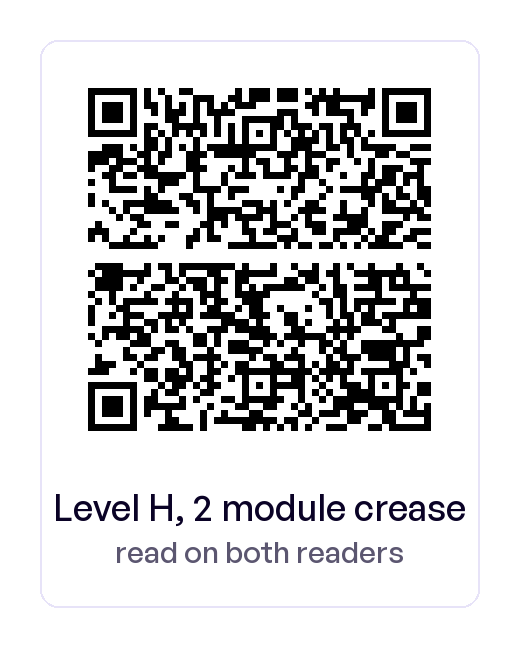
QR codes also support error correction levels L, M, Q, and H. These allow recovery of about 7%, 15%, 25%, and 30% of damaged data respectively, which helps when a receipt is wrinkled, lightly printed, or slightly smudged.
Ready to Create Your Own QR Code?
Join thousands of users creating beautiful QR codes.
Try QRplify FreeNo credit card required