
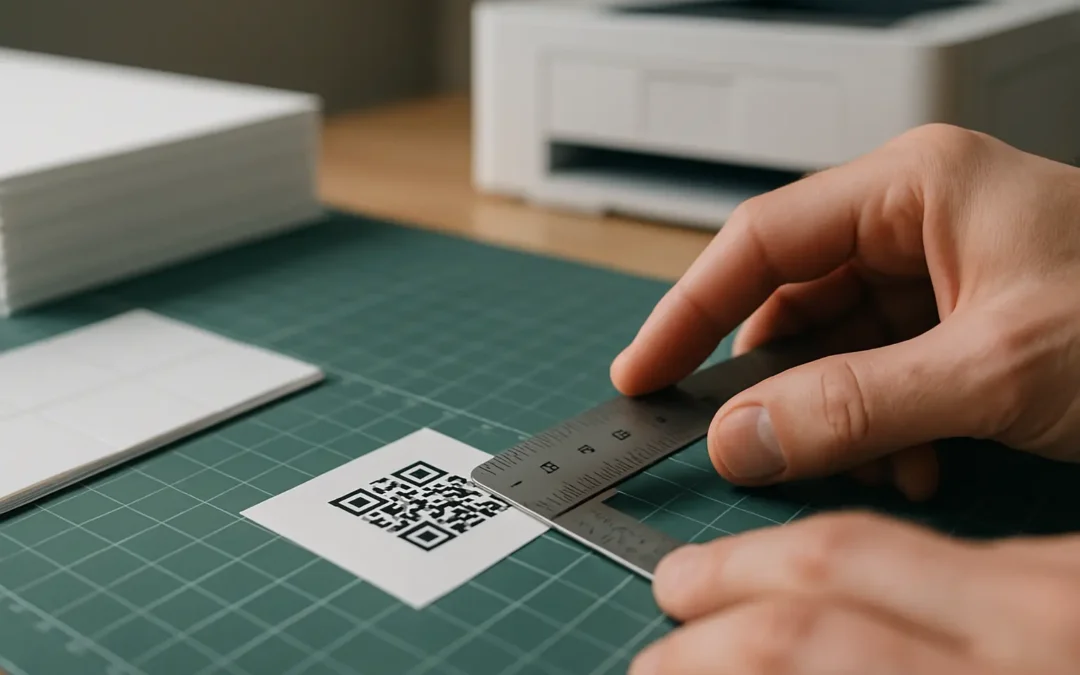
Table of Contents
How small can QR codes be and still work? In real-world smartphone scanning, the limiting factors are viewing distance, the required quiet zone, how much data you encode, error correction, and print or screen quality. This means there is no single minimum that fits every situation, even when the QR code itself is technically valid.
You can make QR codes extremely small, but scannability depends on distance, quiet zone, data density, error correction, and print quality. The goal is not the smallest possible square, but the smallest code that still scans for your actual distance and production method, with enough tolerance for blur and focus.
TLDRTreat minimum QR sizing as a constraints problem, not a single number. Start from scanning distance (10:1), preserve the quiet zone, keep the payload short, pick an error correction level that fits your risk, and then test at real size on multiple phones.
The smallest QR code size that still works (quick answer)
There are two different answers to “smallest”:
- Absolute minimum: A QR symbol can be made microscopic in lab conditions. A Guinness World Records entry (reported Feb 2026) describes a QR code of 1.98 square micrometers, readable only with an electron microscope.
- Practical minimum: For people scanning with phones, the smallest reliable size is usually driven by focus, blur, contrast, and whether the quiet zone survives your layout.
This varies by tool. A commonly cited practical starting point for the minimum qr code size that scans reliably on smartphones is about 2 cm × 2 cm (0.8 × 0.8 inches), while 1 cm × 1 cm can be technically possible but becomes easy to break with minor print or camera issues.
Keep in mind the number you care about is not just the black-and-white square. The quiet zone adds required blank space on all sides, which often makes the “real footprint” larger than expected.
What is the absolute smallest QR code that can still be scanned? The absolute record can be microscopic under specialized imaging, but that does not translate to consumer scanning. For everyday use, the practical limit is set by distance, quiet zone, payload density, error correction, and print or screen quality, not by the QR format alone.
A small, repeatable sizing workflow helps more than chasing one number.
Mini flowchart (pick a minimum size that still scans):
Distance → Size via 10:1 → Add quiet zone → Reduce payload if needed → Choose error correction (L, M, Q, H) → Verify print dpi and module size → Test scan at real distance
Quick rules that usually decide whether tiny codes work:
- Match size to distance: A code that works at 10 cm may fail at 40 cm even if it “looks fine.”
- Preserve the quiet zone: Plan for at least 4 modules of margin on every side, plus any extra whitespace your design needs.
- Keep the data short: Long text forces a denser grid (higher QR Code version), which raises the minimum printable module size.
- Avoid low-quality scaling: Raster screenshots and blurry resizes often break finder patterns and module edges.
- Test on multiple phones: This varies by device and camera behavior, especially near 1 cm.
Can QR codes smaller than 1 cm work with modern smartphones? Sometimes, but it is fragile. Autofocus limits, motion blur, and small printing errors can be enough to make sub-1 cm codes fail, especially when the payload is dense or the quiet zone is compromised.
Use the 10:1 distance rule to size your QR code
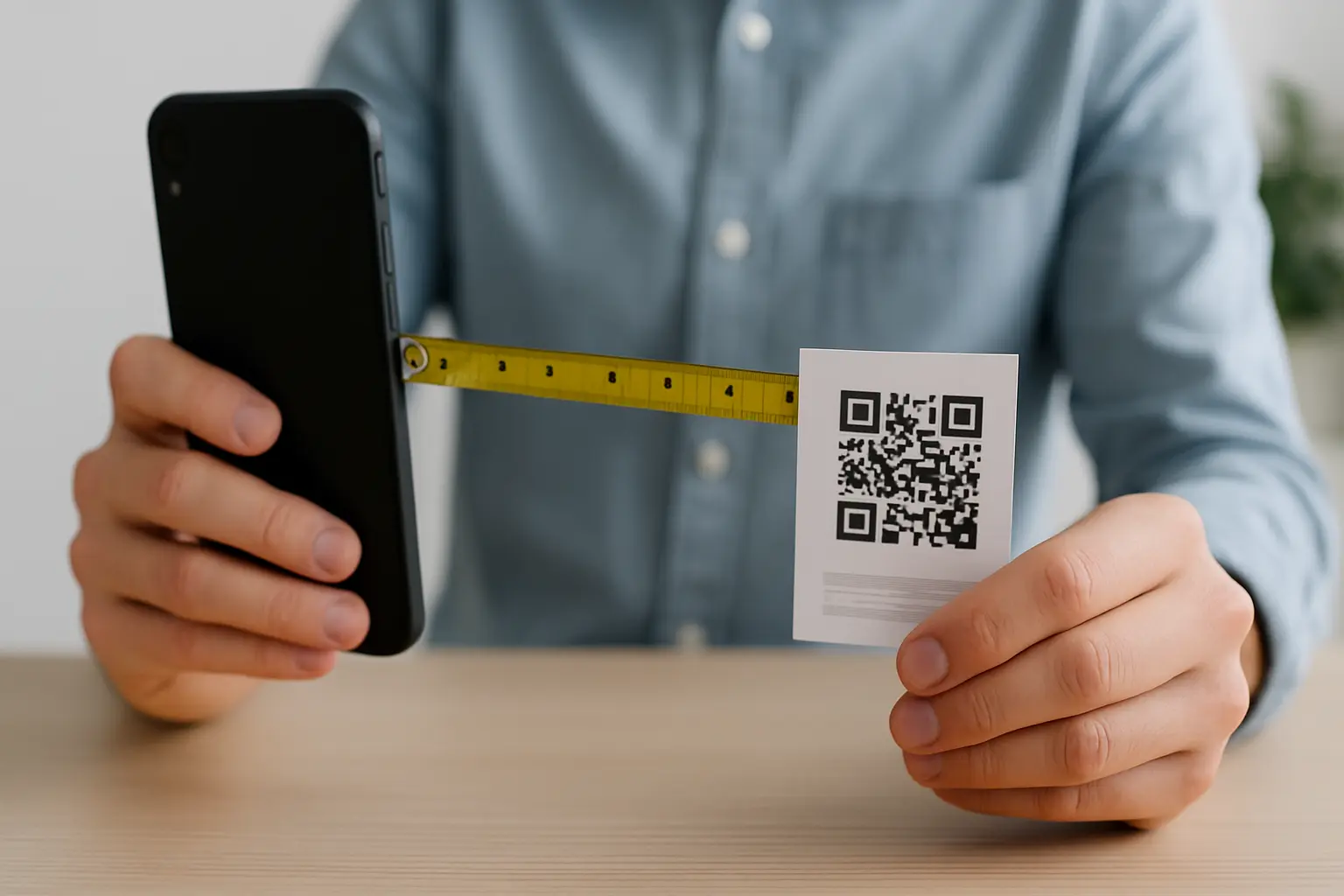
If you want a number you can compute, start here. This varies by tool. A widely used heuristic is the 10:1 rule, meaning the QR code’s physical size should be about one-tenth of the intended scanning distance.
This is the simplest way to avoid a common failure mode: someone tries to scan from farther away than you designed for.
How does the 10:1 scanning distance rule apply to very small codes? It scales down the same way. If you expect a 10 cm scan distance, a 1 cm code can be plausible. If you expect a 50 cm scan distance, a 1 cm code is mismatched by design and will often fail even with perfect printing.
To apply it consistently, use one clear method:
- Decide the real scanning distance (not the “ideal” distance).
- Compute a starting size as distance ÷ 10.
- Add space for the quiet zone on all four sides.
- Check payload density (short URL vs long text) and adjust if the grid becomes too dense.
- Print or render a test at real size and scan with multiple phones at the real distance.
Here are distance-to-size examples using the 10:1 rule.
| Intended scanning distance | 10:1 minimum code size (starting point) |
|---|---|
| 10 cm | 1 cm |
| 20 cm | 2 cm |
| 30 cm | 3 cm |
| 50 cm | 5 cm |
| 100 cm | 10 cm |
Takeaway: Use this table as a first pass, then validate with quiet zone space, payload density, and real-world testing.
Include the secondary keyword naturally when you discuss sizing: If you search for qr code size for 10 to 1 distance, you are usually looking for this exact mapping of distance to a first-pass physical size.
What actually limits how small a QR code can be
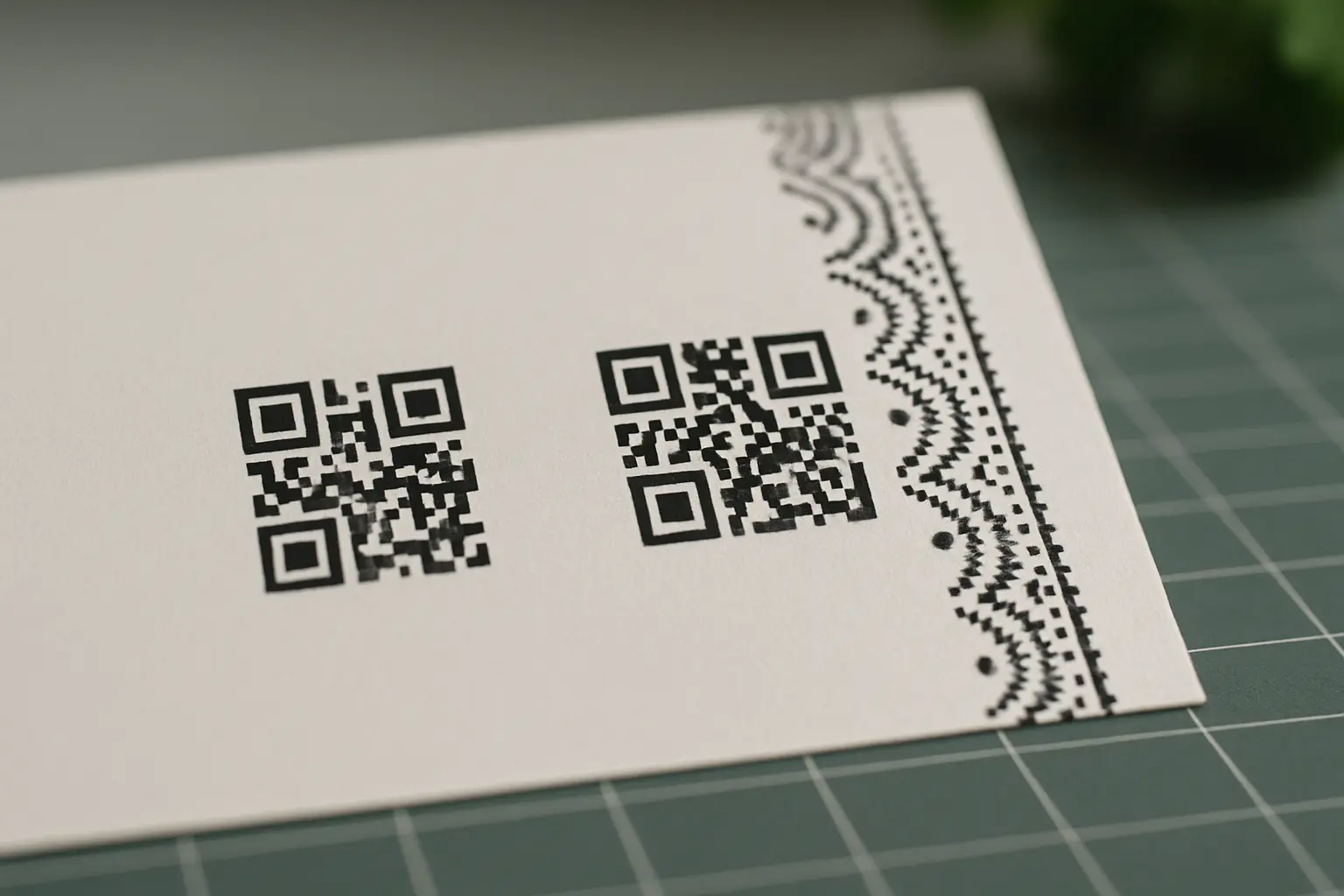
A QR code is a grid of dark and light squares. Each square is a module, and module edges must be crisp enough for a camera to separate them. Small codes fail when any of these constraints get tight.
Quiet zone (and why it breaks tiny layouts)
A QR code needs a blank margin called the quiet zone so the scanner can locate the symbol boundary and correctly interpret the finder patterns (the large corner squares) and alignment structure.
This varies by tool. Common guidance is a quiet zone of at least 4 modules on all sides. You may also see quiet zone guidance expressed as an approximate physical margin (for example, about 6.35 mm) depending on context and printing, but the cleanest way to think about it is “4 modules minimum.”
What happens if I reduce the quiet zone around a small QR code? Scanners can mis-detect the boundary, confuse nearby graphics as modules, or fail to lock onto the finder patterns. On tiny codes, even a small encroachment can be enough to turn a previously scannable code into a miss.
Diagram (conceptual): QR code with quiet zone highlighted
- Inner area: Modules and finder patterns
- Outer border: Quiet zone, equal to 4 modules on each side
- Common mistake: A border, icon, or background pattern touching the quiet zone
If you are dealing with very small print pieces, it is normal to search for qr code quiet zone margin for small prints. The key point is that the quiet zone is part of the required footprint, not optional decoration space.
Module size vs print resolution (dpi) and blur
Even if the QR code is mathematically correct, your printer or screen has to render each module distinctly.
dpi(print resolution) tells you how many dots per inch the printer can place.- A too-small module size turns square modules into muddy shapes, especially if ink spreads or the surface texture is rough.
One concrete example: a minimum printable module size can be at least 0.17 mm for a 600 dpi laser printer using a 4-dot configuration. That kind of detail matters when you are trying to squeeze a full QR into a tiny label.
Data density: short URL vs long text
The more data you encode, the more modules you need. That pushes you into a higher QR Code version (1–40), increasing grid size and making each module smaller at the same physical print size.
Diagram (conceptual): Module grid density comparison
- Short payload: Fewer modules (lower version), chunkier cells, more tolerant to blur
- Long payload: More modules (higher version), finer cells, less tolerant to blur
How much data can a tiny (1 cm) QR code hold? It depends on version, encoding mode, and error correction. Practically, a 1 cm code leaves very little room for dense data because the modules become too small to print or display cleanly, so short destinations tend to work better than long embedded text.
Error correction level trade-offs (L, M, Q, H)
QR codes support four error correction levels (L, M, Q, H). They allow roughly 7%, 15%, 25%, or 30% damage tolerance. Higher error correction improves resilience but reduces available capacity, which can push you into a larger symbol for the same payload.
Can I use error correction to make small QR codes more reliable? Yes, within limits. Higher error correction can help with minor damage or print defects, but it can also increase the required QR Code version for the same payload, which may force you to print larger to keep module edges sharp.
Smallest regular QR vs Micro QR vs rMQR (which should you use?)
When space is tight, you have three main symbol choices to consider: regular QR (the common square), Micro QR, and rMQR (Rectangular Micro QR). Each trades off capacity, robustness, and layout flexibility.
Smallest regular QR: Version 1
The smallest standard “regular” QR code is Version 1, which is 21 × 21 modules. It still requires a quiet zone, and it still depends on module size being printable.
If you need compatibility across many scanners and camera apps, standard QR is usually the safest default, provided you can give it enough space.
Micro QR (M1–M4): smaller symbols with tighter limits
Micro QR (M1–M4) is designed for constrained spaces. Micro QR sizes range from 11 × 11 to 17 × 17 modules, and they can store up to 35 numeric characters (capacity depends on the specific Micro QR version and mode).
If you are researching micro qr code minimum size modules, the important point is that Micro QR can reduce the module grid size, but it also limits payload and may not be supported equally by all scanning software.
What is a micro QR code, and how small can it be? A Micro QR code is a smaller variant intended for limited space. The smallest Micro QR symbol is 11 × 11 modules (M1), but real-world usability still depends on quiet zone, printing, and scanner support.
rMQR: when a rectangle fits better than a square
rMQR (Rectangular Micro QR) helps when you have a narrow area where a square would waste space. A cited minimum for rMQR is 7X in height and 27X in width, where X is the module size.
rMQR can be a practical option on thin labels or components where height is the limiting factor. Support can vary, so it is best treated as an option to test rather than assume.
Is there a QR code type specifically designed for extremely small applications? Yes. Micro QR and rMQR are designed for space-constrained use, but their practical success still depends on scanner support, quiet zone, module size, and payload.
Quick comparison table (high-level)
| Symbol type | Minimum module grid (from the brief) | Capacity notes (high-level) | When it tends to fit |
|---|---|---|---|
| Regular QR | Version 1: 21 × 21 modules | More flexible than Micro QR in many cases | General use, broad compatibility |
| Micro QR | M1–M4: 11 × 11 to 17 × 17 modules | Up to 35 numeric characters (varies by M-level and mode) | Very small spaces with short payloads |
| rMQR | Minimum 7X tall × 27X wide | Rectangular layout can help | Narrow areas where height is limited |
Takeaway: If a square will not fit, Micro QR or rMQR can help, but they make payload and compatibility constraints more visible.
If you work in regulated environments, you may also see references to standards such as ISO/IEC 23941:2022 when discussing QR code usage and performance expectations.
Tiny QR codes for print: resolution, contrast, and file format
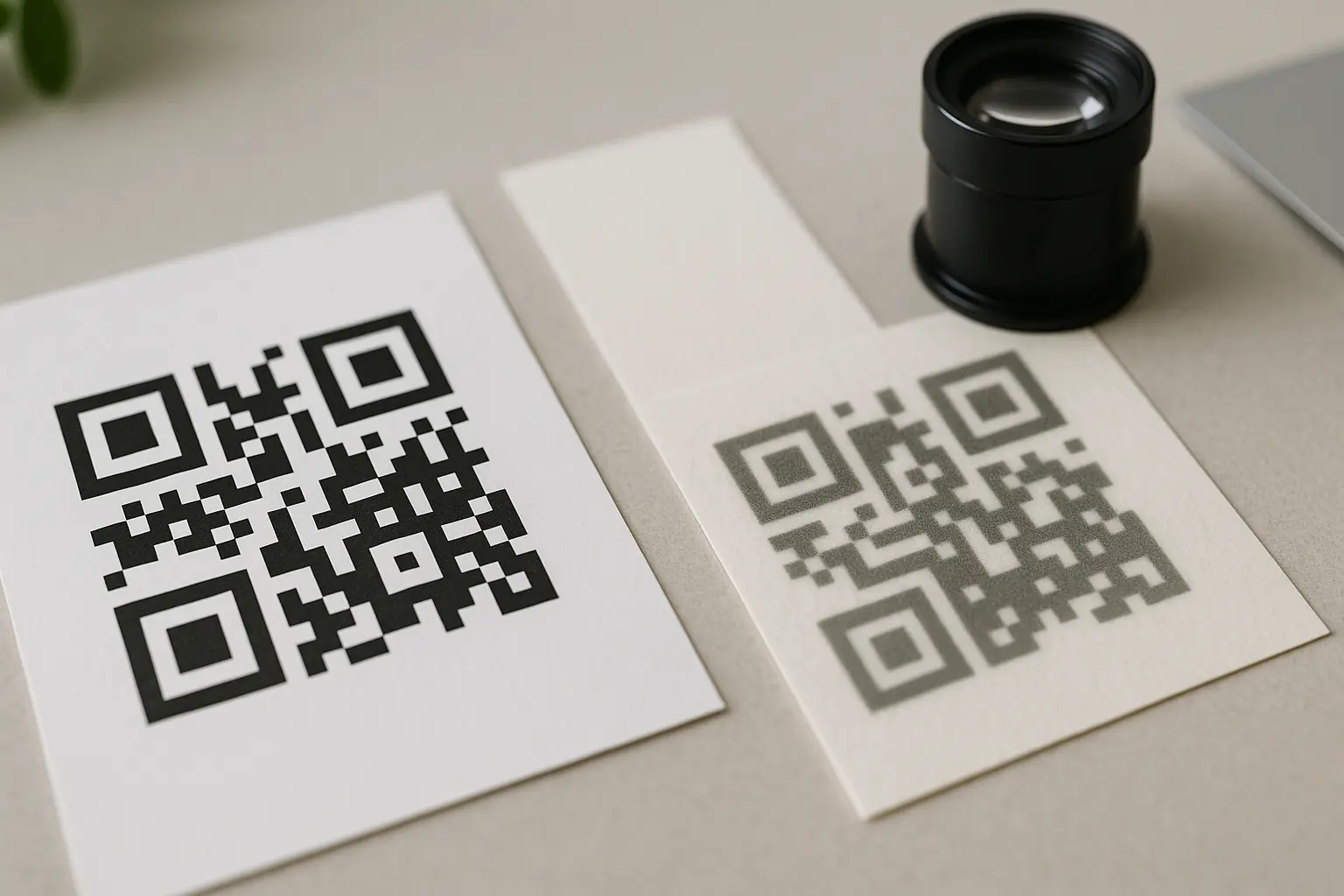
For print, the limiting factors are usually module edge sharpness, contrast, and whether your artwork survives resizing. This is where people ask, how small can you print a qr code, and the honest answer is “as small as your module size and quiet zone can survive.”
Print resolution and module size
Small print needs enough dots per module to keep corners square. One example threshold from the brief: 0.17 mm minimum module size on a 600 dpi laser printer with a 4-dot configuration.
If you do not control the printer (for example, different print vendors, different substrates), treat tiny codes as higher risk and test on the actual stock.
Contrast and why low contrast fails
Cameras detect QR modules by separating dark from light. Tiny modules give the camera less signal, so low contrast becomes a common failure point.
- Aim for a high contrast ratio between code and background.
- Prefer dark modules on a light background.
- Avoid glossy glare, textured backgrounds, and gradients behind the symbol.
Resizing pitfalls: raster vs vector
This varies by tool. Scaling up a low-resolution raster image (like a JPEG screenshot) can introduce pixelation and blur. That distortion often shows up first around the finder patterns and module edges.
Prefer vector formats (SVG, EPS) for print workflows because they scale cleanly without creating new pixels. If you must use raster, generate at the final size (or larger) at sufficient resolution, rather than enlarging after the fact.
If you are looking for small qr code file format svg eps, the practical rule is simple: use SVG or EPS when you expect any resizing between design and production.
What file format should I use to resize a small QR code without losing quality? For resizing, vector files like SVG or EPS are usually the safest because they scale without pixelation. Raster images are easier to damage when resized, especially when starting from a small screenshot.
Example (hypothetical): screenshot scaling failure vs vector export
A designer places a tiny QR code by taking a screenshot from a preview window and then enlarging it in a layout file. The enlarged raster version looks blocky, and the phone camera fails to separate modules. The same QR exported as SVG and resized in the layout keeps crisp module edges and scans at the intended size.
Use-case sizing: labels, business cards, menus, packaging
Sizing becomes simpler when you start from real scanning distance and the surface constraints. The numbers below are best treated as starting points because results vary with payload length, error correction, print method, and phone cameras.
Labels and small product markings
Tiny labels often fail because the quiet zone consumes more space than expected.
Example: quiet zone forces more space than expected (hypothetical)
A 1.2 cm square label is planned for a QR code. The QR symbol itself is reduced to fit, but the label also includes a decorative border that cuts into the 4-module quiet zone. The code stops scanning. When the border is removed and the quiet zone is preserved, the code scans again, even at the same printed size.
Can I print a QR code on a label smaller than 1 cm × 1 cm? Sometimes, but it is high risk. Even if the symbol fits, you still need a quiet zone and enough module size for the printer. If the label is under 1 cm, you may need to reduce payload, consider Micro QR or rMQR, and expect more scan variability.
Packaging (close-range scans)
This varies by tool. Some guidance suggests that packaging scanned from about 10–15 cm away can work around 1–1.5 cm code size, assuming a short payload, clean print, intact quiet zone, and good contrast.
If your packaging is frequently scanned in motion (one-handed, curved surface, glare), treat that as a reason to go larger than the distance math suggests.
Business cards (very close range)
Business cards are typically scanned close up, but they also get printed on many different stocks and finishes. A practical approach is to start with a size that is easy to focus on, keep the payload short, and preserve whitespace around it. If you try to push toward 1 cm on a glossy card, test on multiple phones under real lighting.
Menus and flyers (arm’s length)
This varies by tool. Some guidance suggests 2.5–3 cm for scanning at roughly 40–70 cm (arm’s length). Distance mismatch is a frequent reason for menu QR failures, especially in low light.
Across all use cases, one rule beats guesswork: test at the real distance with the real print.
Why small QR codes fail to scan (and how to fix them)
Tiny QR codes usually fail for predictable reasons. The fix is almost always one of: increase physical size, reduce payload density, restore the quiet zone, improve print sharpness, or improve contrast.
Common failure modes
- Autofocus limits: Phones may struggle to focus at very close distances, and tiny codes give the camera fewer pixels to work with.
- Blur and motion: Hand movement, curved surfaces, and glossy reflections smear module edges.
- Quiet zone violations: Borders, icons, background patterns, or trim cuts intrude into the margin.
- Payload too dense: Too much data pushes a higher QR Code version, shrinking modules at the same printed size.
- Raster scaling artifacts: Resized screenshots introduce jagged edges and muddy modules.
Do all smartphones scan small QR codes equally well? No. This varies by device, camera optics, focus behavior, and scanning software. A code that scans on one phone can fail on another at the same size, especially near 1 cm or with dense payloads.
Tiny QR code checklist (< 2 cm)
Use this when you are forced into a very small footprint:
- Quiet zone first: Confirm at least 4 modules of clear margin on all sides, with no borders or patterns.
- Contrast check: Keep dark modules on a light background, avoid glare, and keep the background visually quiet.
- Payload trim: Prefer a short destination over long embedded text when space is limited.
- Error correction sanity: Pick
L,M,Q, orHbased on expected wear, but remember higher levels can increase symbol density. - No raster guessing: Avoid enlarging a small
PNGorJPEG. Prefer vector exports or generate at final size. - Print sharpness: Verify modules have crisp corners at the intended size on the real printer and substrate.
Quick checks before you sign off a tiny code
- Check quiet zone is intact (No border/graphics encroaching).
- Check payload is minimal (Avoid long embedded text when tiny).
- Check contrast is high (Dark on light background).
- Check print is sharp at intended size (No blur/pixelation).
- Test scan on multiple phones and at the real viewing distance.
Accessibility: don’t rely on a tiny QR code alone
A QR code is not equally usable for everyone. Small codes increase the chance that someone cannot scan due to low vision, camera limitations, glare, or simply being unable to physically get close enough.
Section 508 guidance is often interpreted to mean you should provide an adjacent text-based alternative for QR codes, especially when codes are small. This is not legal advice, and specific obligations depend on your context, so consult compliance experts for requirements.
Practical design implications:
- Place a human-readable URL or short text alternative next to the code.
- Make the fallback readable at the same distance the QR is expected to be scanned.
- Treat the quiet zone and the adjacent text as a single layout unit so neither gets squeezed out late in design.
FAQ: minimum QR size, micro QR limits, pixels, and resizing
What is the absolute smallest QR code that can still be scanned? In lab conditions, QR codes can be microscopic, including a reported 1.98 square micrometer record readable only with an electron microscope. For real-world scanning, the minimum is set by distance, quiet zone, payload density, error correction, and print or screen quality.
In practice, “smallest” should mean smallest that scans on your target phones, at your intended distance, after printing or rendering.
Can QR codes smaller than 1 cm work with modern smartphones? Sometimes, but reliability drops quickly as you approach or go below 1 cm. Small changes in focus, blur, contrast, or quiet zone can be enough to cause failures.
If you must try sub-1 cm, keep the payload very short, keep the quiet zone clean, and test across devices.
How pixels map to physical size for tiny QR codes? This varies by tool. One cited reference point is 38 × 38 pixels for a 1 cm × 1 cm QR code, and 76 × 76 pixels for 2 cm × 2 cm as an “optimal” size for more reliable scanning.
If you are working from screen assets, searchers often ask for qr code pixel size for 1 cm, but remember pixel counts alone do not guarantee scannability. Contrast, rendering sharpness, and camera distance still matter.
What is a micro QR code, and how small can it be? Micro QR codes are smaller variants intended for limited space. Micro QR (M1–M4) ranges from 11 × 11 to 17 × 17 modules, and can store up to 35 numeric characters depending on type and mode.
Micro QR can be a good fit when you truly cannot allocate enough space for a standard Version 1 symbol, but scanner support may vary.
What file format should I use to resize a small QR code without losing quality? For resizing, vector formats like SVG and EPS are usually the safest. Scaling up a low-resolution raster image can blur module edges and distort finder patterns, which often breaks scanning for small codes.
Ready to Create Your Own QR Code?
Join thousands of users creating beautiful QR codes.
Try QRplify FreeNo credit card required